Part Number: MSP430FR2632
Hello,
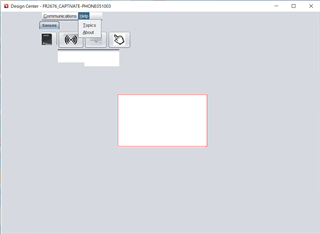
The customer is having problems with the GUI display in the CapTIvate Design Center.
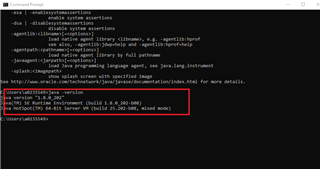
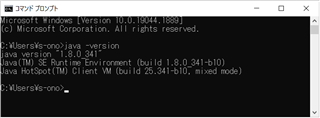
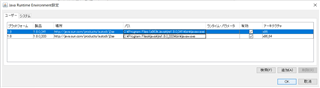
The customer checked the release notes and found that JRE.1.7 or later is required, so The customer checked the Java Runtime Environment settings and confirmed that jre1.8.0.341 is enabled.
However, when The customer checked the Java Version display in the CapTIvate Design Center's system information, it showed Java Version=16.0.1.
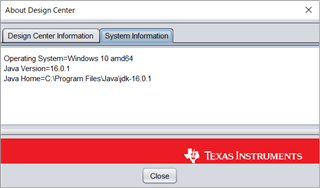
The customer believes that this is the cause of the anomaly in the GUI of the CapTIvate Design Center.
How can the customer enable jre1.8.0.341 in CapTIvate Design Center?
Best regards,
DDdoor