Part Number: MSPM0-SDK
Other Parts Discussed in Thread: MSPM0G3519
Hello TI Team,
I am using the MSPM0G3519 LaunchPad with Code Composer Studio.
While downloading my application, CCS reports the following error:
File Loader: Memory write failed:
Flash loader exited with flash error.
GEL:
File:
C:\Users\Abhishek.Kumar\Downloads\Test_Packet_Transfer_mobileApp\
Test_Packet_Transfer_mobileApp\Debug\
Test_Packet_Transfer_mobileApp.out
Load failed.
The debugger successfully connects to the target, but programming the flash fails.
Board:
MSPM0G3519 LaunchPad
Debugger:
On-board XDS110
IDE:
Code Composer Studio (please specify version)
SDK:
(please specify version)
I have already tried:
- Clean and Rebuild
- Restart CCS
- Power cycle LaunchPad
- Different USB cable
- Different USB port
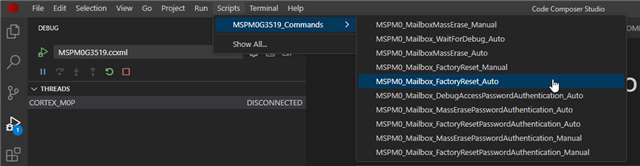
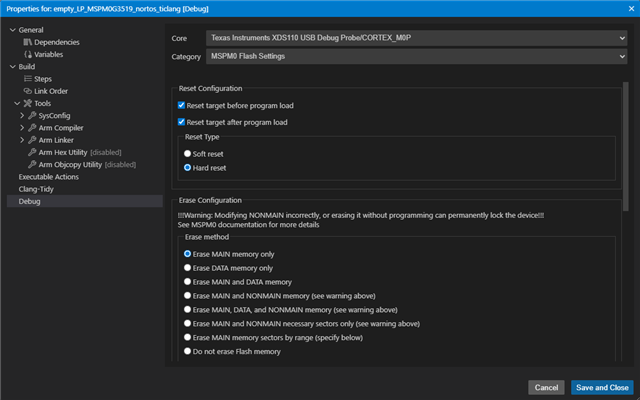
- Erase Flash
The issue still persists.
Could you please advise what could cause the flash loader to fail?
Thank you.