This thread has been locked.

If you have a related question, please click the "Ask a related question" button in the top right corner. The newly created question will be automatically linked to this question.

Debuger MSP-FET doesn't work on Windows 7

Other Parts Discussed in Thread: MSP-FET

I try to use MSP-FET on Windows 7 x64 with CCS 6.1, CCS 6.0 and IAR EWB Kickstart.

When I connect the MSP-FET, Windows 7 detects device, setup drivers and I see two COM ports.

But when I start Debug session in CCS (or in IAR EWB), I see only window like "Initializing MSP" (or some other text, I don't remember). That's all, no other actions, the debug session does not start.

When I try to do up- or downgrade (MSP430.dll to MSP430v3.dll or vise versa) - it is the same. hang and no actions.

But all work fine on other computer on Windows Server 2008 x64.

Why is it and what to do???

  • Hi,

    We need more information, can you post a screenshot of the exact error that shows up? Typically, it should be No USB FET was found error, if that's the case, some other program may be trying to use the COM port that the FET tool is plugged into. Have you tried running it exclusively in CCS?

    Sincerely,
    Sean
  • Hello, Sean!

    There are not any programs which work with MSP-FET's COM ports.

    Your asked "Have you tried running it exclusively in CCS?". What does it mean? I run debuger in CCS, of course.

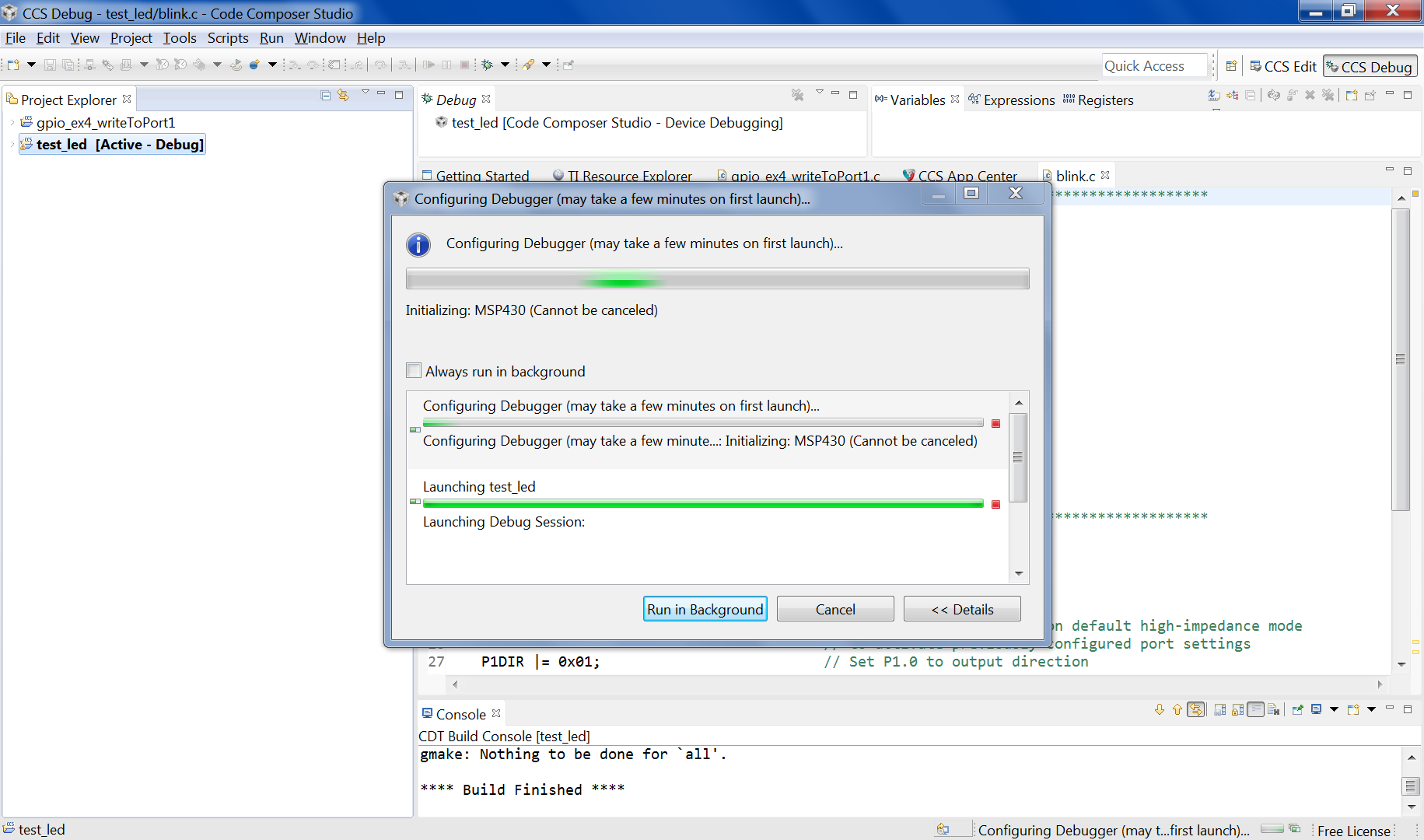
    This is the error window view:

    When I've started debug and see the "error window" the target runs (blinks by LEDs), the target is not is RESET state.

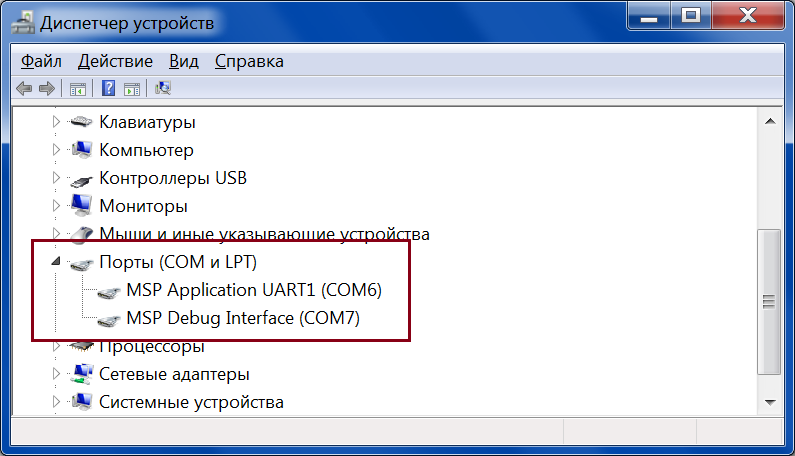
    Here is Device Manager View:

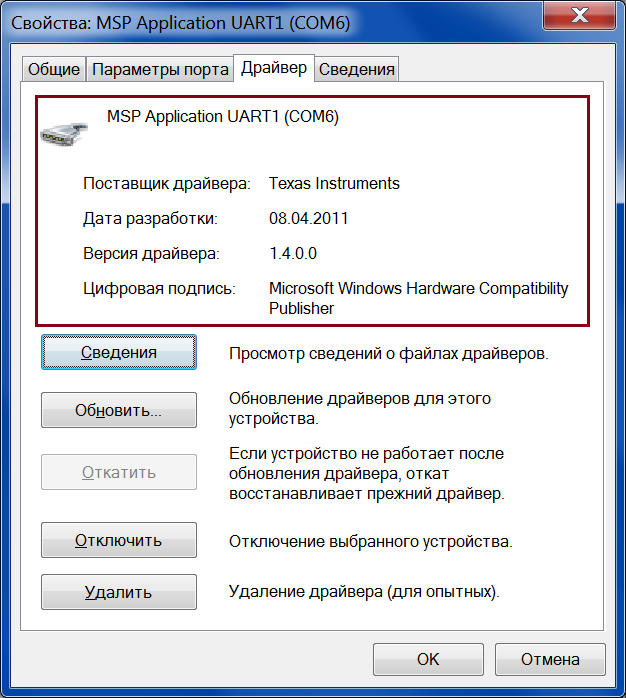
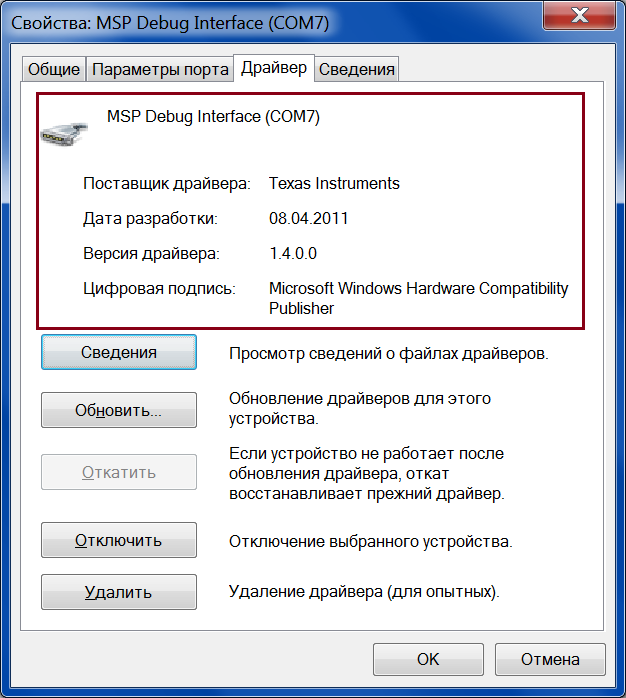
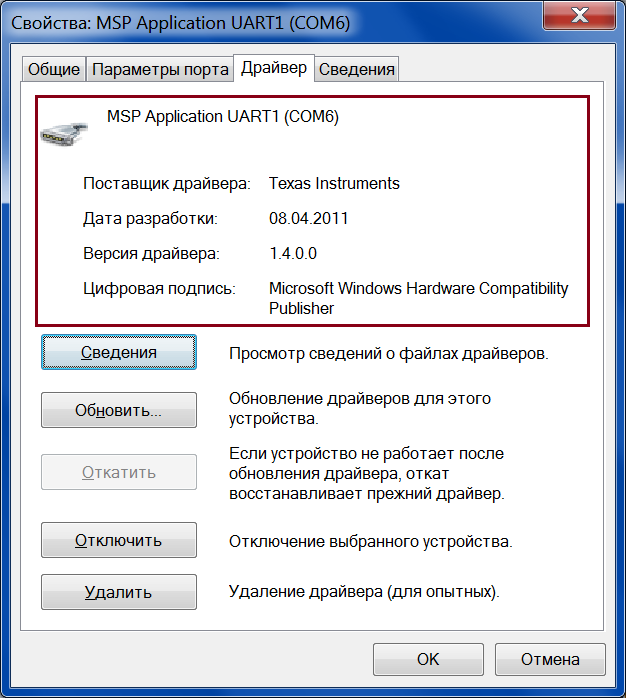
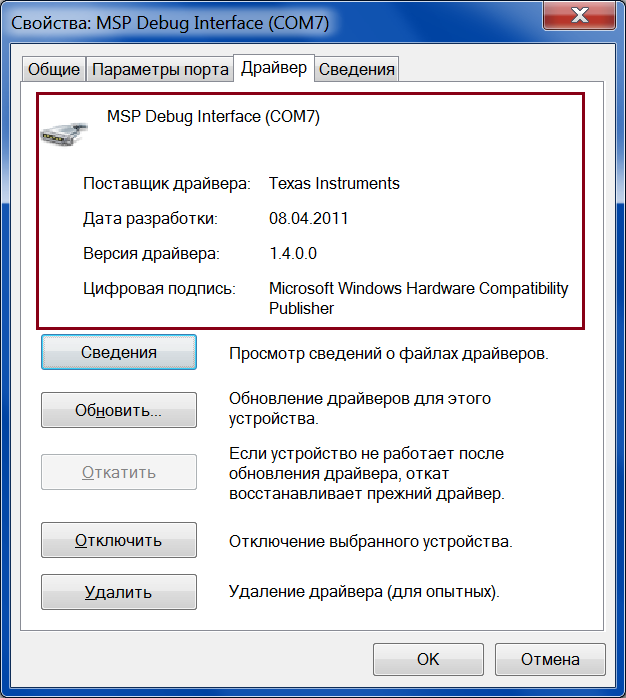
    The COM 6 and COM7 properties:

  • Hello, Sean!

    I've replied today mornung, but somehow my post disappeared... So this is copy of my morning post.

    Of course I start debug session from CCS, no any other programs has access to MSP-FET's COM ports.

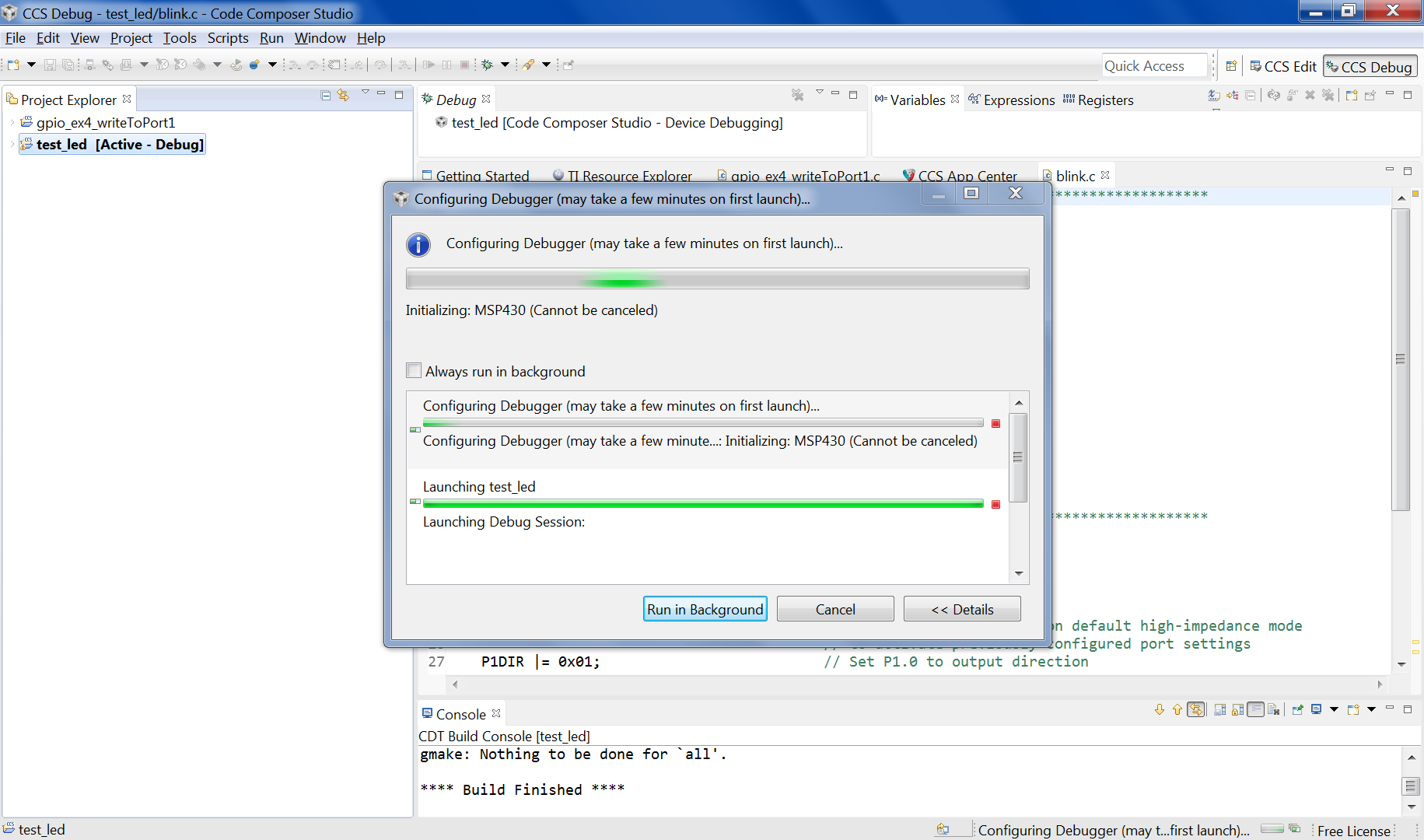
    The "error window" is:

    The target runs (blinks by LEDs) when I start the debuger and see the "error window", the target is not in RESET state.

    COM ports in Device Manager:

    The COM ports properties:

  • Hi,

    The window that is displayed is not an error message, if it's your first time using the debugger with the system, it will take some time for CCS to configure and launch. Does the window not change after you wait a few minutes? Additionally, since the debugger is working on the other OS, there should be no hardware issues with the debugger.

    Sincerely,

    Sean

  • Yes, and I write "error window" in quotes. It is not error message, of course.

    The window does not change after a long time, tens minutes. And I can not cancel or close the window, I close CCS to stop debug session .

    Hardware works fine on other computer, it is not hardware issue, you are right. There is drivers issue, I think.

    Can I try to use other versions of drivers, for example MSPDS-USB-DRIVERS (www.ti.com/.../mspds
  • Hello,

    The MSPDS-USB-DRIVERS should already be installed since it's packaged with CCS, however, re-installing the drivers/CCS could help resolve this isssue. Additionally, I would recommend you try to use the MSP Flasher linked at www.ti.com/.../msp430-flasher just to determine if the debugger could in fact communicate with the PC and the MSP430 device. You could run some sample commands in the Flasher to test.

    Sincerely,
    Sean
  • I connected the MSP-FET by USB hub, and it was problem. MSP430Flasher stops at "Checking for available FET debuggers:" stage.

    Then I connected the MSP-FET without the hub, and all works fine, both in MSP430Flasher and in CCS.

    CCS must give full and clear diagnostic of connection state.

  • That's an interesting situation with the USB Hub connection, but glad to know that the debugger now works for you. I'll further look into interfacing with USB Hubs and see if this is a common issue.

    Sincerely,
    Sean

**Attention** This is a public forum