This thread has been locked.

If you have a related question, please click the "Ask a related question" button in the top right corner. The newly created question will be automatically linked to this question.

RTOS/MSP430FR6972: Uniflash erase memory issue

Part Number: MSP430FR6972
Other Parts Discussed in Thread: UNIFLASH, MSP-FET

Tool/software: TI-RTOS

Good day ,

 I want to erase the MSP430FR6972 with the UniFlash. I found that UniFlash couldn't connect to MSP430FR6972. How is the reason ? The detail  steps are following:

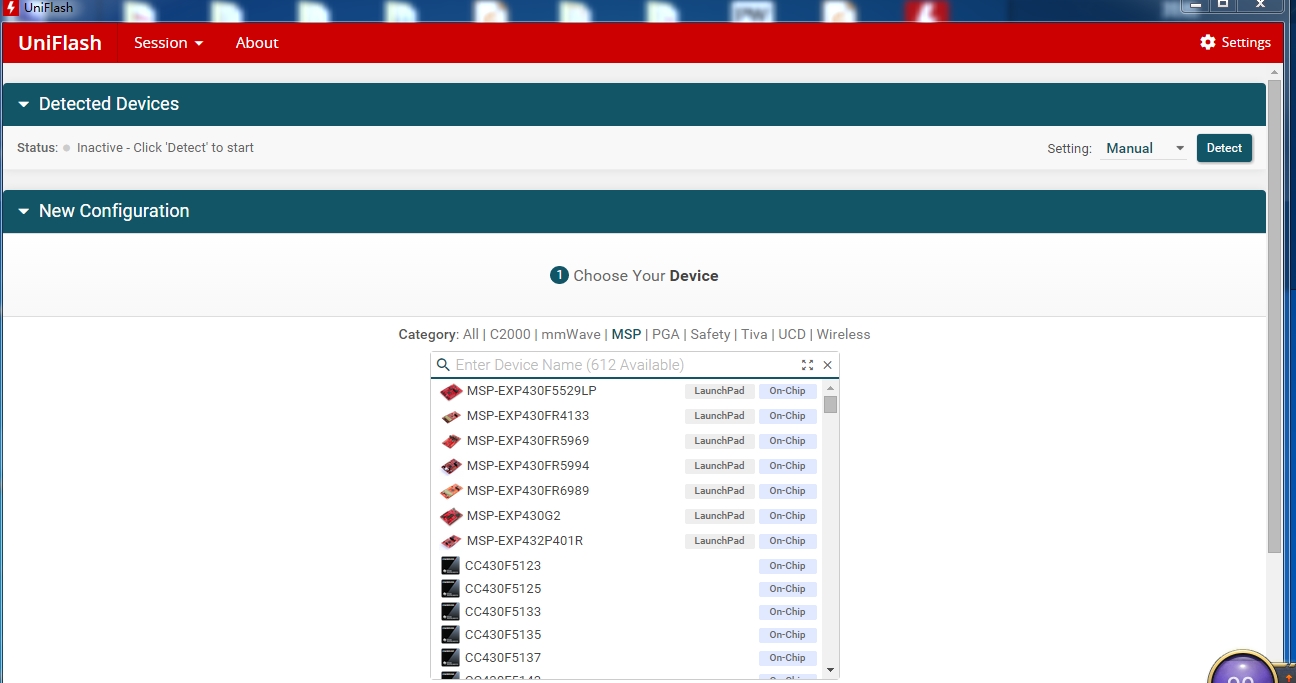
Firstly,  the device is connected to computer with JTAG . The uniflash is a standalone desktop version.  Double click to enter the Uniflash and choose the device .
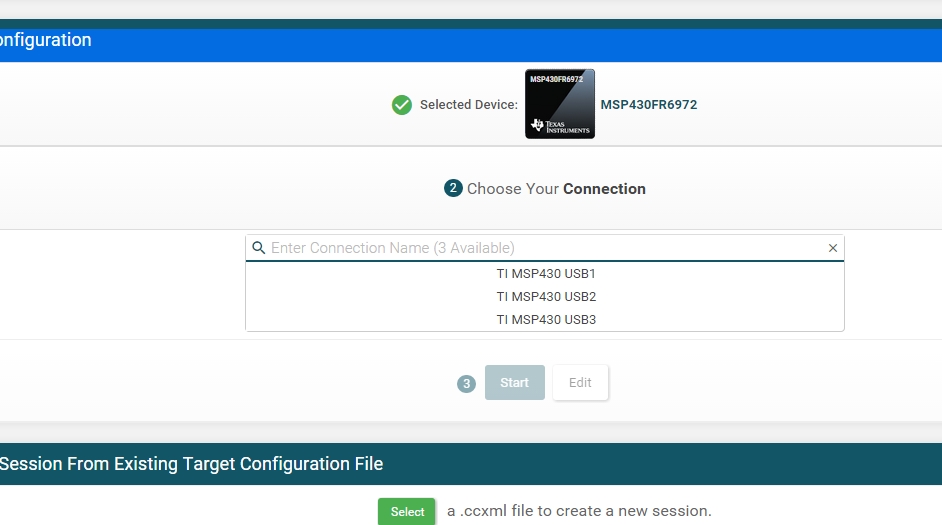
Then , it will provide 3 available connections, which one should be selected?   I found that the reuslts are same , whichever I choosed !  For example . I choose TI MSP 430 USB2 and  click "Start" button .

Later, I click   Setting & Utilities, chooes" Erese main and memory only"  and click "Mass Erase " Button .  the Console didn't have any information .

 I try to click "more info" on the top , it show nothing  too .

In addition , I try to Ereas the MSP_EXP430FR6989 LaunchPad , the phenomenon is same .

So, how to solve the problem ?

Best regards

Jent

  • Jent,

    I apologize that you are having trouble using the UniFlash software. The steps you are describing above should result in correct operation which means there must be some sort of driver or software version that is missing or out out of date. Please try updating or completely uninstalling and reinstalling your UniFlash program. Another step to make is to attempt to program your device using CCS and make sure that you are able to successfully program a basic "blinky" program. What programming hardware are you using to connect to the device to the PC through JTAG? Are you using an MSP-FET Flash Emulation Tool?

    Regards,

    Matt Calvo

  • Thank you Matt ,
    I have sloved the problem . I use an MSP-FET430UIF Emulation Tool . I installed the UniFlash to another computer ,and found it works normally.

    Best Regards,
    Jent

**Attention** This is a public forum