Part Number: MSP430F5659
Tool/software: Code Composer Studio
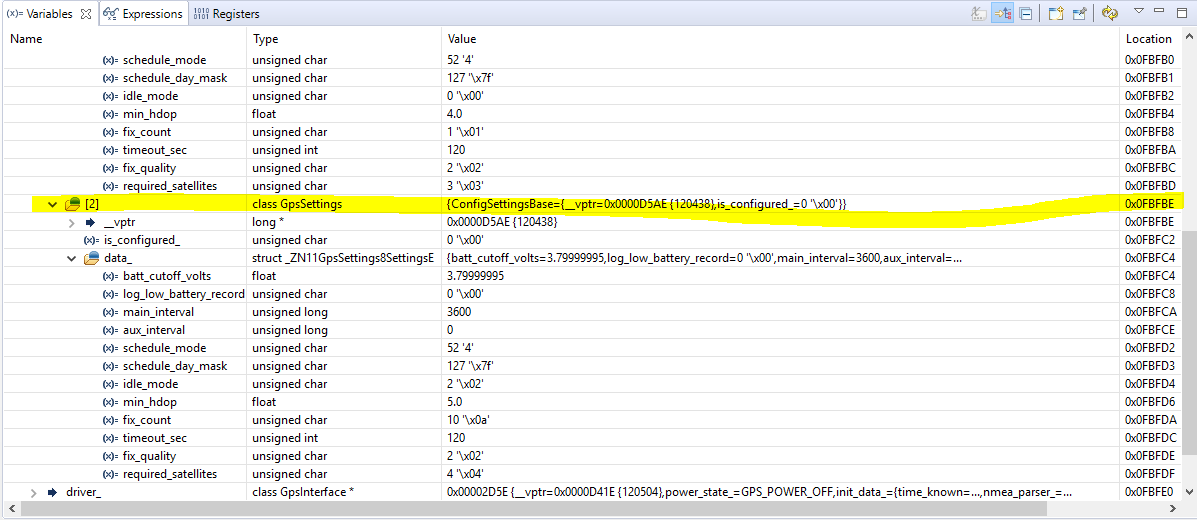
I am viewing the variables in my program using the Debug->Variables and Debug->Expressions windows. When I click the drop down box on some of the objects, the data isn't being populated in the rows (I just see blank rows). If I expand a different object, then some of the previously blank objects now have their rows populated. Is this a known issue with the debug view?
Note: Migrating to CCS 8.2 isn't an option because it has syntax highlighting and indexing problems with projects created in previous versions of CCS.
- CCS: Version: 8.1.0.00011
- Compiler: Ti v18.1.3.LTS
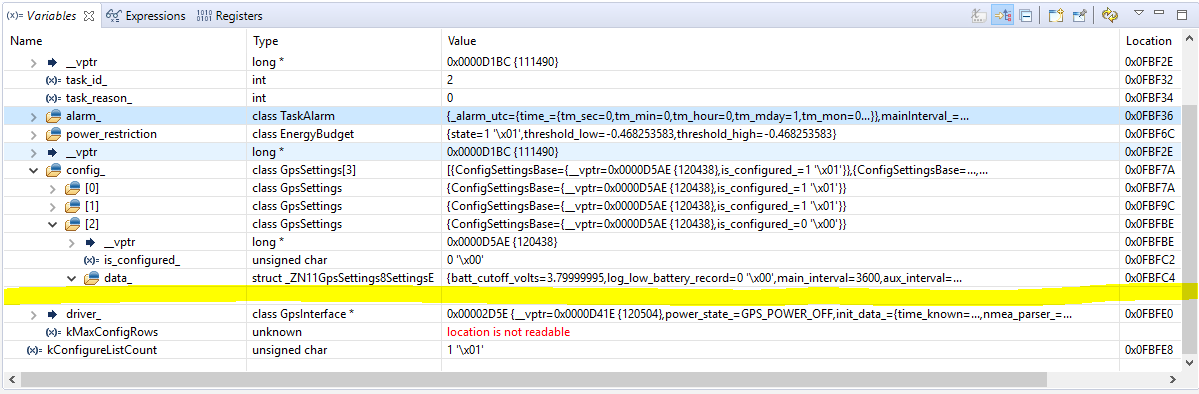
Row Appears after I click another object. This was all done in the same debug session.