This thread has been locked.

If you have a related question, please click the "Ask a related question" button in the top right corner. The newly created question will be automatically linked to this question.

MSP430F5510: Error encountered when trying to debug

Part Number: MSP430F5510
Other Parts Discussed in Thread: MSP-FET, , ENERGYTRACE

Tool/software: Code Composer Studio

I'm using the CCS 7.4.0.00015 with MSP-FET tool. When I try t access to MSP430F5510 using the spy by wire interface I have the following error :

"launching USB_KBD has encountered a problem. An internal error occurred during "Launching USB_KBD"

Details : an internal error occurred during : "launching USB_KBD". com/ti/dvt/energytrace/af/PowerActivity

The identify button ends (connection TI MSP430 USB1 (default)),  I see Led Mode toggle and the message "debug Server is running... The session will be terminated in 30 seconds"

When launch debug configuration I don't see any activity on SBW interface. The VCC tool is 3,3V (measured with oscilloscope probe) and VCC Target supplied by the board at MSP-FET is 3,3V.

Have you suggestions ?

Adamo Tizzoni

  • Hi Adamo,

    I've never seen this error. Are you using a custom board? Are you clicking the green Download and Debug icon in CCS when you try to debug your code? Please provide more details about what you're trying to do. I see the error mentions EnergyTrace, but I'm not sure why.

    If you are using a custom board, you need to make sure that your JTAG interface matches what we recommend in the MSP430 Hardware Tools User's Guide. If your custom board has it's own power supply, then you don't need to connect VCC Tool from the MSP-FET. You will need to connect VCC Target because this is how the MSP-FET measures your target's operating voltage and adjusts the voltage levels for the JTAG signals.

    Regards,

    James

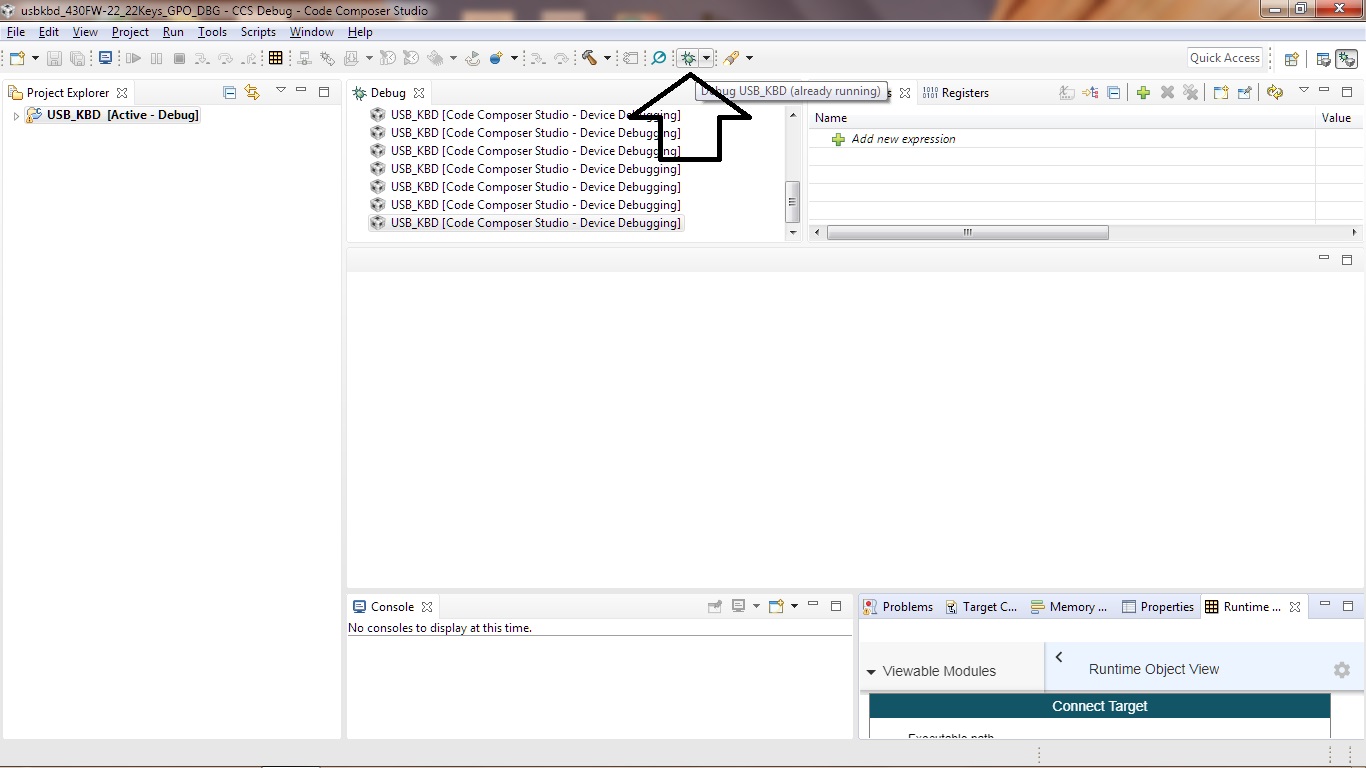
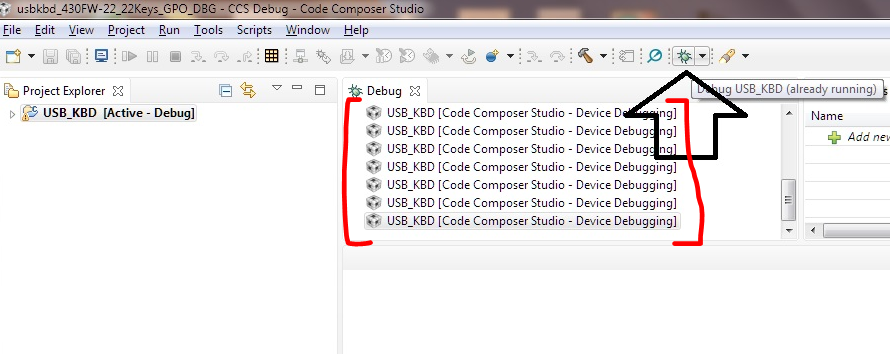
  • I insert, in attach, the connections of debug connector with the board and the two screen shot, the result of my executions with code composer .

    The led green of MSP-FET is on and mode led is always off.

    I hope this help to clarify the problem

    debug.zip

  • If your connections match those specified in the MSP430 Hardware Tools User's Guide and you've followed all the recommendations in the MSP430F5510's datasheet (e.g. proper capacitance on DVCC, AVCC, VCORE, etc.), then you should have no problems programming the device. I'm not exactly sure how you're trying to download and debug on the device in CCS, but it isn't difficult.

    Let's take the code examples for example. After importing the project into the CCS workspace (assuming you've selected the right device in the project settings), you can just click the green bug icon to build, download, and debug the code on the target. I looked at the screenshots you shared and I'm not really sure what you're doing and this approach could be causing your issue. Try what I've described and see if you can debug your code.

    Regards,

    James

  • Yes, I'm using a custom board. Attach the screen shot of the icon used to try download and debug the board (only one, is it right?). The same error message, "problem occurred .. an internal error occurred during .. /energytrace/af/poweractivity" there is when I don't connect the cable to the board. Can you verify it ? It seems that the other side of MSP-FET, cable to board, is broken (never seen ok)

    TDIO/RSTn is high at 3,3V and TEST signal is low. The VCC_TARGET is 3,3V and wired to pin 4 of debug connector, the board has its voltage supply 3,3V, therefore VCC_TOOL is open.

  • Let's use a different project. Your "USB_KBD" project may be causing an issue. Also, why are there 7 debug sessions shown?

    For me, when I used a LaunchPad, I downloaded and debugged one of our code examples (just by clicking the green bug icon) and only one debug session showed up.

    If you can't program a simple code example on your board, then it's most likely an incorrect or broken JTAG connection.

    Regards,

    James

  • Let me to do a question. Does internet connection can have impact on CCS 7.4 debug ? When I have installed CCS I had a internet connection, now in the lab for 32 bit PC I haven't it.

    So I'm trying to debug in "offline" mode.

    Adamo

  • tizzoni adamo said:

    Let me to do a question. Does internet connection can have impact on CCS 7.4 debug ? When I have installed CCS I had a internet connection, now in the lab for 32 bit PC I haven't it.

    So I'm trying to debug in "offline" mode.

    CCS itself doesn't need to be online to download and debug code. If you try to use Resource Explorer to find code examples, etc. then it will need to be online. It won't affect your debugging abilities.

    Regards,

    James

  • Dear James,

    the scheme with 4-wires seems function. I have still some troubles, because the connections are soldered via wire (diameter too big for the little pad of MSP430), but I see TCK and TDI toggling .. mode led on/off when I power up the board.

    I attach the electrical scheme taken as reference.

    A.Tizzoni

  • It sounds like a connection issue.

    Regards,

    James
  • I'm closing this post

    Adamo

**Attention** This is a public forum