This thread has been locked.

If you have a related question, please click the "Ask a related question" button in the top right corner. The newly created question will be automatically linked to this question.

CCS/MSP430FR5994: Problem when running the provided out-of-box demo

Part Number: MSP430FR5994


Tool/software: Code Composer Studio

Hi,

I am currently running the out-of-box demo. I run the out-of-box project code using CCS, which is shown in the below figure, and there is no breakpoints when I run.
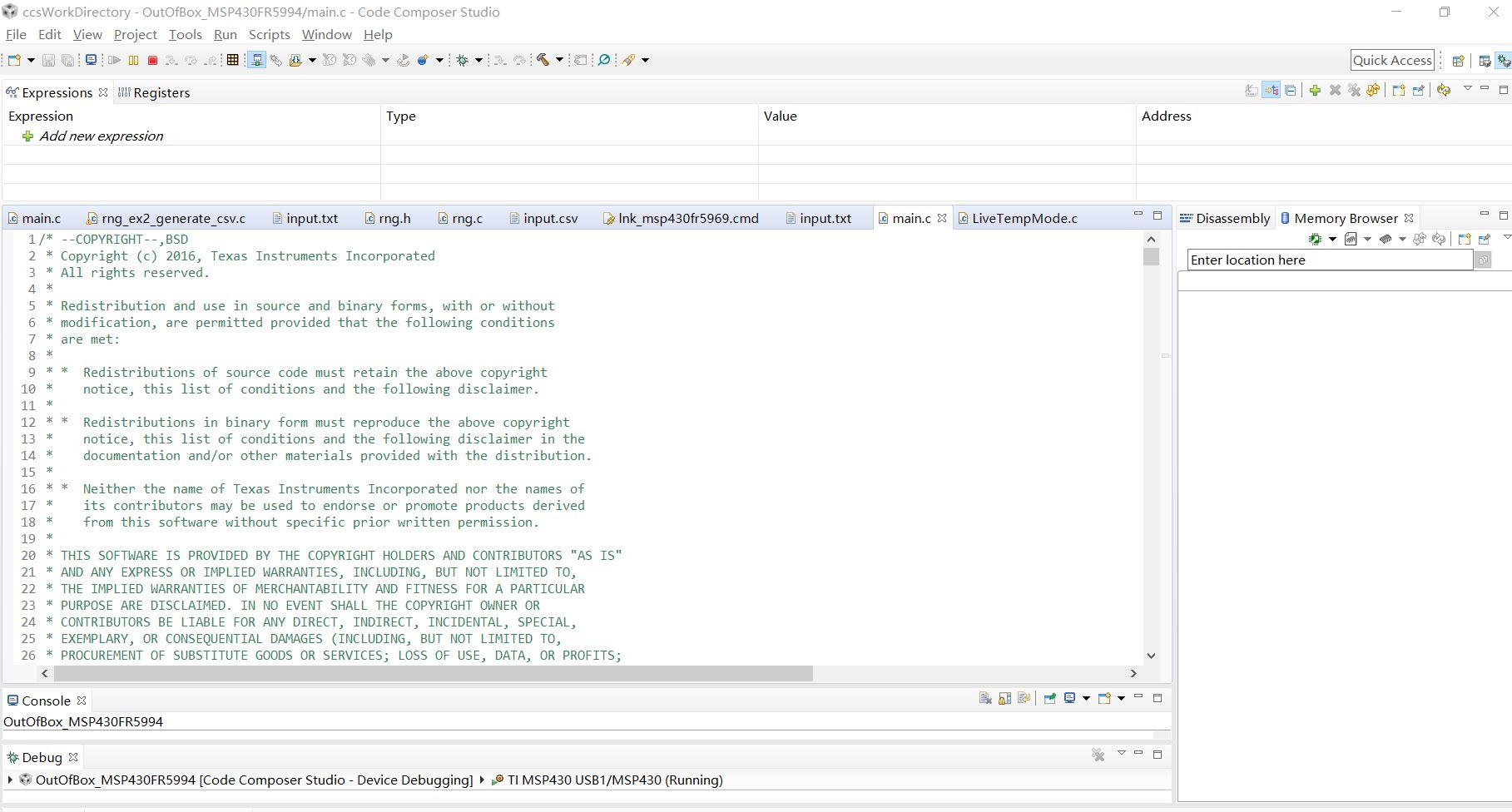
Also I have opened the GUI as follow:
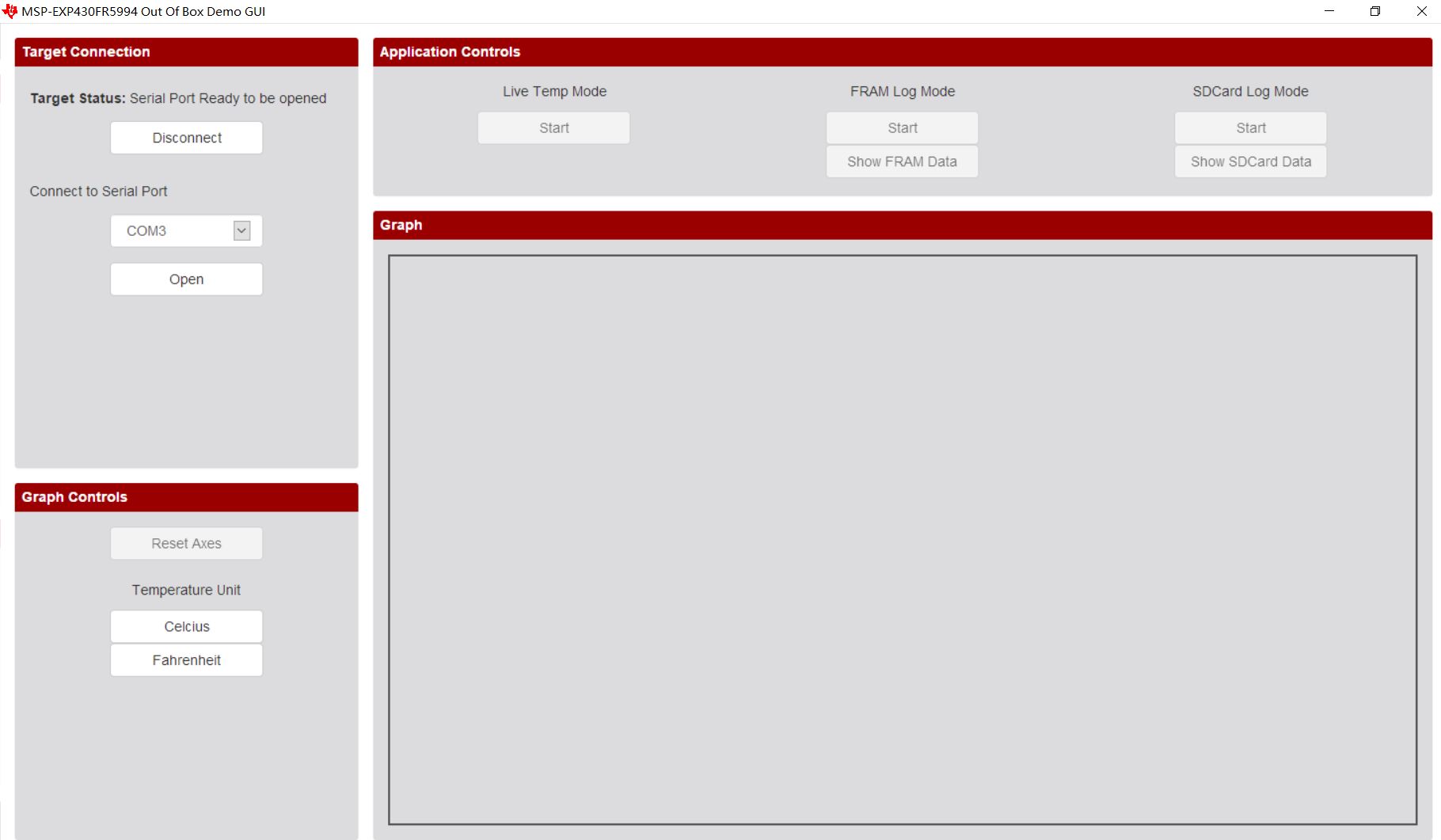
However, when I pressed open button and the start button under "live temp mode", the gui does not show the graph and show as the following:

It continuously show the "serial port ready to be opened" and does not work to show the graph at any time.

I am so confused, am I doing wrong in the previous steps?

By the way, I think the document of out-of-box demo is not clear, it does not provide user with no background knowledge to clearly know what to do next. I really hope that you could demonstrate the steps to run out-of-box demo clearly in the document.

Thank you.

  • Hello Mingran,

    You are seeing this issue because the GUI takes advantage of the backchannel UART COM port which is unavailable when you are actively debugging the board in CCS.

    Please program the device, disconnect the debugger, restart the device, and then try running the demo. You should see that the GUI will maintain connection with the board and display live temp data when prompted.

    Section 3.1 of the MSP430FR5994 Launchpad Development Kit User's Guide has a step by step walk-through of running the out-of-box demo in case you need further clarification.

    Best regards,

    Matt

**Attention** This is a public forum