


Other Parts Discussed in Thread: UNIFLASH, MSP-FET,
My customer has a problem with the MSP-FET Flash Emulation Tool. For the programming he uses the SW UniFlash (uniflash_sl.4.2.2.1692.exe). The operating system is Windows 10.
Here's the procedure of his work including the screenshots.
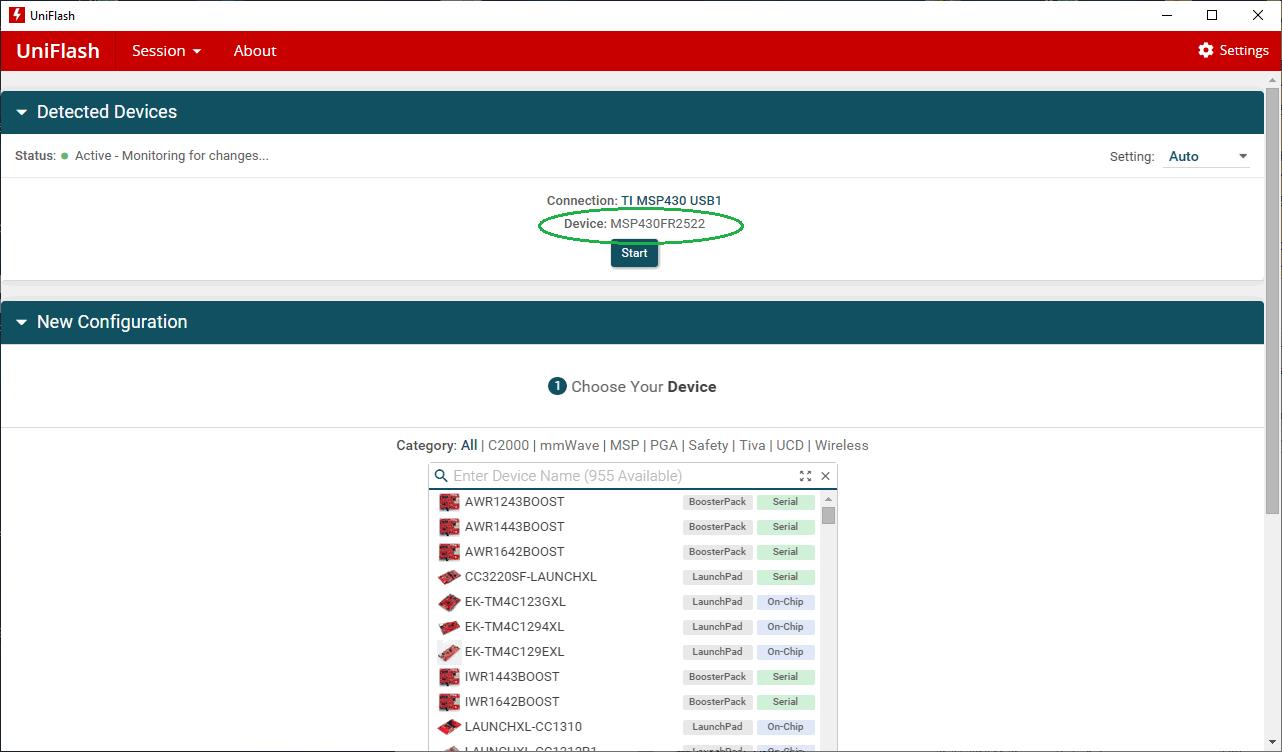
1. I connect the MSP-FET to the PC, PCBA (MSP430FR2522) with the MSP-FET and I turn on the power supply.
In the program UniFlash will be found the MSP-FET.
[Picture 1]
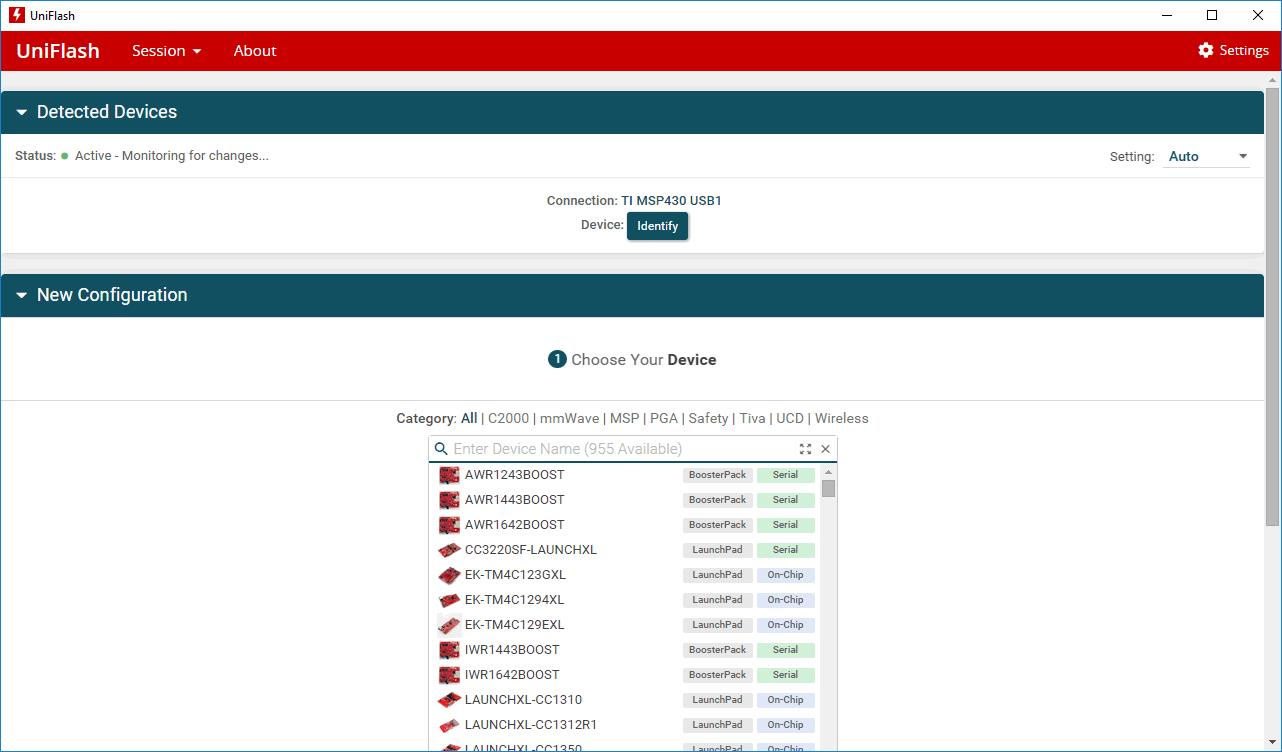
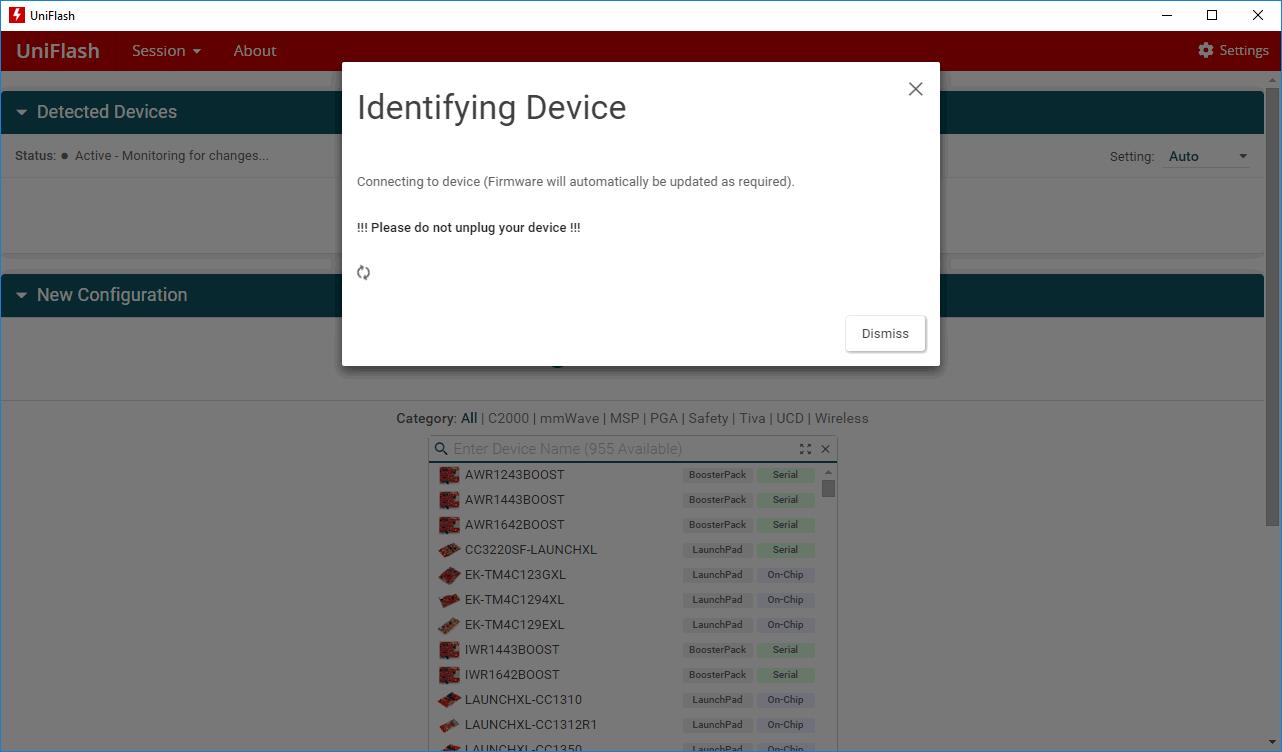
2. I click on the "Identify" but the chip MSP430FR2522 isn't found.
[Picture 2]
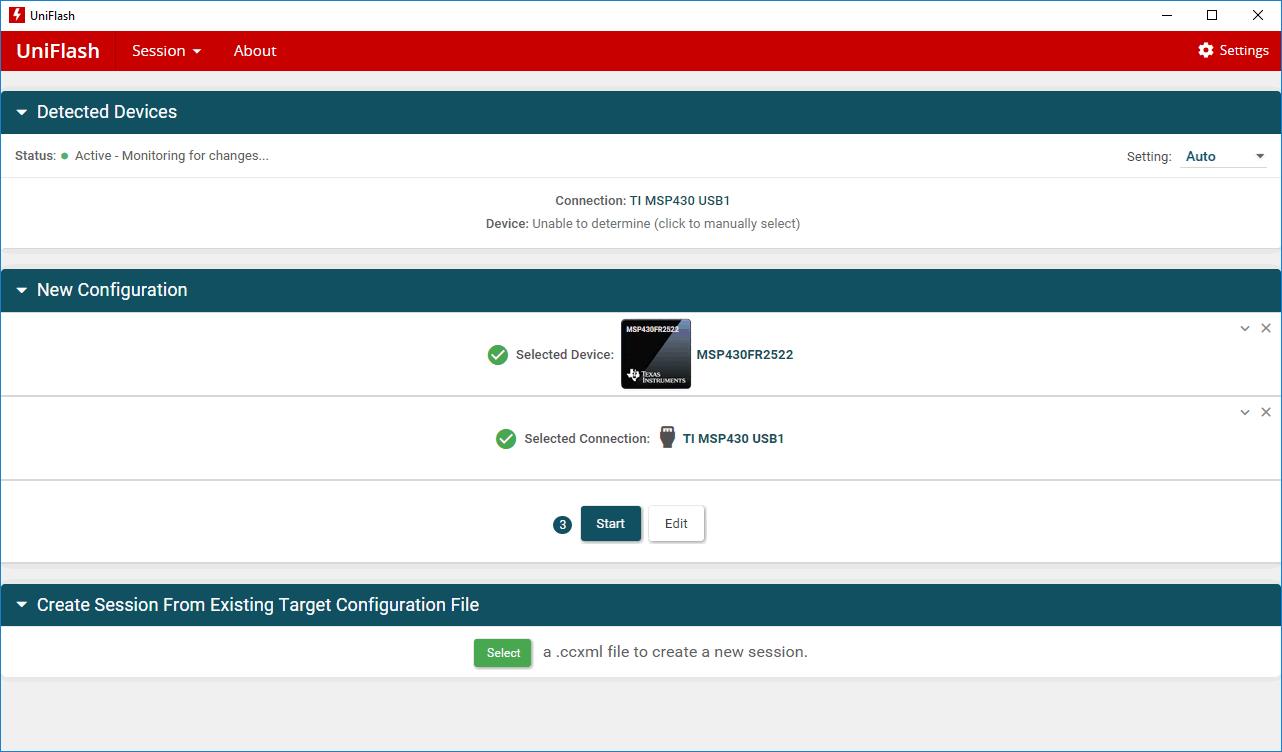
3. So I choose the chip manually and I click on the "Start".
[Picture 3]
4. I choose the firmware and i click on the "Load Image".
[Picture 4]

5.
[Picture 5]
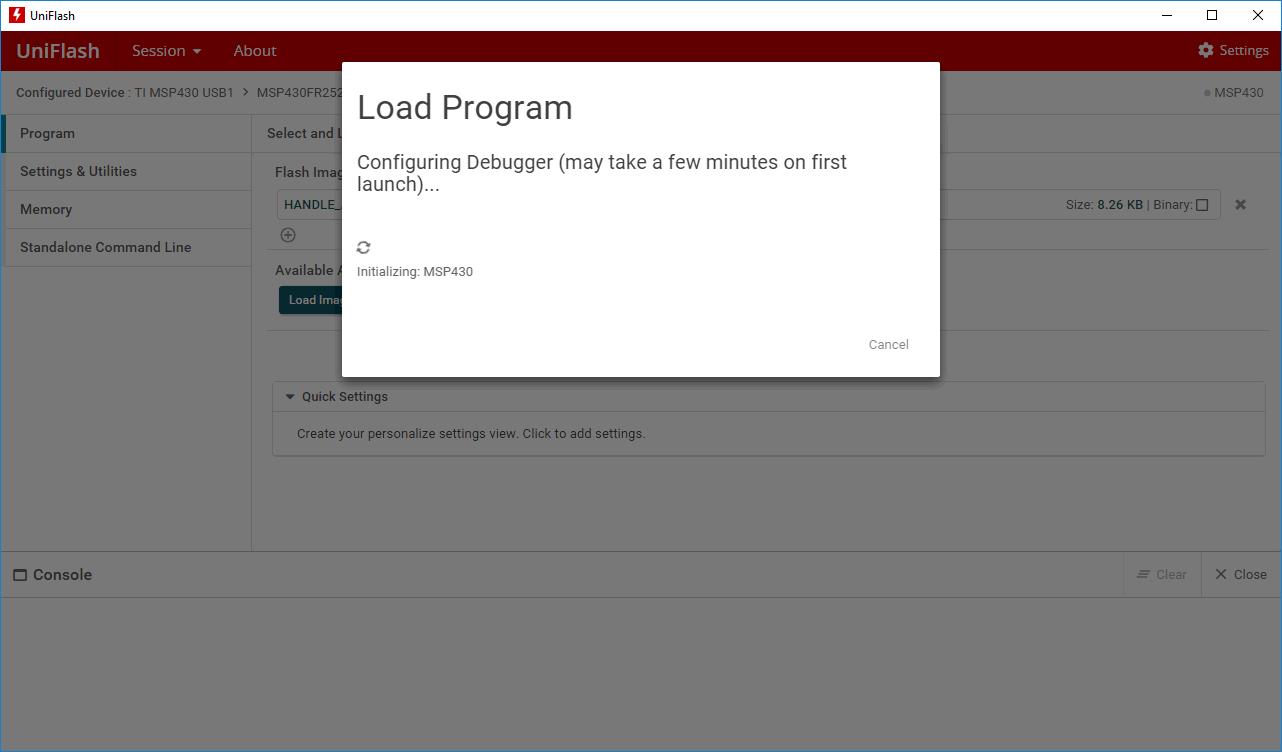
6. It displays this error:
[Picture 6]

7. When I click on "Retry", it displays this error:
[Picture 7]

Interestingly, I connected the MSP-FET to my laptop and everything works fine here. The chip is found automatically after pressing the "Identify" button and can be success programmed.
[Picture 10, 11]
So I think there's something wrong with the software or drivers.
Where could be the problem?
Thank you for your help.
Josef
