Part Number: CCSTUDIO
Other Parts Discussed in Thread: MSPM0G3519
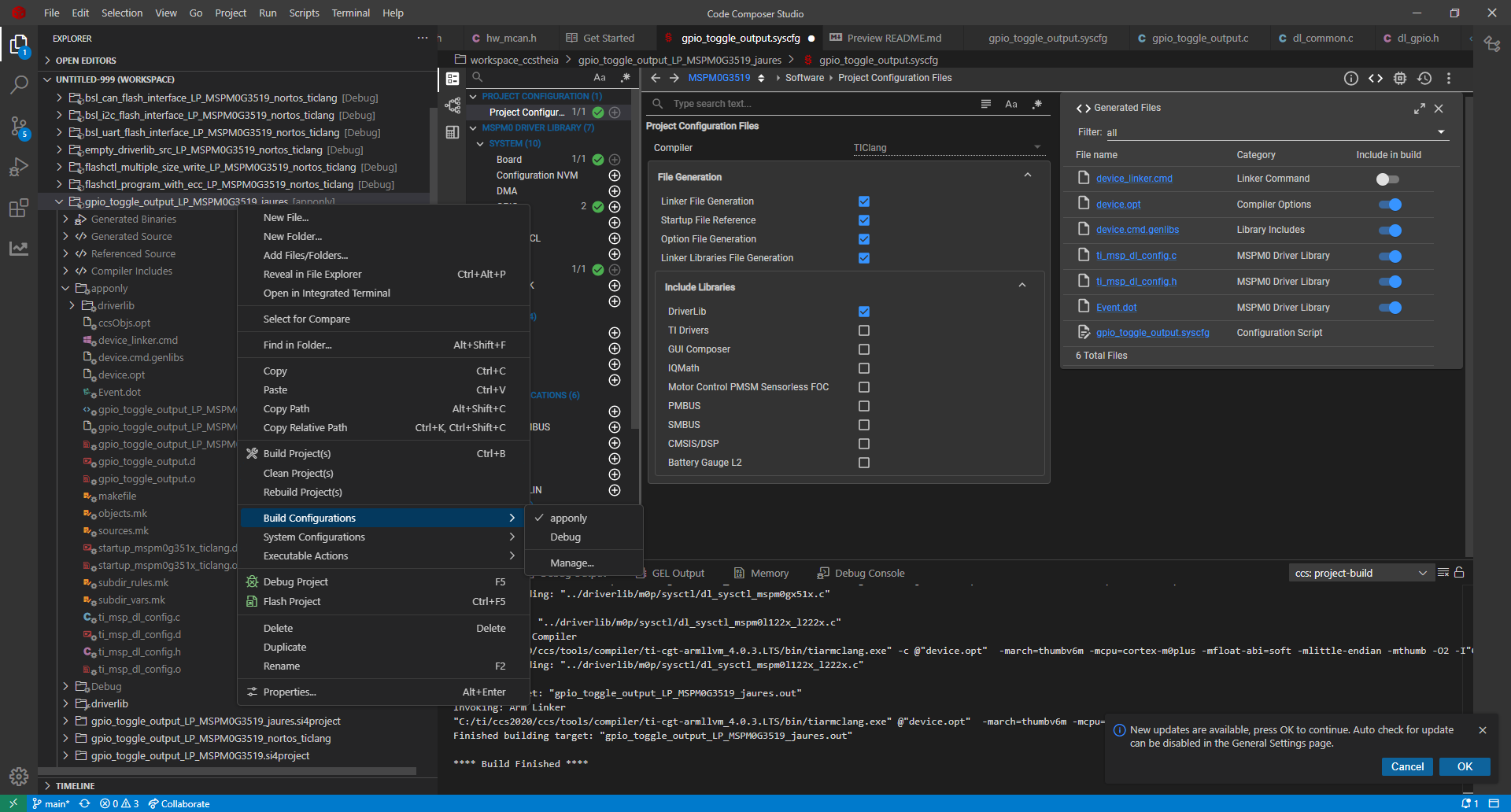
use ccstudio20.2.0 multi device_linker.cmd
i want to build configurations add apponly
but the device_linker.cmd needs defference
for apponly build
MEMORY
{
FLASH (RX) : origin = 0x00000000, length = 0x00040000
SRAM_BANK0 (RWX) : origin = 0x20200000, length = 0x00010000
SRAM_BANK1 (RWX) : origin = 0x20210000, length = 0x00010000
BCR_CONFIG (R) : origin = 0x41C00000, length = 0x000000FF
BSL_CONFIG (R) : origin = 0x41C00100, length = 0x00000080
DATA (R) : origin = 0x41D00000, length = 0x00004000
}
Debug build
MEMORY
{
FLASH (RX) : origin = 0x00000000, length = 0x00080000
SRAM_BANK0 (RWX) : origin = 0x20200000, length = 0x00010000
SRAM_BANK1 (RWX) : origin = 0x20210000, length = 0x00010000
BCR_CONFIG (R) : origin = 0x41C00000, length = 0x000000FF
BSL_CONFIG (R) : origin = 0x41C00100, length = 0x00000080
DATA (R) : origin = 0x41D00000, length = 0x00004000
}
how to set the path to device_linker.cmd