Part Number: AM2432
Hi,
How or where do I find the view expression window as described in the instructions?
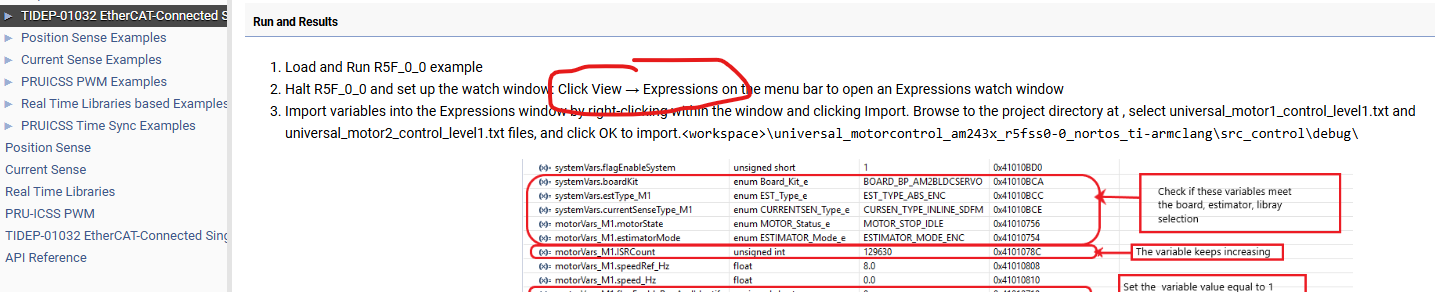
In CCS
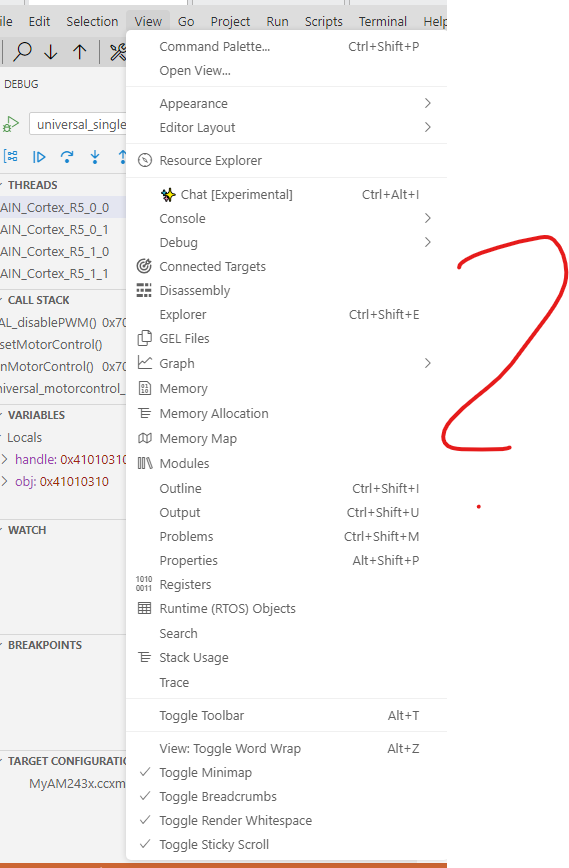
under open view:
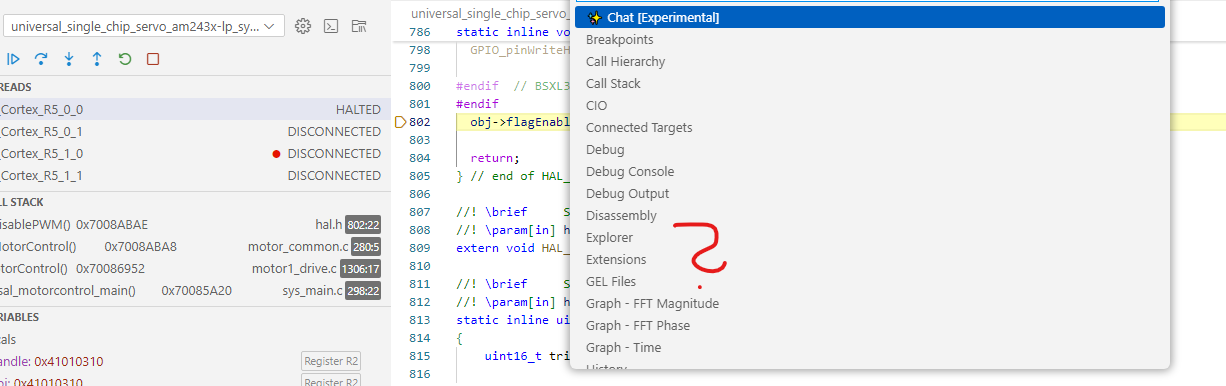
What do I do wrong?
BR
Alexander
This thread has been locked.
If you have a related question, please click the "Ask a related question" button in the top right corner. The newly created question will be automatically linked to this question.
Part Number: AM2432
Hi,
How or where do I find the view expression window as described in the instructions?

In CCS

under open view:

What do I do wrong?
BR
Alexander
Hi Tushar,
I stopped the R5F0-0.
I have the following file in the watch window "select Import File": universial_motor1_control_level1.txt selected.
Then confirmed with OK, but nothing else happens.
The watch window remains blank.


BR
Alexander
Where are you seeing the option to import file?
There is "+" symbol which allows you to add variable to watch expression for checking the values.
Regards,
Tushar
Hi Tushar
Yes, I can add the variables to the watch only.
It works. Thank you very much.
But why can't I use the text file specified in the description?
BR
Alexander
Hi Alexander,
But why can't I use the text file specified in the description?
The feature to upload file is not there in the watch expression view.
Regards,
Tushar