Part Number: AM2432
Hi,
How or where do I find the view expression window as described in the instructions?
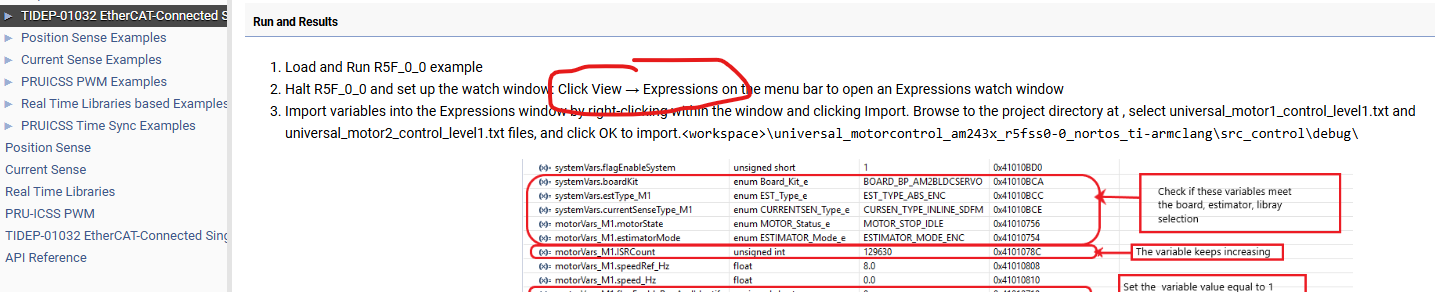
In CCS
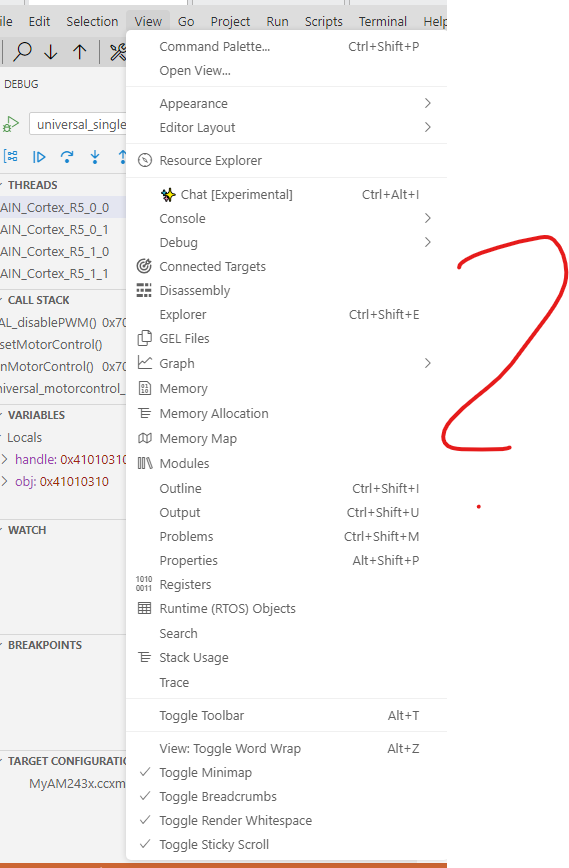
under open view:
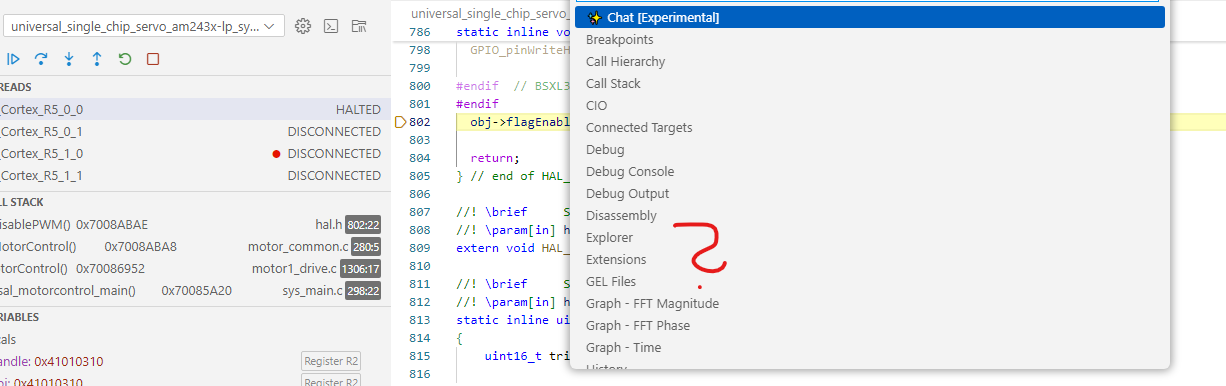
What do I do wrong?
BR
Alexander
This thread has been locked.
If you have a related question, please click the "Ask a related question" button in the top right corner. The newly created question will be automatically linked to this question.
Part Number: AM2432
Hi,
How or where do I find the view expression window as described in the instructions?

In CCS

under open view:

What do I do wrong?
BR
Alexander
Hi Alexander,
The expression view in newer CCS is changed to Watch. To open watch expression view, navigate to Debug icon shown on left of CCS window. After that click on watch tab.
Refer image below.

Regards,
Tushar
Hi Tushar,
I stopped the R5F0-0.
I have the following file in the watch window "select Import File": universial_motor1_control_level1.txt selected.
Then confirmed with OK, but nothing else happens.
The watch window remains blank.


BR
Alexander
Where are you seeing the option to import file?
There is "+" symbol which allows you to add variable to watch expression for checking the values.
Regards,
Tushar
Hi Tushar
Yes, I can add the variables to the watch only.
It works. Thank you very much.
But why can't I use the text file specified in the description?
BR
Alexander
Hi Alexander,
But why can't I use the text file specified in the description?
The feature to upload file is not there in the watch expression view.
Regards,
Tushar