This thread has been locked.

If you have a related question, please click the "Ask a related question" button in the top right corner. The newly created question will be automatically linked to this question.

[FAQ] J784S4XEVM: Trace and its Usage

Part Number: J784S4XEVM
Other Parts Discussed in Thread: ENERGYTRACE

Hi Team,

How to utilize Trace and EnergyTrace in Code Composer Studio.

  • Hi Team,


    Steps to Capture Core Trace in CCS

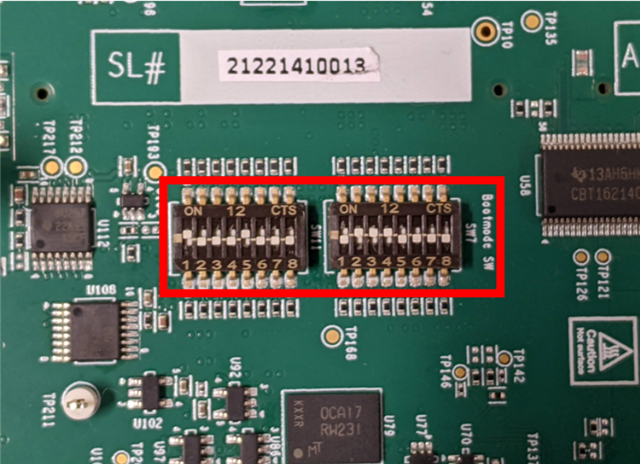
    • Configure the boot mode to No Boot Mode.

    • Build and generate an executable. The following code can be used to build and generate the output for testing. 

      1665.main.cpp
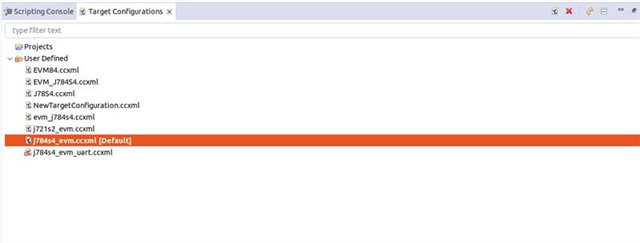
    • Launch the target configuration

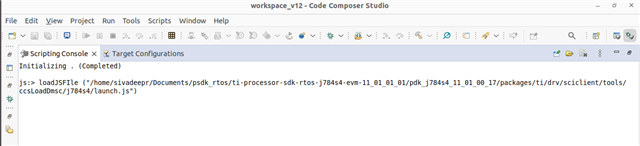
    • Launch the initialization script using:
      js:> loadJSFile("/home/sivadeepr/Documents/psdk_rtos/ti-processor-sdk-rtos-j784s4-evm-11_01_01_01/pdk_j784s4_11_01_00_17/packages/ti/drv/sciclient/tools/ccsLoadDmsc/j784s4/launch.js")

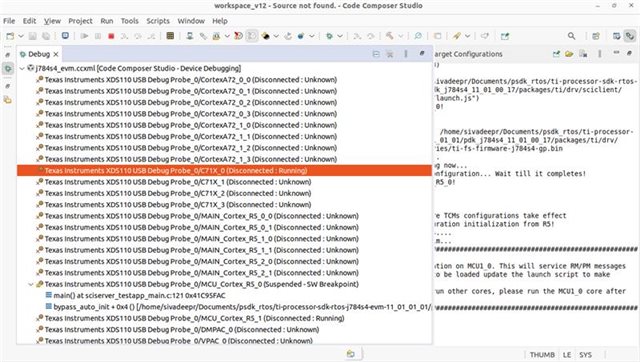
    • In Debug view, right-click on the desired C7x core and select Connect Target.

    • Load the executable onto the selected C7x core.
    • From the menu bar, navigate to:
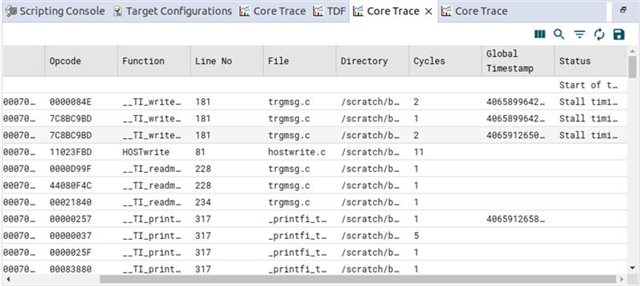
      Tools → Code Analysis → Core Trace, and configure the trace settings as required.
    • Run the C7x core.
    • Once execution is complete, halt the core, then stop the trace capture from the Core Trace window to analyze the collected trace.

    Regards,

    Ben