Part Number: LP-AM263P
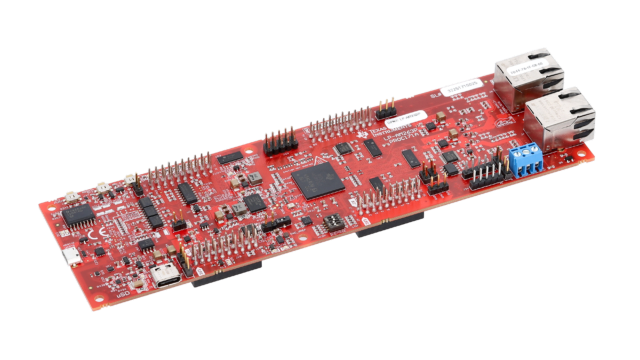
I am using the following launch pad, tried the example blink project provided in mcu+sdk. I can see that program is executing well but led is not blinking any where on the board.
What is the default Gpio pin for accessing led
This thread has been locked.
If you have a related question, please click the "Ask a related question" button in the top right corner. The newly created question will be automatically linked to this question.
Part Number: LP-AM263P
I am using the following launch pad, tried the example blink project provided in mcu+sdk. I can see that program is executing well but led is not blinking any where on the board.
What is the default Gpio pin for accessing led

Use below example to get led blinking :https://software-dl.ti.com/mcu-plus-sdk/esd/AM263PX/11_00_00_19/exports/docs/api_guide_am263px/EXAMPLES_DRIVERS_GPIO_LED_BLINK.html
As you said i have installed MCU AM263Px MCU+ SDK 11.00.00 and run the example, following is my output
Cortex_R5_0: GPIO LED Blink Test Started ...
Cortex_R5_0: LED will Blink for 10 seconds ...
Cortex_R5_0: GPIO LED Blink Test Passed!!
Cortex_R5_0: All tests have passed!!
Cortex_R5_0: GPIO LED Blink Test Started ...
Cortex_R5_0: LED will Blink for 10 seconds ...
Cortex_R5_0: GPIO LED Blink Test Passed!!
Cortex_R5_0: All tests have passed!!
but i don't see any LEDs Blinking. Can you please mark which LED will blink and also should i have to use any 2pin jumper connector?

Hi,
I checked just now,
The LED Blink examples are avilaible for am263px-cc, i.e control card only. www.ti.com/.../spruj86e.pdf

The launch pad does not have GPIO controlled led mounted, we have only I2C conyrolled LED mounted:

So if you want to blink LED on Launchpad, you can blink only Industrial LED using I2C.