This thread has been locked.

If you have a related question, please click the "Ask a related question" button in the top right corner. The newly created question will be automatically linked to this question.

Configuring DM8148 VOUT1 to support 24-bit LCD output

Hi,

We have DM8148 custom board, with VOUT1 connected to LVDS display. We are able to see proper colors on DVI display but on LVDS display the output is as below.
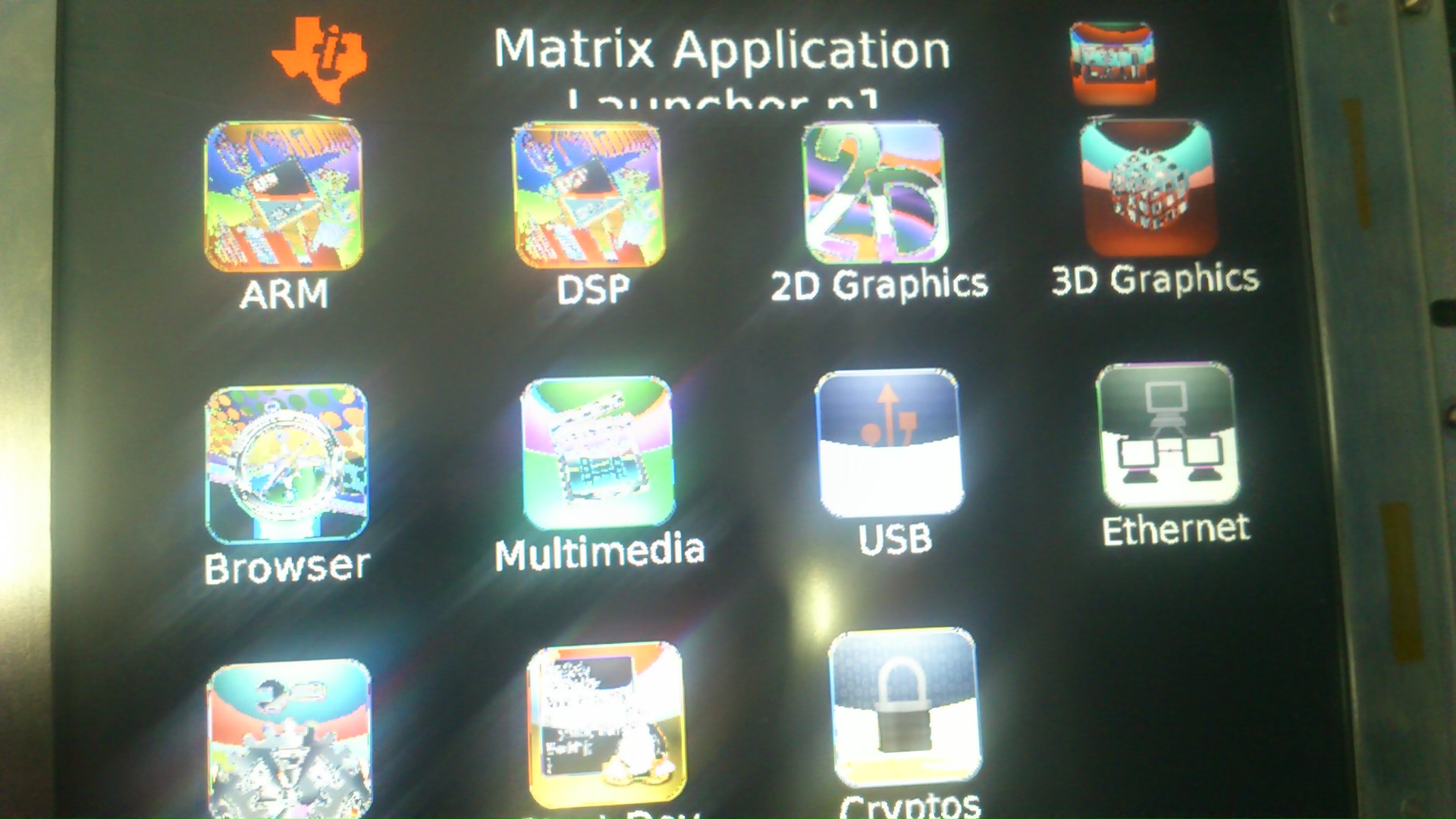
We are having a 800*600 display. We are able to get the data on all the 10-bits of each component. Currently we have made the configurations such that it is in 24-bit mode.

As in the post we need to check whether our data output which we are getting are correctly mapped to RGB data as per the schematics.

1. Can anyone help me how and where can we configure those pins in the VPSS/Kernel?

2. We also wanted to know whether data is outputed in (0-7) / (2-9) bits of each component?

Regards,

Kiran

  • Kiran,

    Regarding the VPSS pins, see DM814x datasheet:

    3 Device Pins
    3.2 Terminal Functions
    3.2.23 Video Output (Digital)

    DM814x device pins are configured in the PINCNTLx registers, see 4.3 Pin Multiplexing Control. You can configure these pins in the kernel, see the below wiki page for more information:

    http://processors.wiki.ti.com/index.php/TI81XX_PSP_User_Guide#Modifying_Pin_Mux_settings
    TI814X/TI813X

    Regards,
    Pavel


  • Kiran,

    Please refer also to the below links, might be in help:

    http://processors.wiki.ti.com/index.php/LCD_connectivity#Connection_to_LVDS_LCDs

    http://www.ti.com/lit/an/slla300/slla300.pdf

    http://e2e.ti.com/support/dsp/davinci_digital_media_processors/f/716/t/245213.aspx

    Regards,
    Pavel