Part Number: TMS320C5517
Tool/software: Code Composer Studio
I have this programmer.out file from
/cfs-file/__key/communityserver-discussions-components-files/791/3343.programmer.out
and it says that
To program the bootdemo in tests\bootdemo into flash:
1) Copy bootdemo.out from tests\bootdemo\Debug to this directory.
2) Run convert.bat to generate a bootable binary image using hex55.exe.
3) Load and run programmer.out from this directory. You will see a menu that
looks like this:
Choose the device...
1x - NAND Flash [CSx: 2,3,4,5]
2x - NOR Flash [CSx: 2,3,4,5]
4 - IIC EEPROM
5 - MMC
6 - SD
7x - SPI Serial Flash (24 bit address) [PinMap x: 1=MODE5,2=MODE6]
8 - MCSPI Serial Flash
Type 22 into the console and hit enter. The first "2 specifies NOR Flash.
The second "2" specifies chip select 2.
4) You will be prompted with the following text:
Operation to perform...
1<file> - Program device with <file>
2<file> - Read device data to output <file>
Type 1 and the full file path and then hit enter. For example use this:
1C:\ti\evm5517_v1\flash_programming\bootdemo.bin
If the demo is in C:\ti\evm5517_v1\flash_programming\bootdemo.bin
5) Disconnect from Code Composer Studio and power cycle the board.
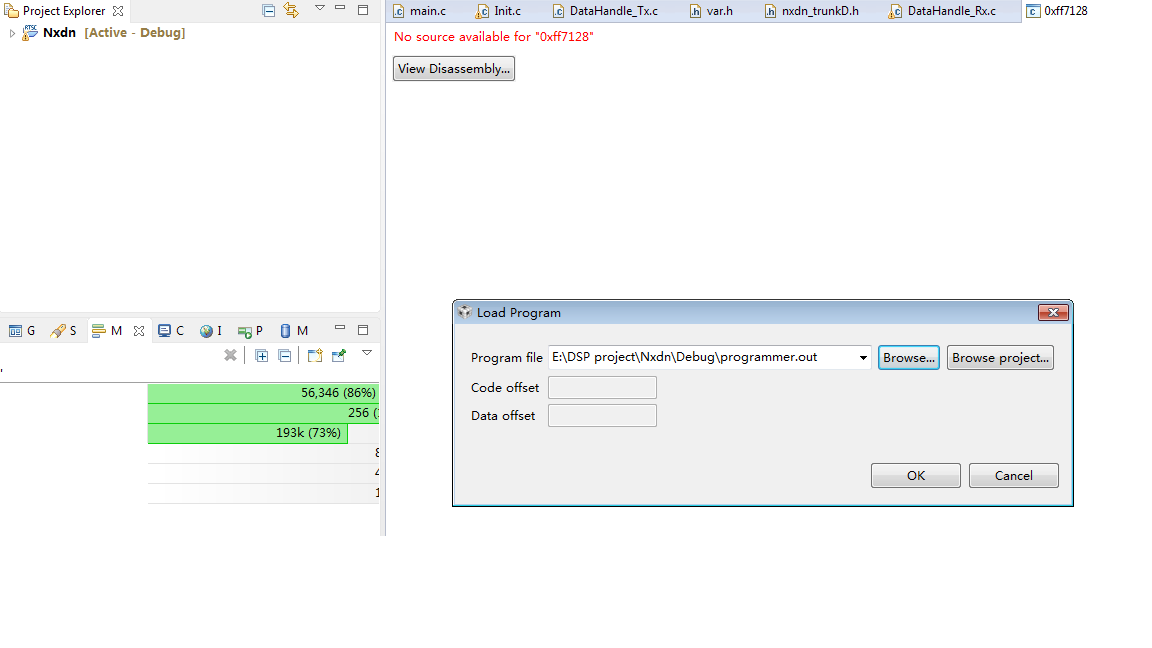
I can make .out to .bin, but I don't understand the the 3rd item: Load and run programmer.out from this directory.
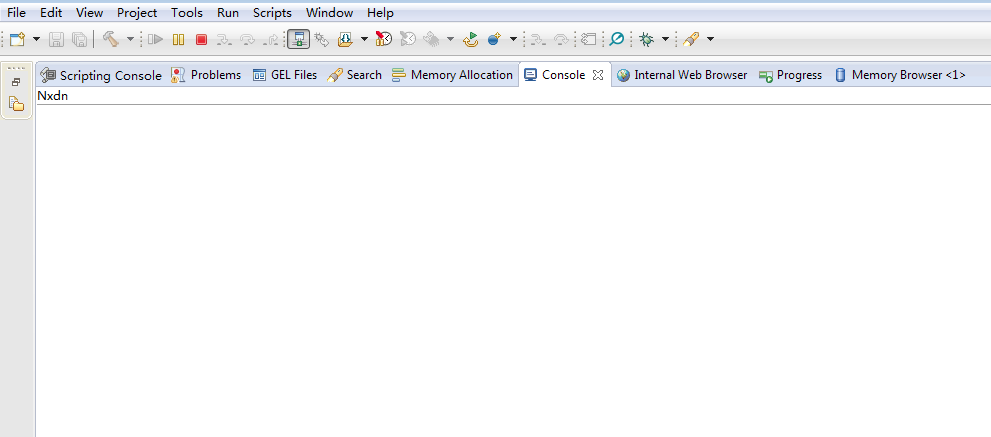
I use ccs6 and load it, but the "menu " didn't appear.
Or does oes it mean that I should load and run program.out in dos environment? But I am not able to do it, can anybody tell me how to do it? Thanks.