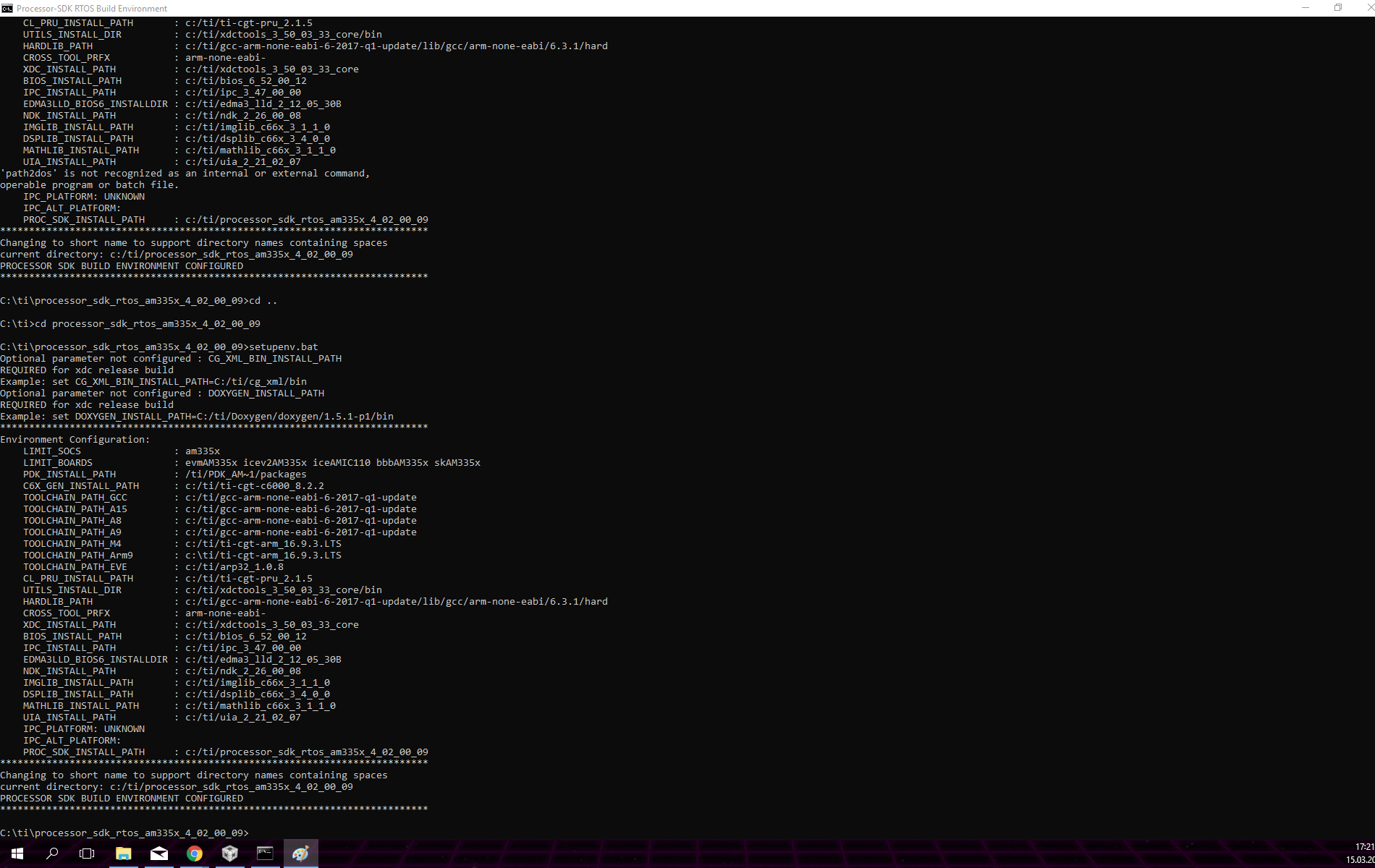
Part Number: PROCESSOR-SDK-AM335X
Other Parts Discussed in Thread: AMIC110, TMDXICE110
Tool/software: TI-RTOS
Hi.
I'm trying to create my sd card. The app file I created following this link:
http://processors.wiki.ti.com/index.php/Processor_SDK_RTOS_BOOT_AM335x/AM437x#Tools_and_Binary_formats
to create the _ti.bin i use this command: C:\ti\pdk_am335x_1_0_7\packages\ti\starterware\tools\ti_image\tiimage.exe 0x80000000 NONE myapp.bin myapp_ti.bin after all I change the name to app. I copied the app file to the build sc card by this script
sudo [SDK INSTALL DIR]/bin/create-sdcard.sh [SDK INSTALL DIR]/prebuilt-sdcards/[EVM DIR]/sd_card_files/
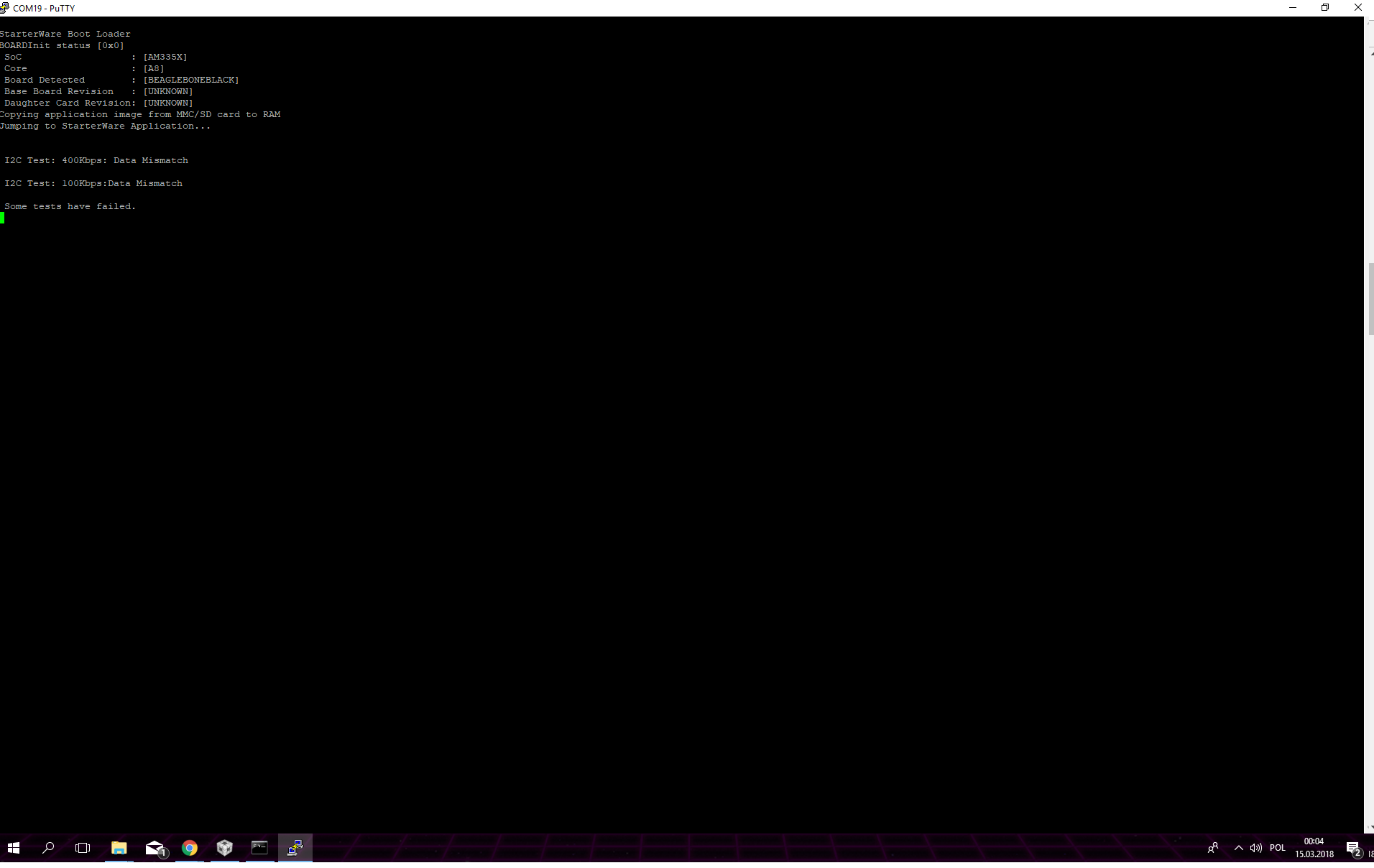
and I load the card into the BBB. This is what consol shows: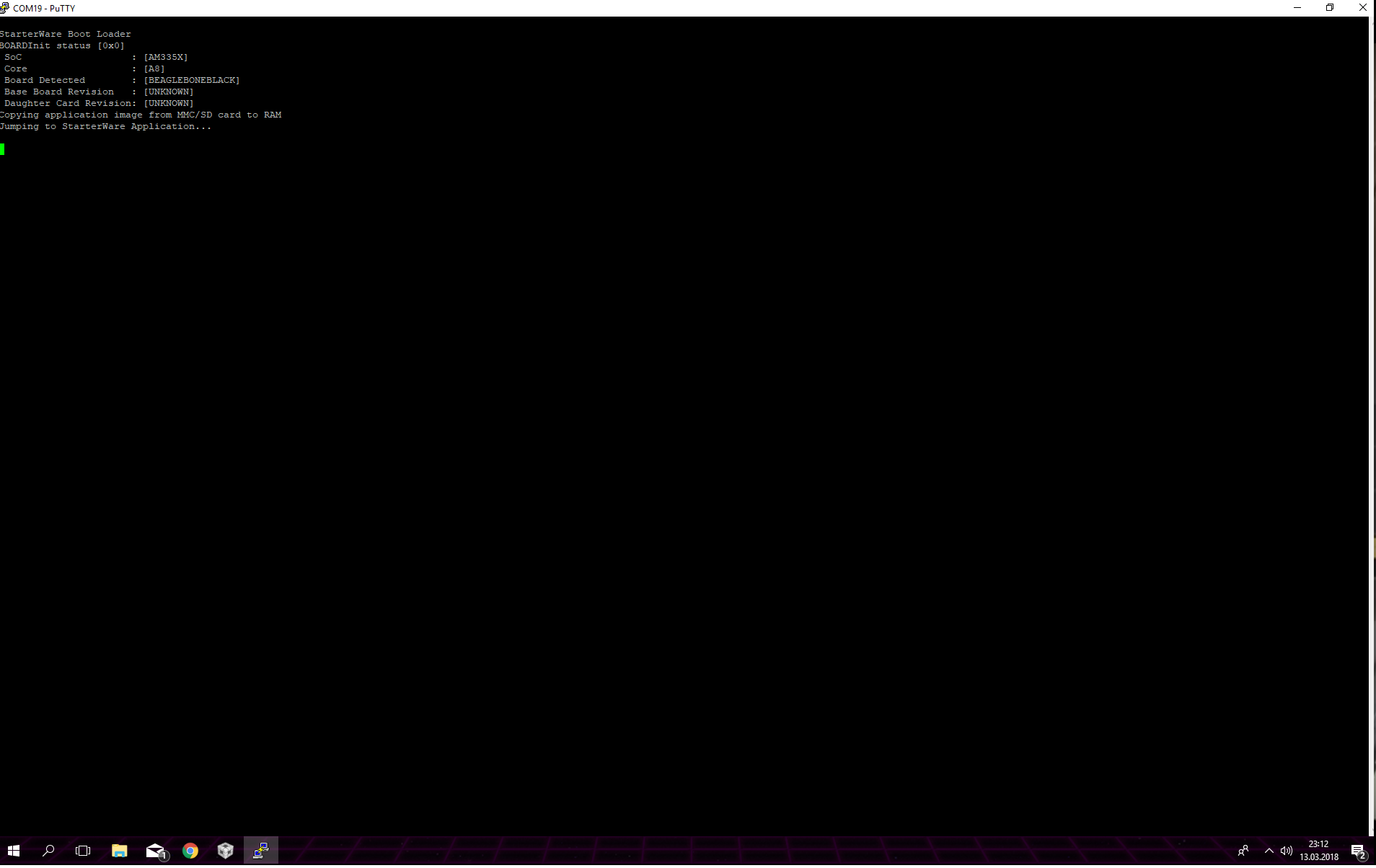
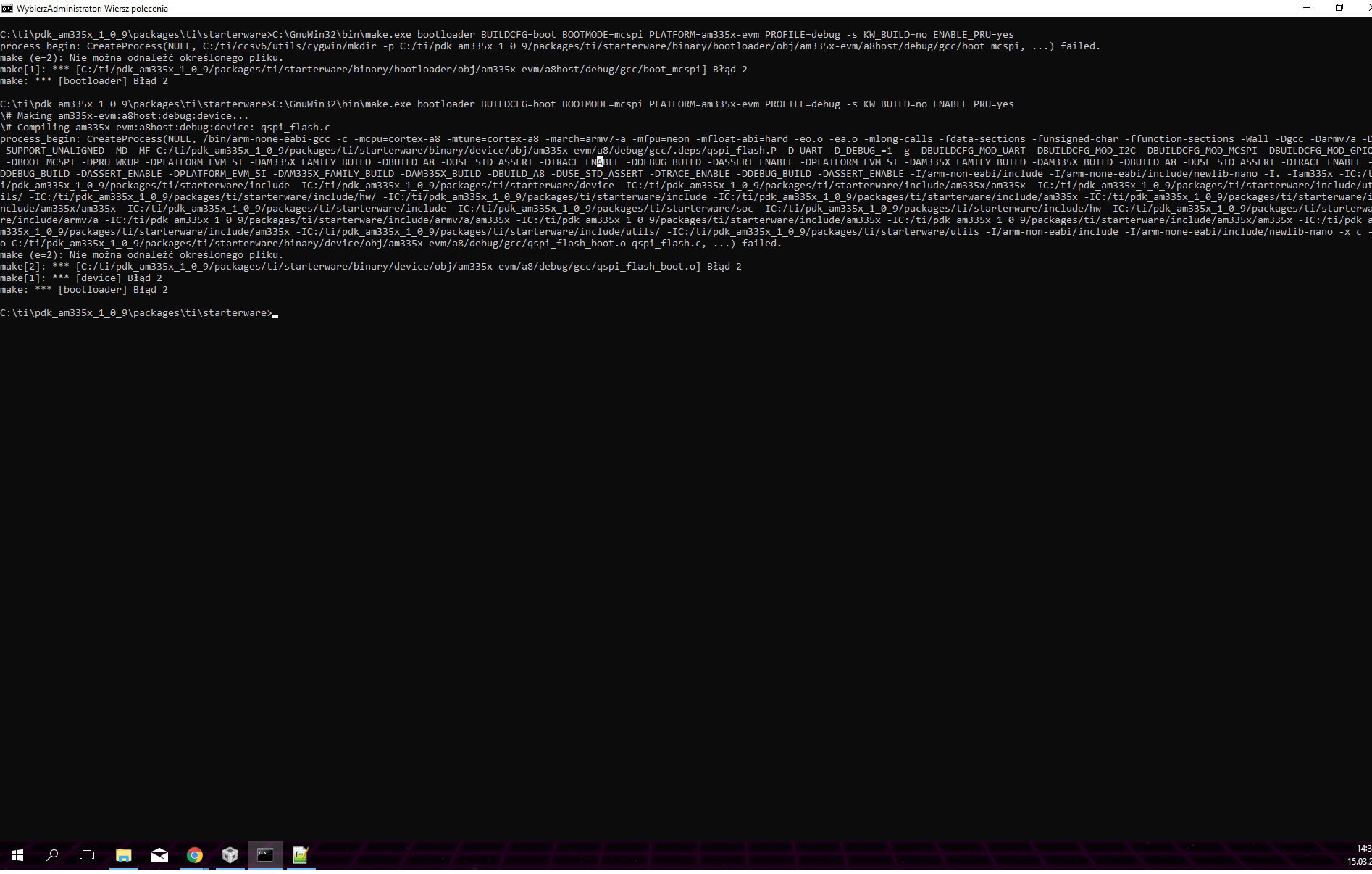
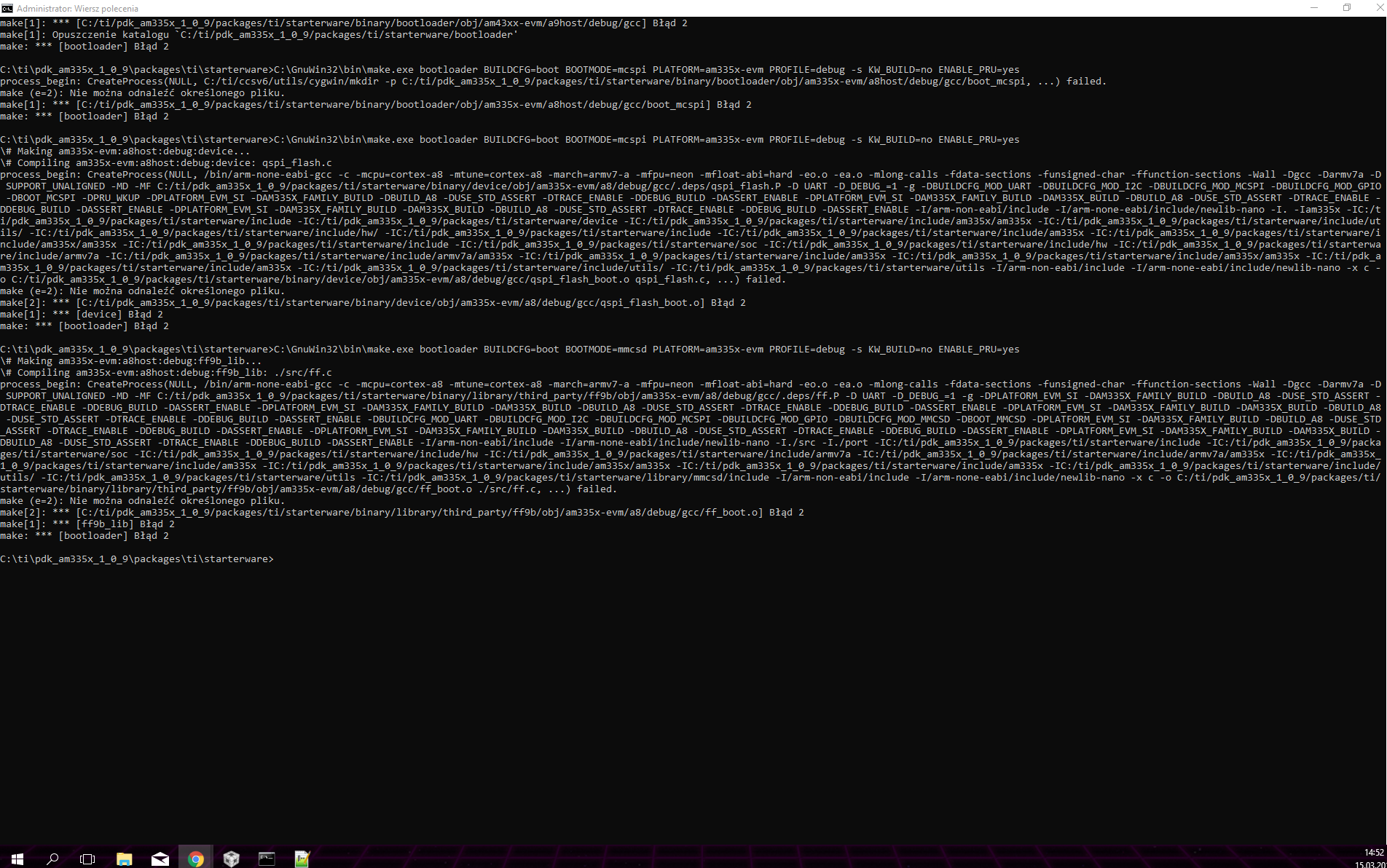
My program didn't start. I tried this solution https://e2e.ti.com/support/development_tools/compiler/f/343/t/669472?tisearch=e2e-sitesearch&keymatch=am335x%20ti%20rtos%20sd%20card%20ti%20bin%20image