Part Number: TDA2EG
Hi
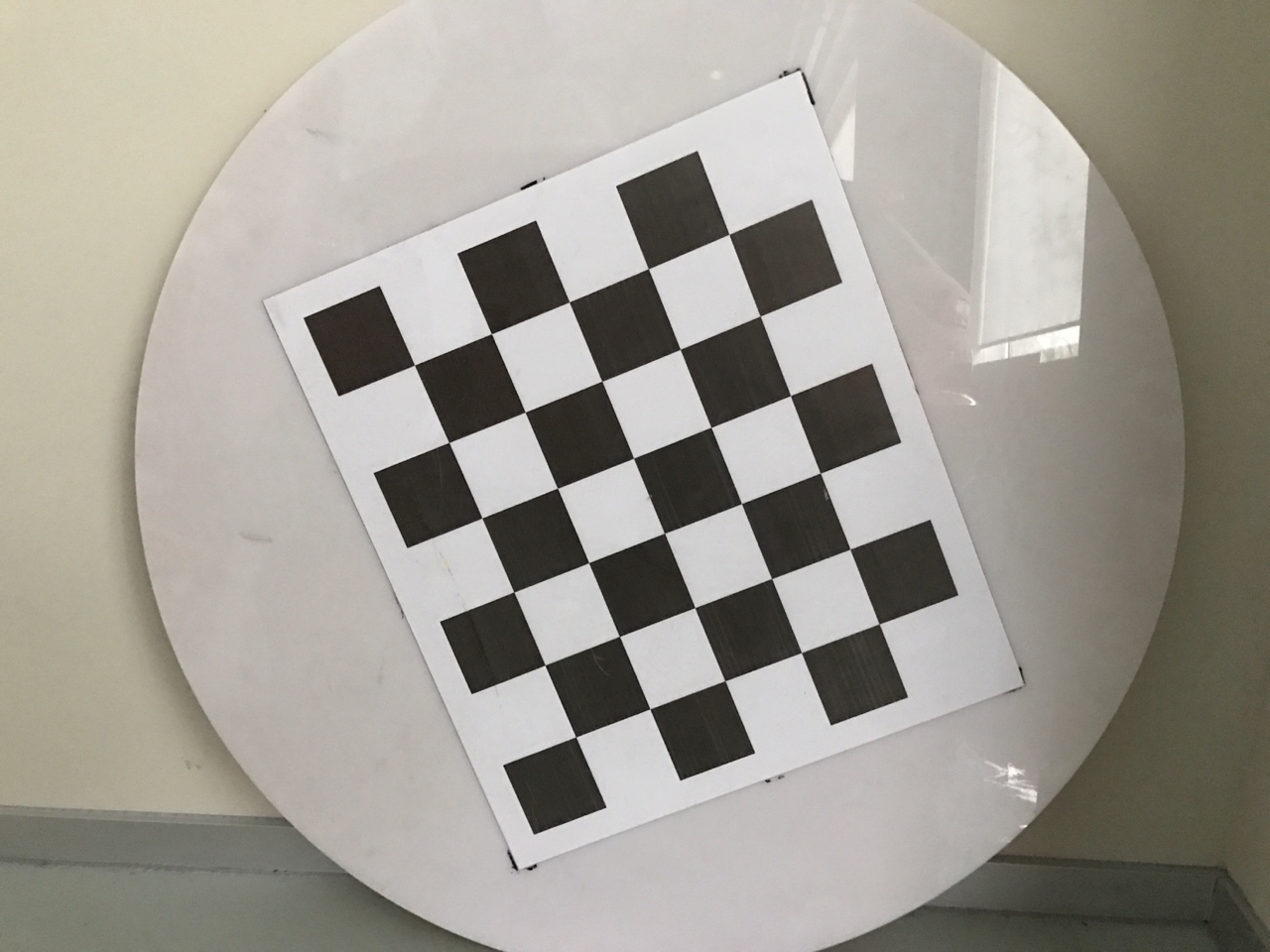
I am calibrating the 2D surround view. But i found that there are some little problem with 2D Surround View Calibration Checkered Pattern.
The "vision_sdk\apps\tools\surround_vision_tools\docs\Checkers_for_2D_calibration.doc" is opened as follows:
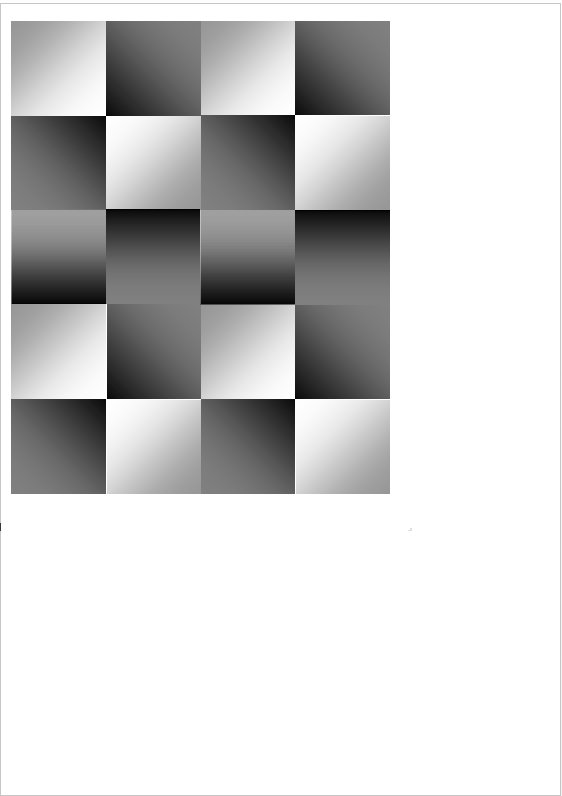
when i choose to print it as A4:
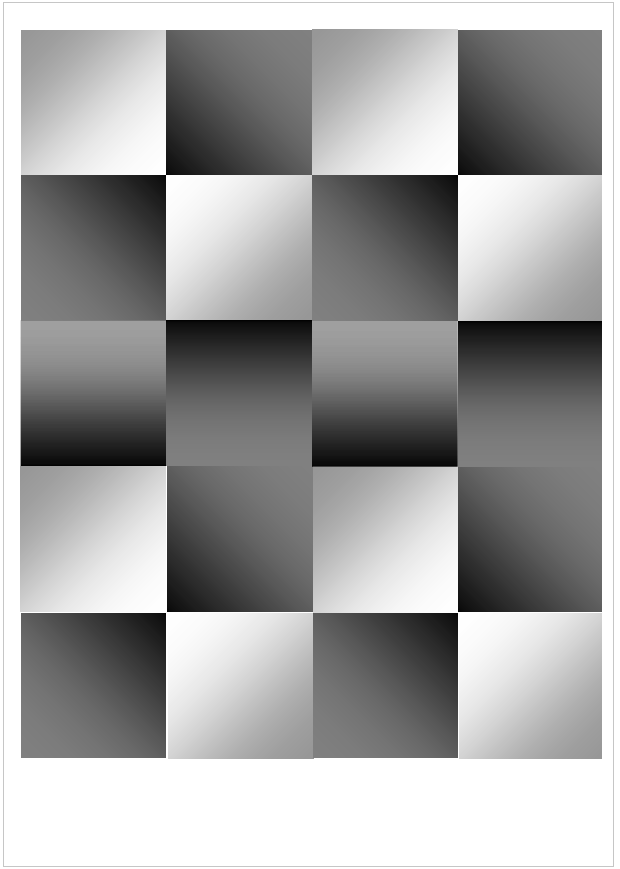
As you see that there is a obvious white margin at the bottom of this calibration chart. The correct calibration chart should be like follows with the same margin of top/bottom/left/right:
So, is there some problem with the Checkered Pattern provided by VSDK, or should i change some print configuration to print it correctly?
Thanks
xuanbo