Tool/software: Code Composer Studio
I am trying to add another GPIO output pin in an existing project. The pin is bank 1 pin 12. However, setting the direction to output and setting the pin high does not have any affect. I noticed that there is a patch of code in a configuration routine that sets values for the PINMUX1 through PINMUX19 registers as defined in evmc6747.h. I suspect that this configuration is related to why I cannot manipulate the pin. Is there documentation on how these values are determined and used? My DSP/BIOS version is 5.42.109 and I am using version 5.5.0.00077 of Code Composer. Below is a the code that sets these values.
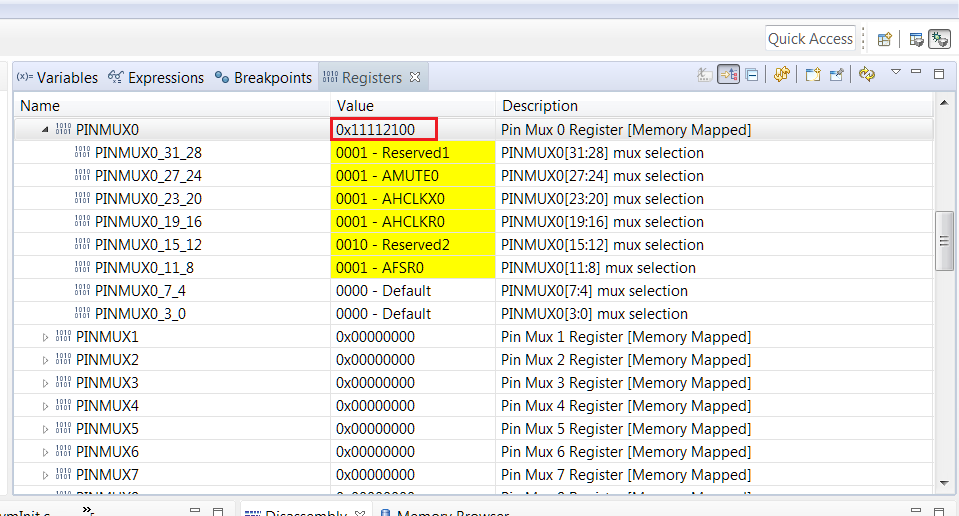
PINMUX0 = 0x11112100;
PINMUX1 = 0x11111111;
PINMUX2 = 0x01111111;
PINMUX3 = 0x00000000;
PINMUX4 = 0x00000000;
PINMUX5 = 0x11111110;
PINMUX6 = 0x11111111;
PINMUX7 = 0x11111111;
PINMUX8 = 0x21122022;
PINMUX9 = 0x08000002; // GPIO_WATCHDOG_WDI, GP2, 15, GPIO_OUT
PINMUX10 = 0x00000000;
PINMUX11 = 0x11101100;
PINMUX12 = 0x11111110;
PINMUX13 = 0x88011111;
PINMUX14 = 0x00088888; // GPIO0[6]
PINMUX15 = 0x88000000;
PINMUX16 = 0x88888888;
PINMUX17 = 0x00088088; // GP1[10], GP1[11] for wireless module RTS/CTS
PINMUX18 = 0x00000000;
PINMUX19 = 0x00000008;