This thread has been locked.

If you have a related question, please click the "Ask a related question" button in the top right corner. The newly created question will be automatically linked to this question.

Linux/TMDX654IDKEVM: Creating custom bitbake image

Part Number: TMDX654IDKEVM

Tool/software: Linux

Hello,

So far I have familiarized myself with bitbake build process. I was following the guide on adding a custom recipe and wanted to add python-kafka recipe from meta-openstack.

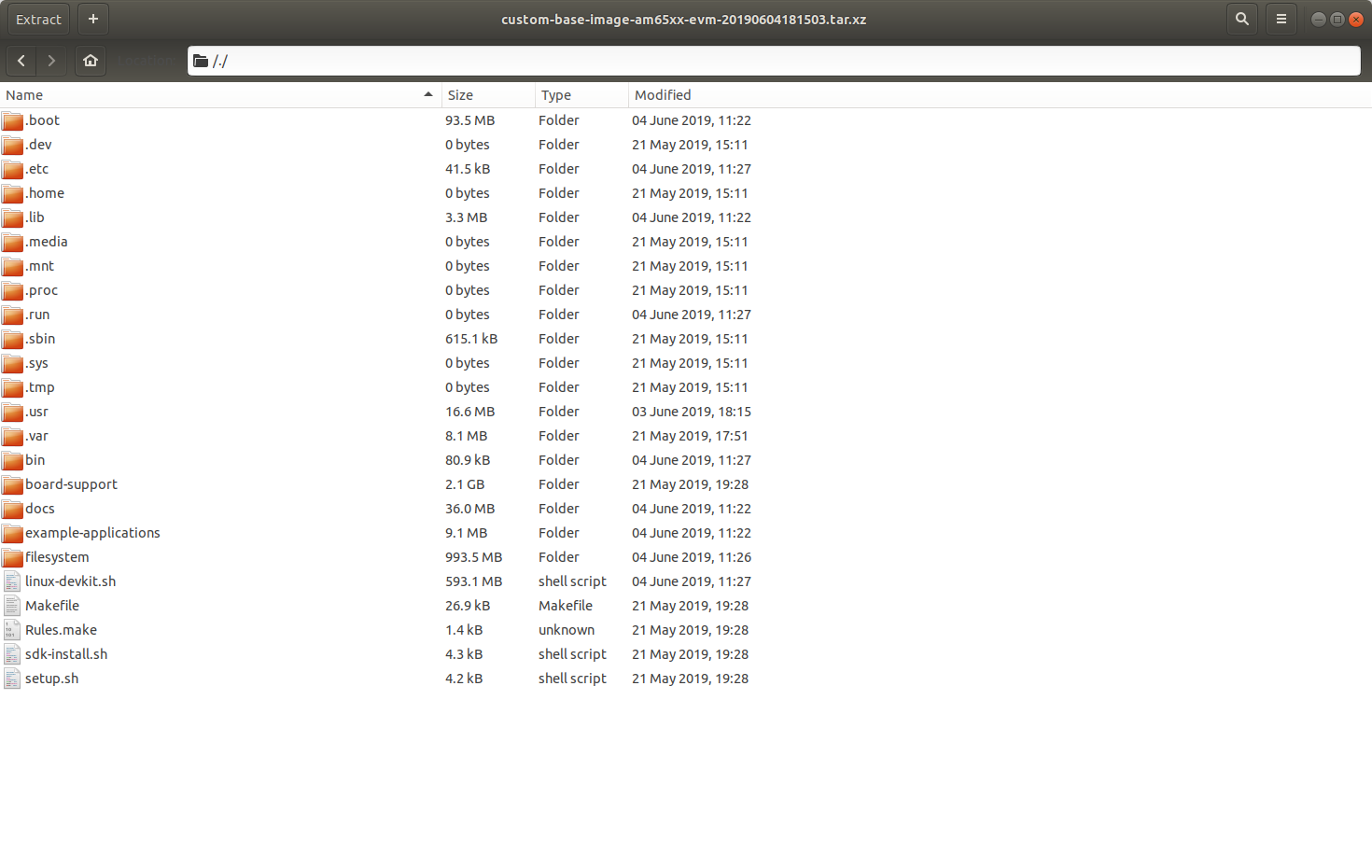
After adding the recipe in a custom layer meta-custom and having the image as "custom-base-image" requiring arago-core-tisdk-image when the package was built, it had the following contents.

Previously, I would just untar the rootfs in the rootfs partition of my SD card and it would work. I wanted to understand, how do use this package for getting the rootfs on the SD card which has my custom recipe built in.
  • Hello Prateek,

    Prateek Khatri said:
    So far I have familiarized myself with bitbake build process. I was following the guide on adding a custom recipe and wanted to add python-kafka recipe from meta-openstack.

    Make sure that you have the line <absolutepath-to-tisdk>/sources/meta-openstack \ added to BBLAYERS += " \ in <tisdk>/build/conf/bblayers.conf and have the IMAGE_INSTALL += "python-kafka" line in <tisdk>/build/conf/local.conf file.


    Prateek Khatri said:
    Previously, I would just untar the rootfs in the rootfs partition of my SD card and it would work. I wanted to understand, how do use this package for getting the rootfs on the SD card which has my custom recipe built in.

    You need to extract that archive and you will find your custom recipe build rootfs within the filesystem directory.

    Best regards,
    Kemal