This thread has been locked.

If you have a related question, please click the "Ask a related question" button in the top right corner. The newly created question will be automatically linked to this question.

PROCESSOR-SDK-AM335X: Qmake not accessible

Part Number: PROCESSOR-SDK-AM335X


Hello,

Ubuntu 18.04 Virtual Machine

QT Creator 4.11.0

TI SDK 03.03.00.04

 I am trying to get QT running with the TI SDK but am having an issue. Basically I cannot access the qmake file in either QT or when I try to qmake a .pro file in a terminal. It keeps saying the file does not exist when it clearly does. Safe to say it is not a QT issue, so what could it be? I made sure to source environment-setup, and it is certainly in the linux-devkit (i did the echo test and it worked).

Is it possible the bash script is wrong? 

Networx Cat6 RJ45 Modular Connector with Load Bars - 100 Pack

  • Hello,

    I am wondering if you could please refer to the following guide. Also, you are using an older version of SDK/Qt and please migrate to latest SDK and Qt5.11.3.

    Regards,
    Krunal

  • Yes I have followed this guide and set this up on several computers. Unfortunately upgrading is not an option at this time, but will be very soon. 

    Do you have any ideas why it would claim the path is not there when I can visually disprove that?

  • Hello,

    Could you please share the error images you are observing on the terminal? I just downloaded the PSDK3.03 on the Ubuntu 1804 machine and I was able to run the hello world example without any problems. Also, here is the qmake version information:

    QMake version 3.0
    Using Qt version 5.6.2 in /psdk_linux/am335x/ti-processor-sdk-linux-am335x-evm-03.03.00.04/linux-devkit/sysroots/armv7ahf-neon-linux-gnueabi/usr/lib
    

    If possible, could you try updating the Qt version from 4.11 to 5.6.2?

    Regards,
    Krunal

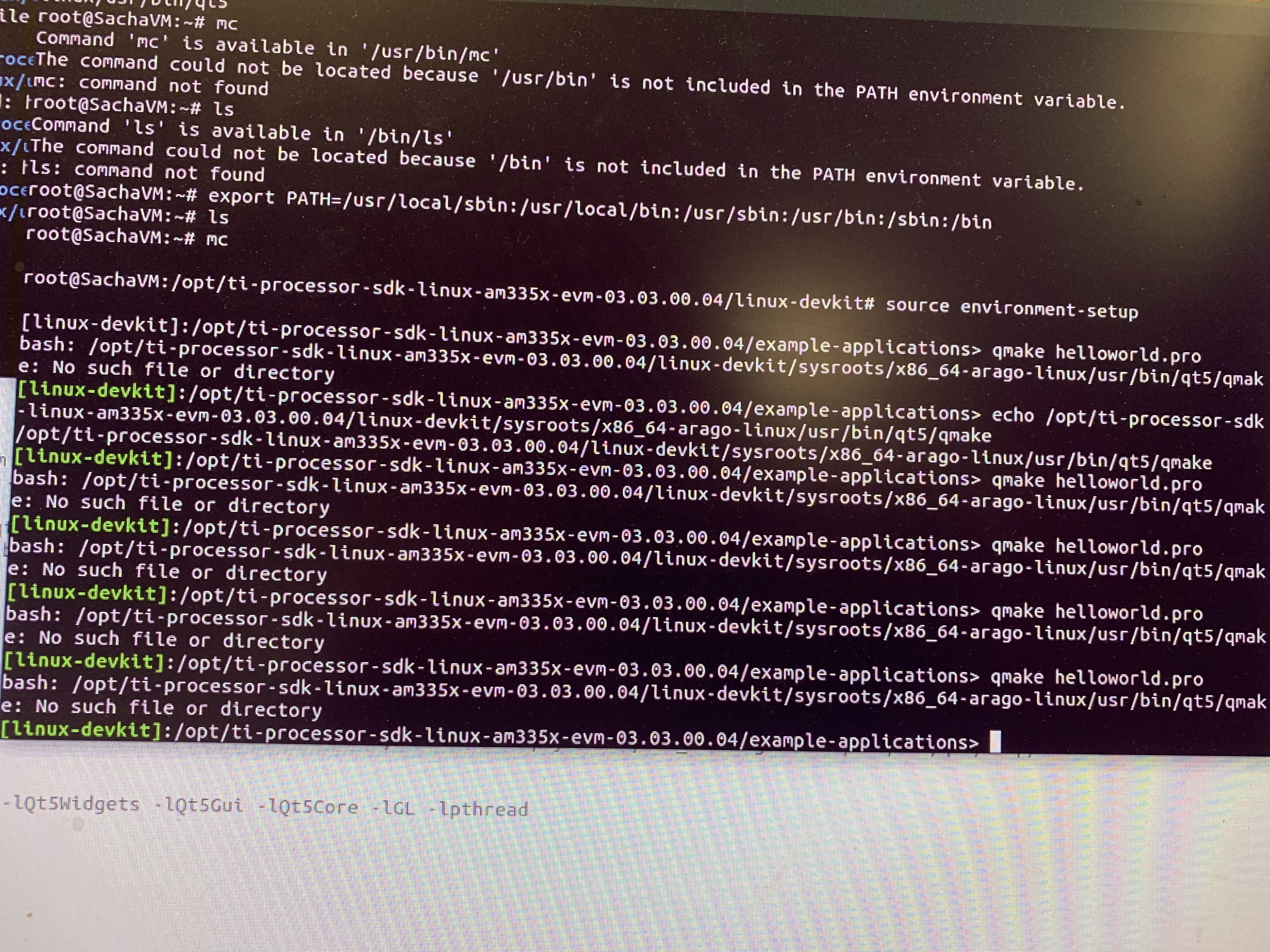
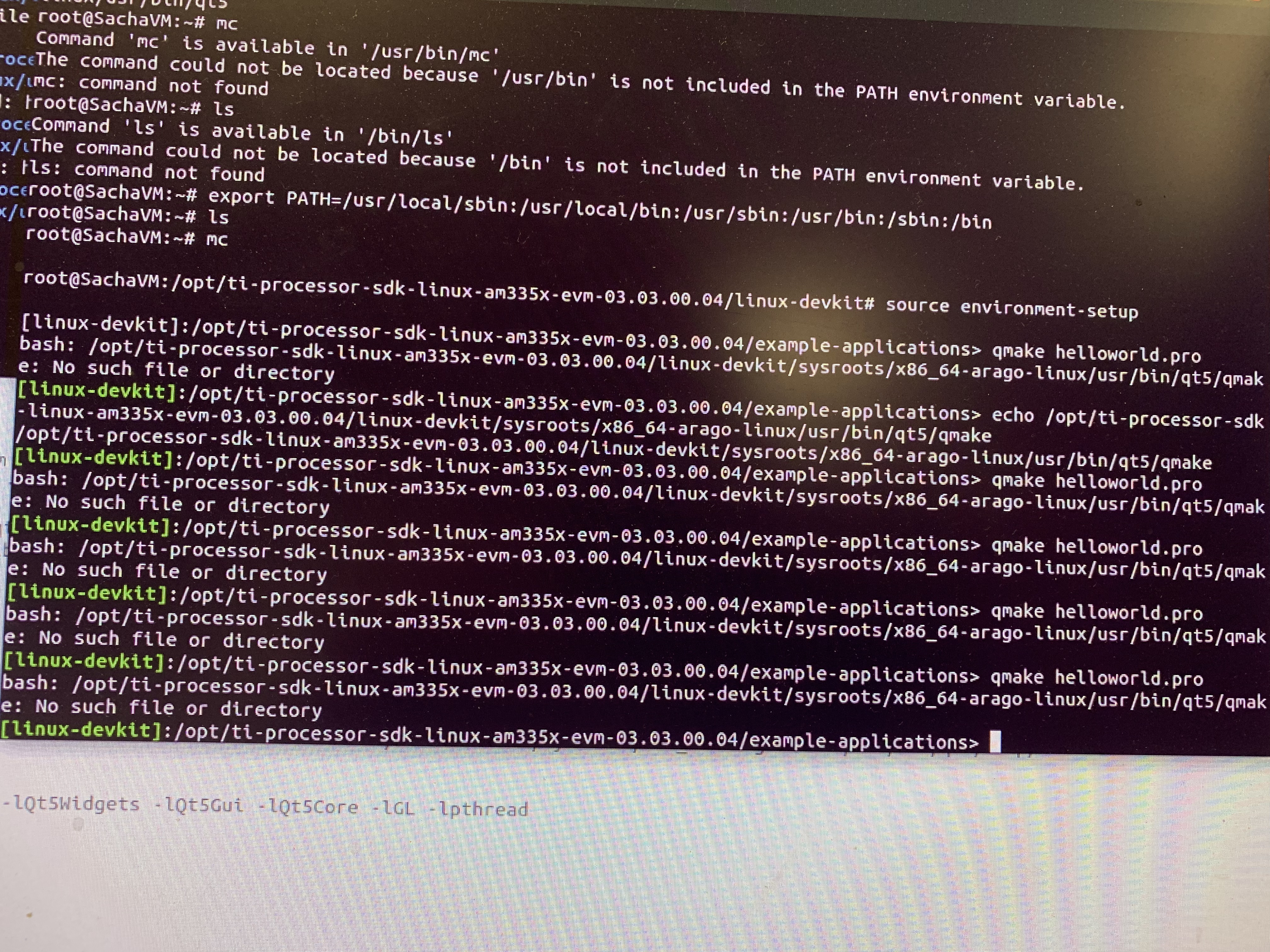
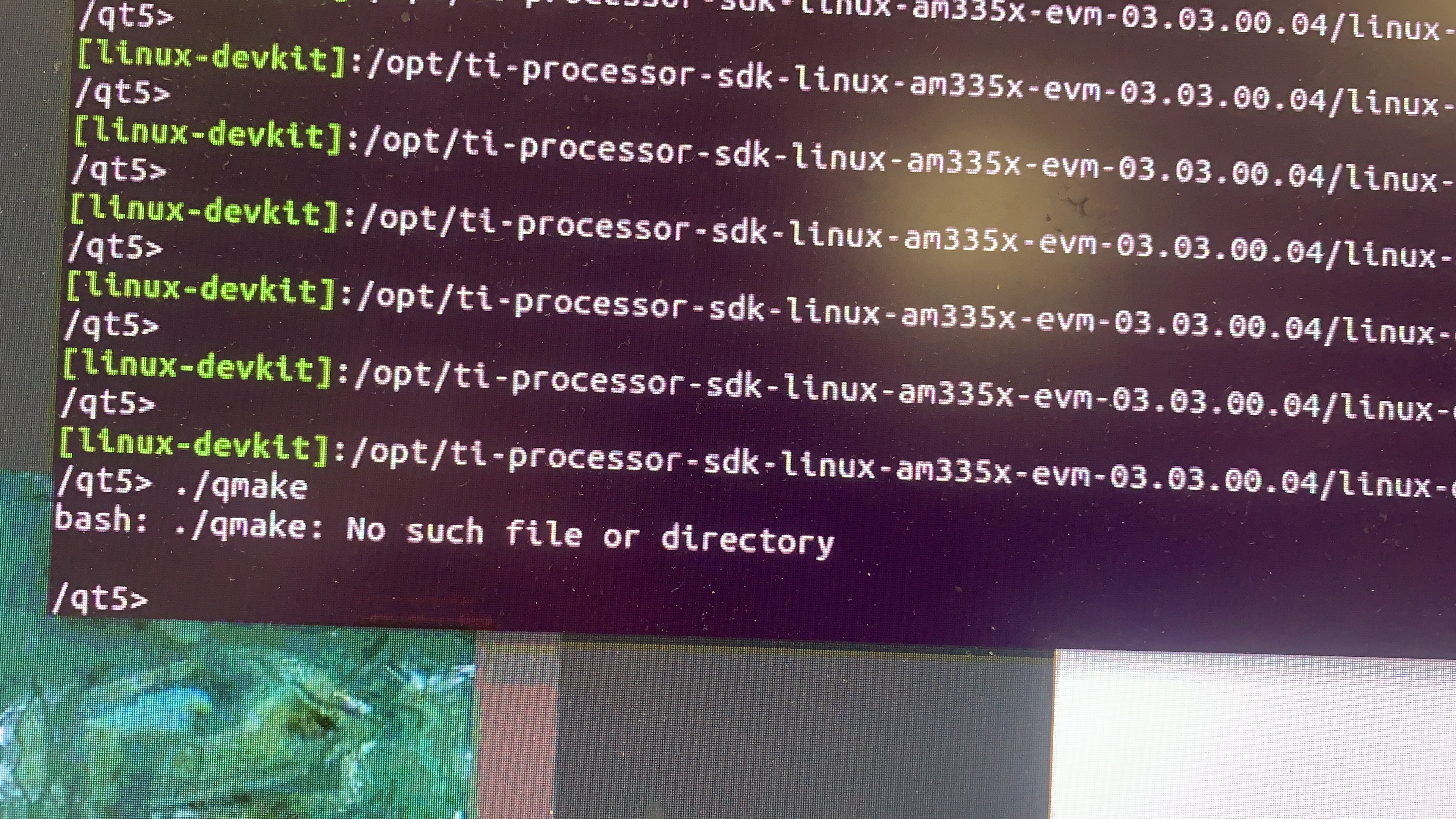
  • Hers is a picture of the error, at the bottom.

    It claims that the file (qmake) does not exist yet here is a screen shot disproving that:

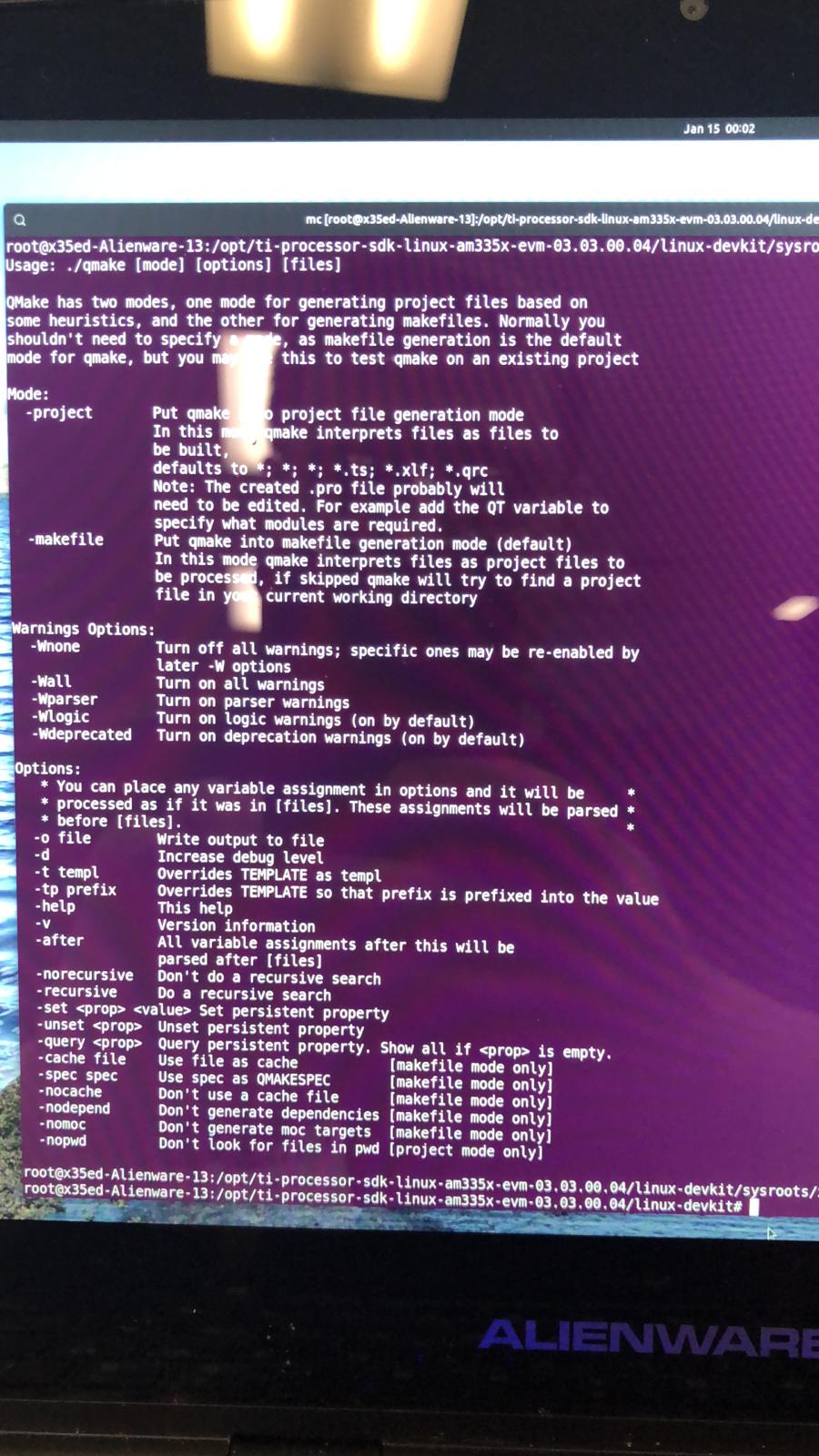
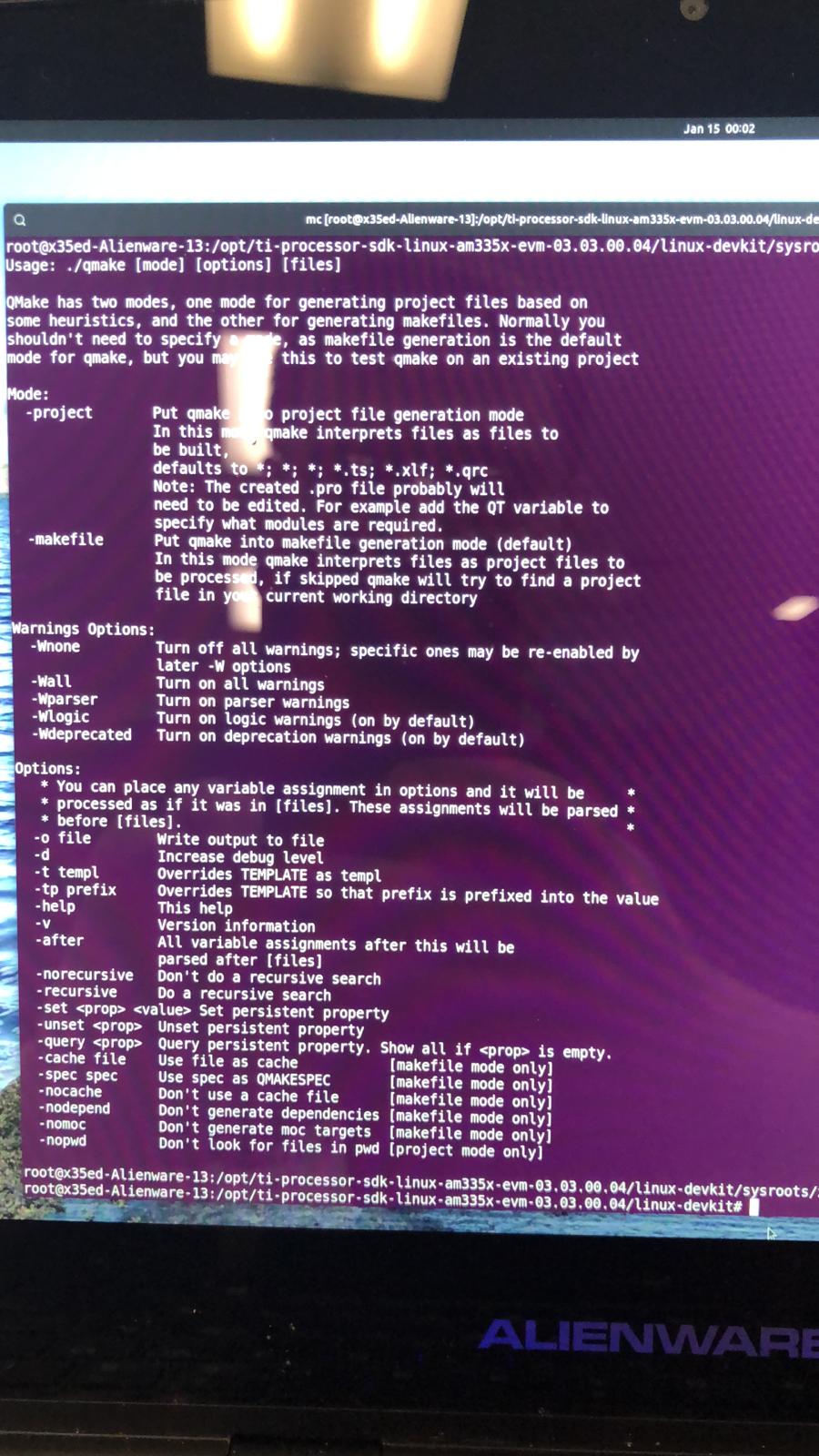
    I tried running the qmake executable directly. Normally you would expect this:

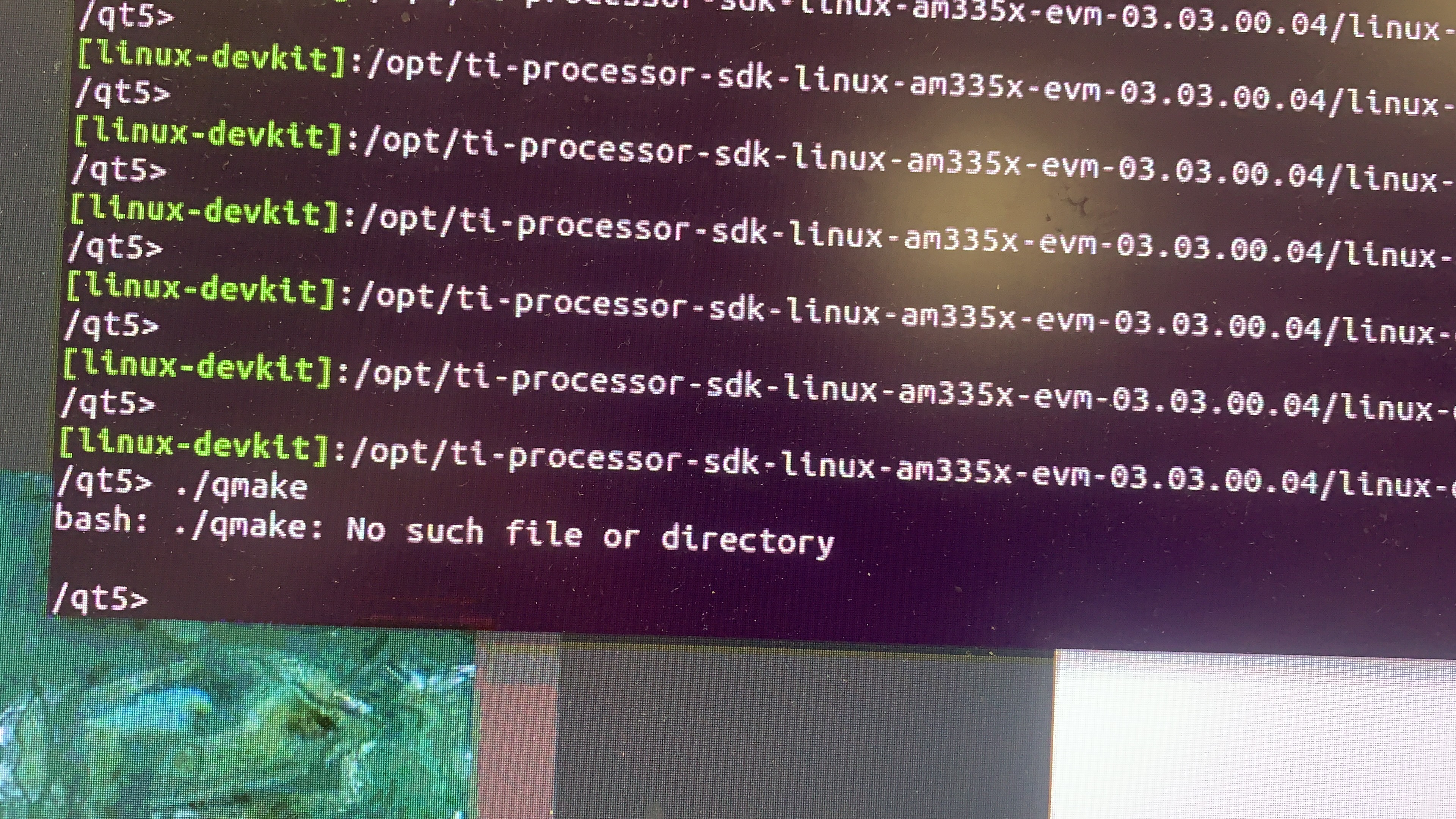
    However, I get the following error:

    So I tried using the sudo command to run qmake and it actually created the makefile. So does that mean that this is a permissions issue? I am certain you are not supposed to use the sudo command in the devkit

  • Hers is a picture of the error, at the bottom.

    It claims that the file (qmake) does not exist yet here is a screen shot disproving that:

    I tried running the qmake executable directly. Normally you would expect this:

    However, I get the following error:

    So I tried using the sudo command to run qmake and it actually created the makefile. So does that mean that this is a permissions issue? I am certain you are not supposed to use the sudo command in the devkit

  • Hello,

    Instead of using the "/opt" folder, could you please install the PSDK in the "/home" folder? Based on my understanding, the "/opt" folder has special permissions and "sudo" command is needed for certain operations. 

    Regards,
    Krunal

  • So I know that this is a few weeks old but I will update my status. I tried switching to a dual boot ubuntu 18.04. installed QT 5.14.1 and tried the 03.03.00.04 sdk again. The same exact error came up, I installed it in opt and then tried home, no difference. it is incredibly odd as I have no idea why this is happening. I followed the hands on procedure step by step, qmake just refuses to run.

  • Hello,

    Unfortunately, I am not able to replicate your issues on my setup. I have a Ubuntu 1804 machine with PSDK3.03 installed and I was able run qmake without running the sudo command.

    Regards,
    Krunal