Part Number: AM3358
Other Parts Discussed in Thread: CCSTUDIO
Tool/software: Code Composer Studio
Hi,
I am trying to run a simple Hello world on TI AM3358 starter kit using CCStudio v10 and did the following:
- Powered board without SDCard and turned it on by holding PowerON switch.
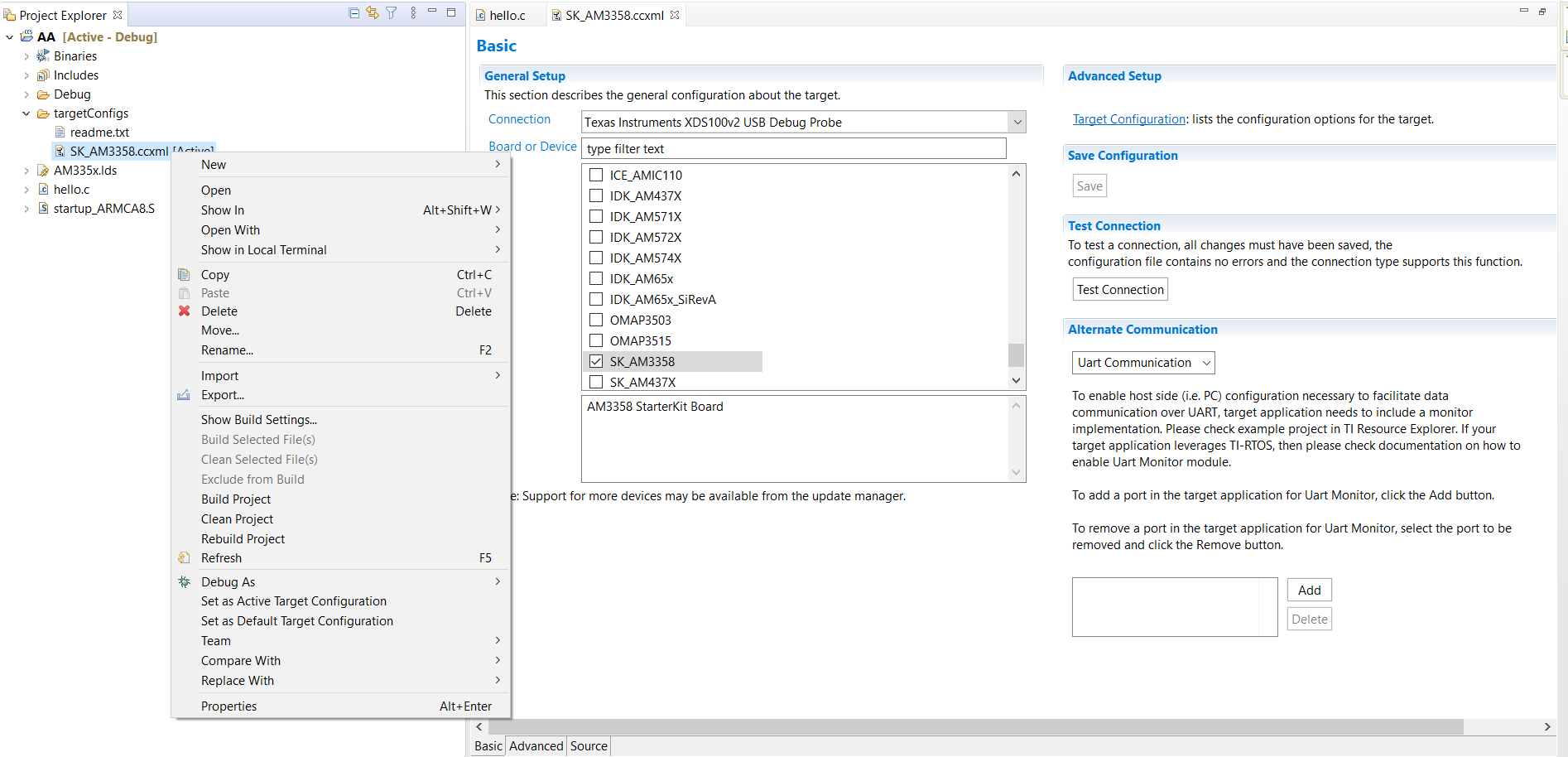
- In CCStudio, created new CCS project (Basic Example - Hello World) with Target - SK_AM3358, Connection - XDS100v2 Debug probe (verified connection).
- Built project successfully.
- Created Debug config under CCS device debug with only CortexA8 selected (in Main tab).
- When I click run, it throws error saying device cannot be connected and it is in reboot loop.
All I am trying to do is to run a simple hello world program. Could you please help me in understanding what is wrong here and how do I fix this. Is it looking for SDcard and how do I erase this part?
Regards