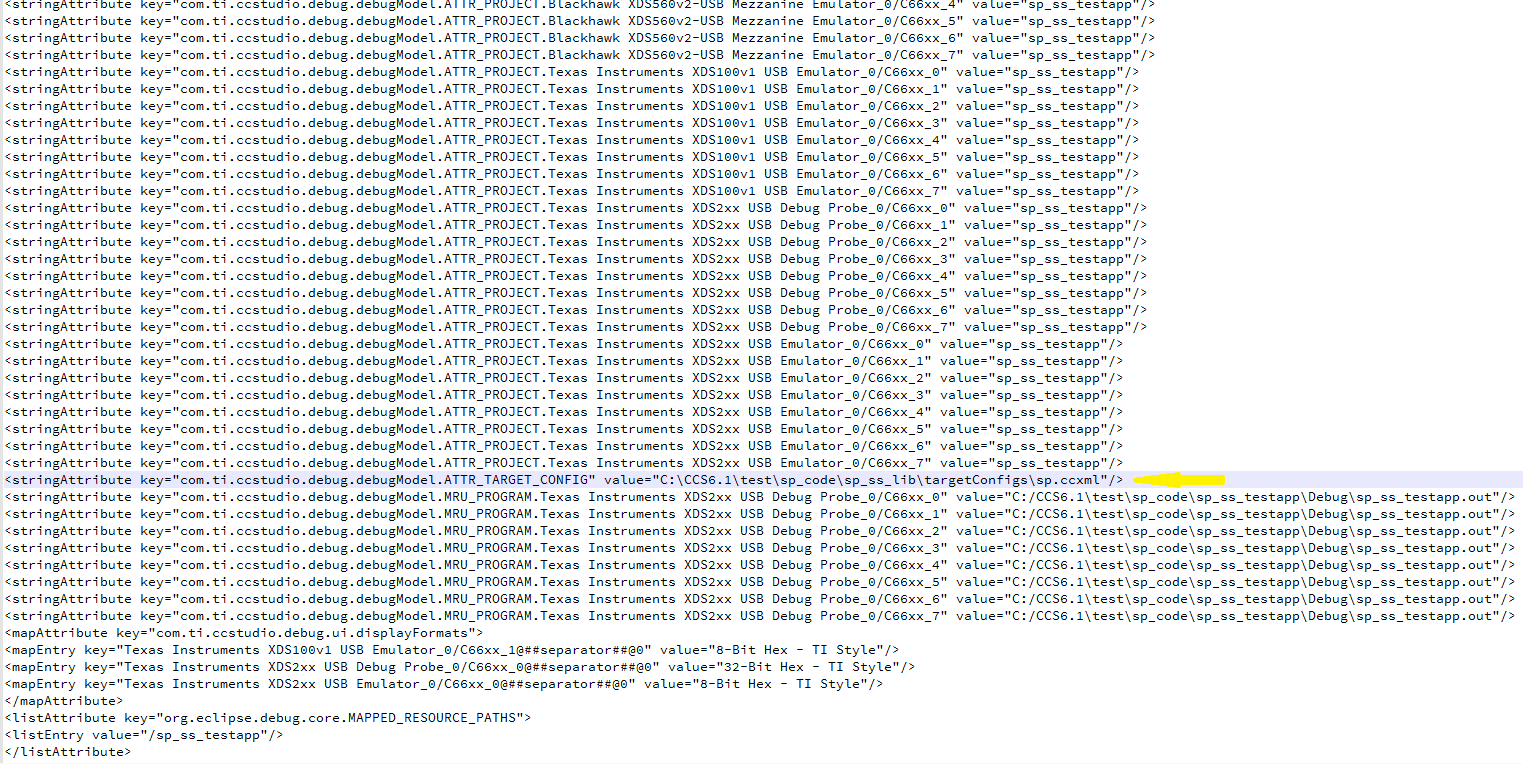
I have a workspace which contain several CCS projects that working together to produce outcome. I exported this workspace by select all of its folders(CCS projects), so it becomes a .zip file. My idea is keep the old workspace as it is. Build a new workspace then import this .zip file. When I build this new workspace, it complain missing one of the CCS project's location file which could not be found. Because that folder it's originally from Git when I build the old workspace. I copy paste that folder from Old workspace to this new workspace. It builds successfully, but when it runs, the ccxml file which is for target still point toward old workspace. I don't know where and how to fix this issue. I went to each of the folder make sure all of the paths either link to the TI folder or this new workspace folder. I check the gel file make sure they link the gel file from TI folder as well. I am running out of the ideas.

-
Ask a related question
What is a related question?A related question is a question created from another question. When the related question is created, it will be automatically linked to the original question.