This thread has been locked.

If you have a related question, please click the "Ask a related question" button in the top right corner. The newly created question will be automatically linked to this question.

CCS: Imported CCS Project does not have the code changes I made

Other Parts Discussed in Thread: CC2650

Tool/software: Code Composer Studio

Hi,

   I did the procedure below, I import the modified CCS Projects " hid_xxx_kbd_cc2650em_app and hid_xxx_kbd_cc2650em_stack" to my work PC with CCSV7. But, the code modifications I did at my home PC, was not there. I had to do the code modifications again.

Setup:

  1. CCSV7
  2. Windows 10
  3. CC2650 Launchpad
  4. Example Program Location: C:\ti\simplelink\ble_sdk_2_02_01_18

Procedures:

  1. Import CCS Project hid_emu_kbd_cc2650em_app and hid_emu_kbd_cc2650em_stack.
  2. Rename CCS Projects to hid_xxx_kbd_cc2650em_app and hid_xxx_kbd_cc2650em_stack.
  3. Do code modifications
  4. Export CCS Projects hid_xxx_kbd_cc2650em_app and hid_xxx_kbd_cc2650em_stack to USB Flash Drive
  5. Imprt CCS Projects hid_xxx_kbd_cc2650em_app and hid_xxx_kbd_cc2650em_stack to another PC with CCSV7

- kel

  • Markel,

    Were the code modifications done on linked source files (ie files that were still in the sdk directory) or on files that were physically inside the project folder? I believe in the SDK examples, most, if not all files are linked files.

    Either way, I can't seem to reproduce this. Could you try it out again and let us know if it is something you can reproduce consistently? If so we might need to get some additional details about the exact steps/modifications etc.

  • Hi AartiG,

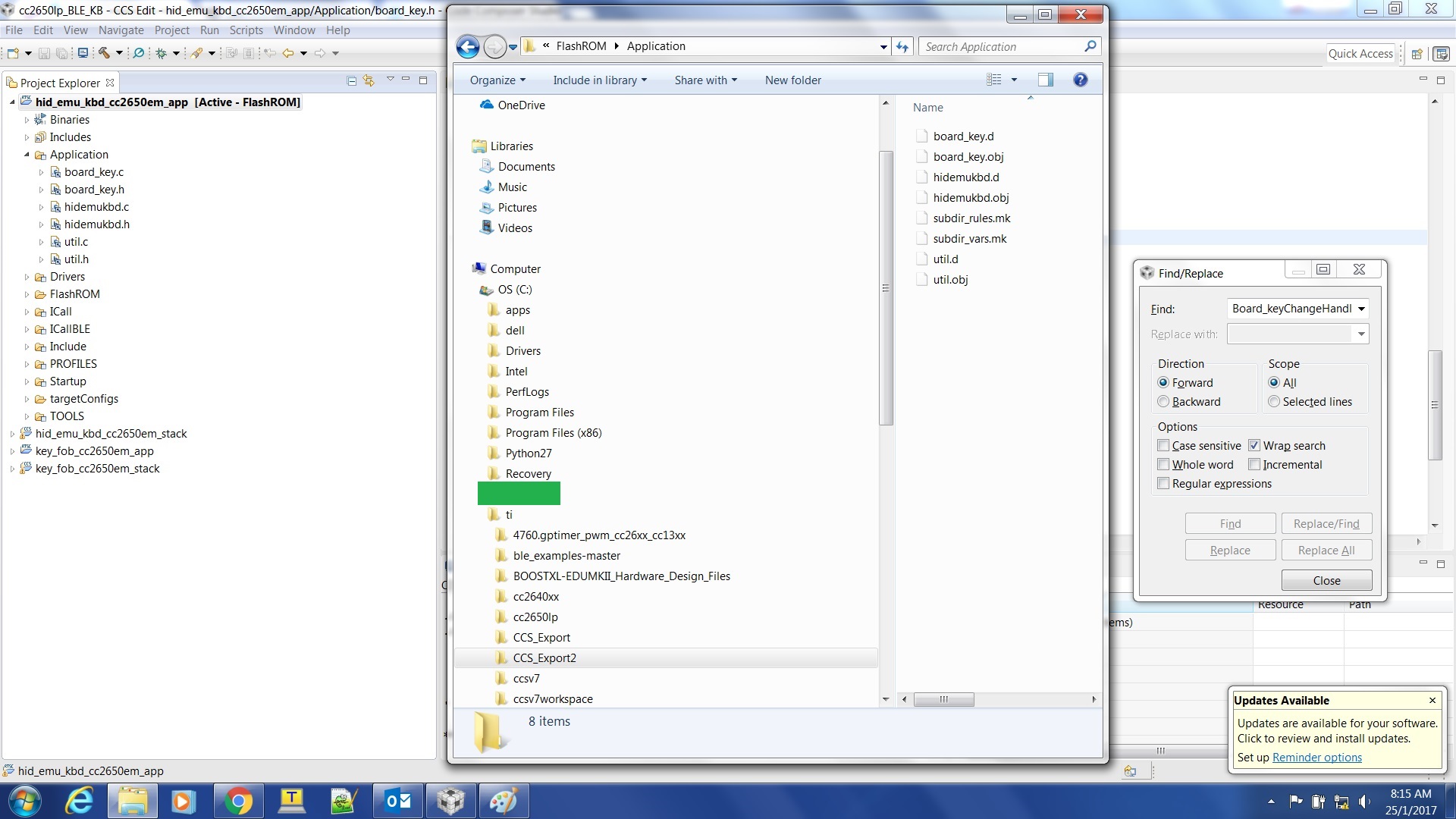
        I have exported CCS Projects before. I can see the code files at the exported folder. For these CCS Projects below, the code files can not be found at the exported folder.

    No code files at exported folder

    -kel

  • I think the problem is that even if Import the CCS Project to workspace the files are not copied to workspace, but linked. This is a problem especially if I want to get a fresh or original copy of the CCS Project.

    - kel
  • Hi,

    I am also asking help about this at BLE Forum. See, post below.

    e2e.ti.com/.../569774

    - kel
  • Markel Robregado said:
    I think the problem is that even if Import the CCS Project to workspace the files are not copied to workspace, but linked. This is a problem especially if I want to get a fresh or original copy of the CCS Project.

    If source files are linked to a project then even if you copy the project to workspace the files will still be linked from their original location. Since these SDK projects are set up mostly with linked files, this is the expected behavior.

    I saw your other post in the BLE forum. For projects that have projectspec files, you can use the workaround provided there of editing the file to copy the source file instead of linking it. This could work well if you plan to modify just a few files. However, if the project is not set up via projectspec and/or you plan to modify a good part of the code then it might be better to make a copy of the entire SDK directory and make modifications to the copy.
    http://processors.wiki.ti.com/index.php/Creating_copy_of_example_project#BLE-Stack_examples_.28SimpleLink.29