


Other Parts Discussed in Thread: CCSTUDIO
Tool/software: Code Composer Studio
Background : I've been successfully using this emulator with the 28069 and CCS, on a regular bassi for over 3 years, and this is the first time I've seen these particular errors occur.
When I click the green bug icon to debug , i get this:

If I "Test Connection" on the NewTargetConfiguration2.ccxml screen, I get this
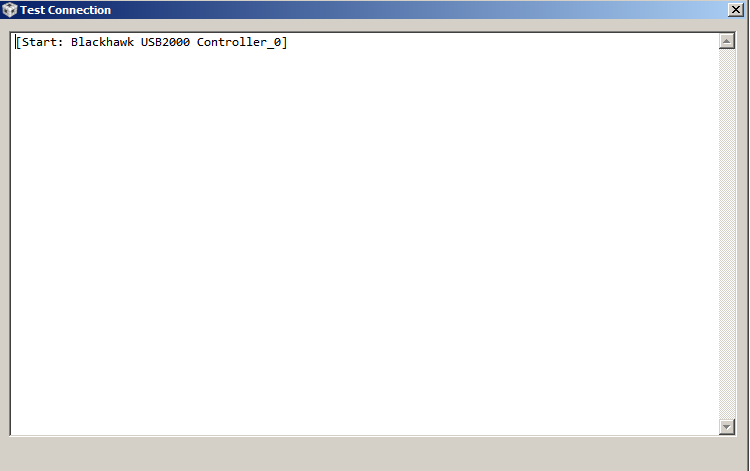
So basically, theBlackhawk USB2000 emulator pod won't even try to communicate in CCSv6 , possibly due to CCS updates in last few weeks. The emulator doesn't even begin the JTAG scan, and gives the following error messages.
- I've created a new CCXML, and a new Project, just to test the emulator alone, without any of my project. I get the same errors for both.
- I tried a new empty workspace as well.
- It is in CCS only. The emulator hardware and cabling is "known good".
- USB2000 is enumerated in Device Manager
- and passes bhprobe scan test http://www.blackhawk-dsp.com/downloads/docs/appnotes/BH-Troubleshooting-UG-03.pdf
- I can communicate and program 28069 device from flashburn 4.1 succesfully.
- I verified that reference files from screenshots are not "marked hidden" by windows Debugger Initialization Error - Code Composer Forum - Code Composer Studio - TI E2E Community
- I've reupdated from the CCS help menu to ensure all componets are up to date, (Antivirus is disabled.)
- added ..\drivers\ and ...\uscif\ directory to PATH variable, and ran ccstudio from command line, with -clean option
- i've tried reverting my CCS installation to before the updates, and before the last known successful session, but that fails per screenshot below.


Is there anything else I can try, before completely deleting CCS and reinstalling?
