Other Parts Discussed in Thread: TMS320F28335
Tool/software: Code Composer Studio
I connected the simulator for the firmware as in the link below, and I can dump the desired area using the Memory save utility.
http://software-dl.ti.com/dsps/dsps_public_sw/sdo_ccstudio/CCSv4/Demos/MemorySave_Load.htm
The selected memory area is downloaded as a COFF file.
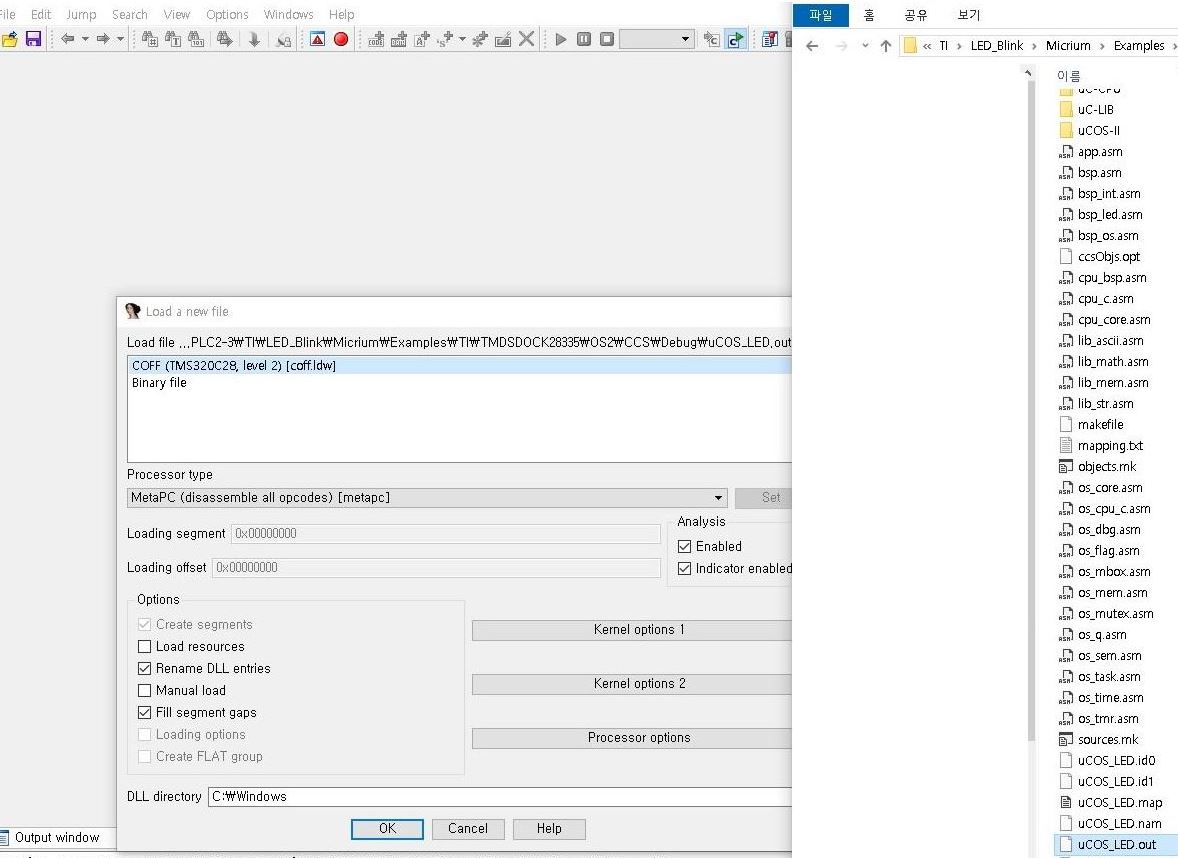
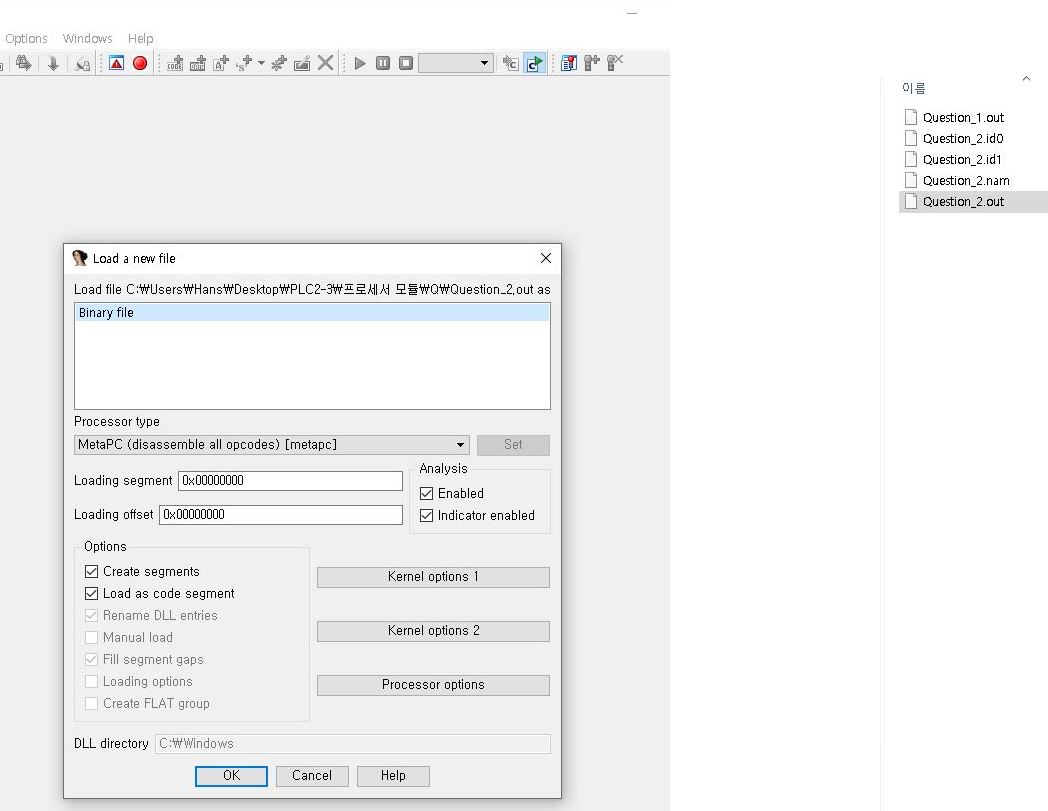
When the corresponding file is opened with the IDA reverse engineering analysis tool, it is recognized as a binary file rather than a COFF file.
I can't seem to convert it to a COFF file, is there a solution?
Thanks, Regards
Han