Other Parts Discussed in Thread: CC2564
I'm working on https://www.ti.com/tool/CC2564CSTBTBLESW and I would like to evaluate A3DP Source Demo. Note that I already worked and confirmed A3DP Sink Demo.
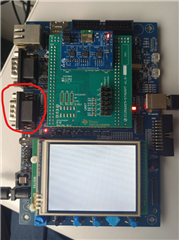
Regarding Source Demo, I would like to know how to interface with the Bluetooth module so I can manage the Source, especially to select which Sink to connect with.
I tried to check with the USB cable I used to program the board, but it doesn't trigger COM port in my device manager.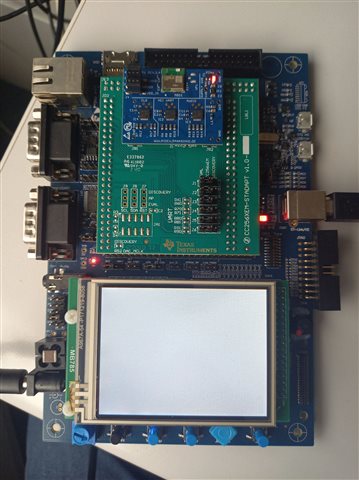
My kit is:
- MCU: STM3240G-EVAL
- Adapter: CC256XEM-STADAPT (https://www.ti.com/product/CC256XSTBTBLESW/part-details/CC256XEM-STADAPT)
- Bluetooth: CC2564 (https://www.mouser.fr/new/panasonic/panasonic-pan1326c2-bluetooth-rf-module/#RelatedContent-7)
I can't find a documentation to learn how to access to Bluetooth interface and select a Bluetooth receiver like speakers or earphones (COM, UART...)?