Part Number: TMDSEMU110-U
Other Parts Discussed in Thread: CC3220SF
Tool/software: Code Composer Studio
Hi,
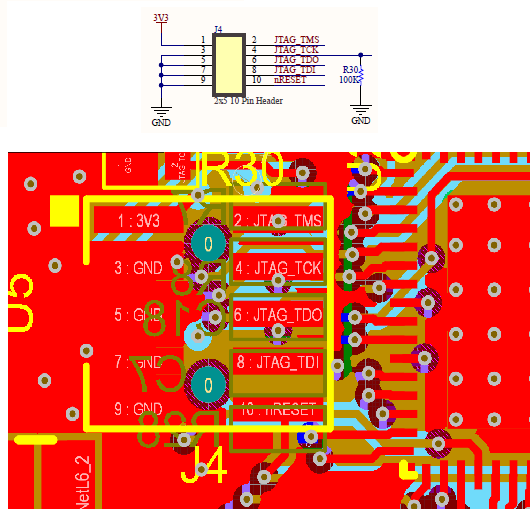
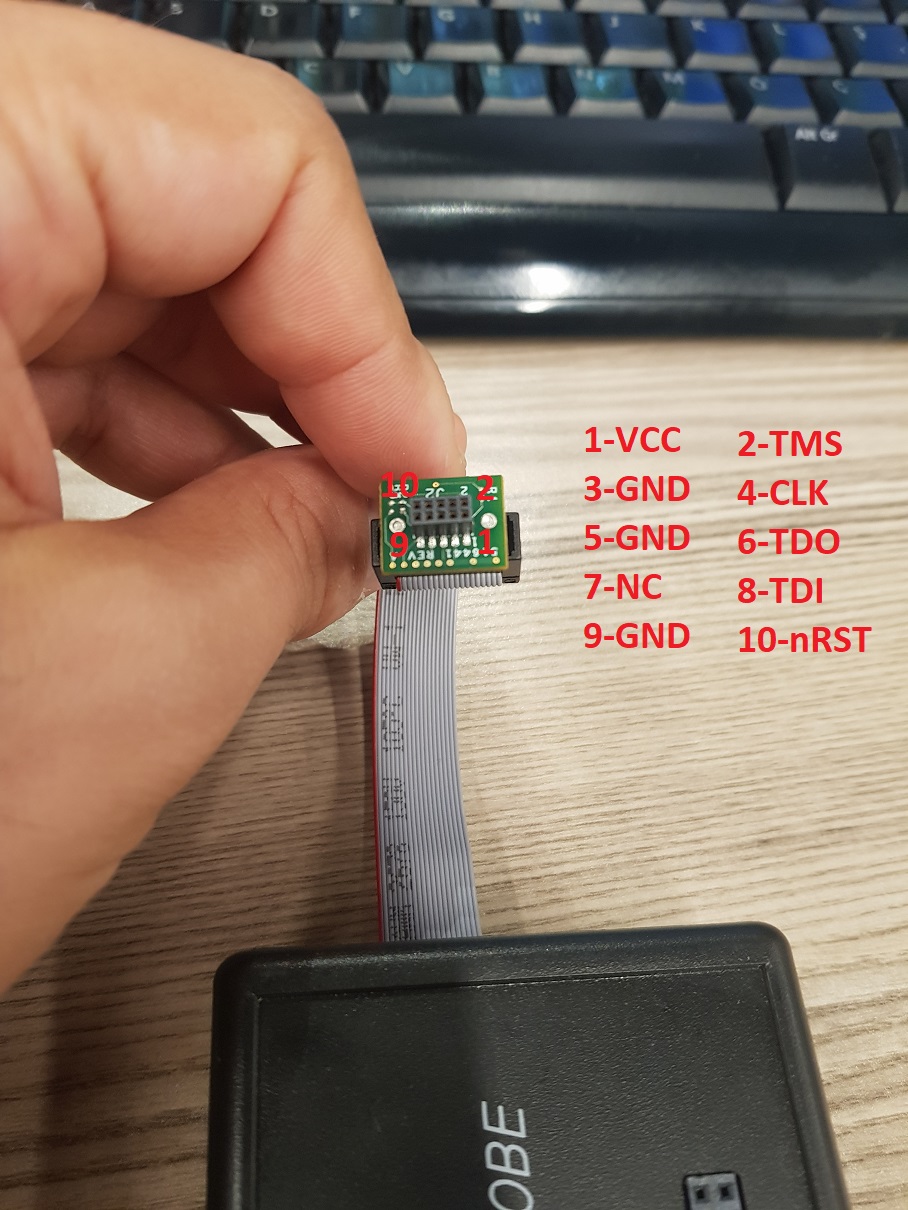
I couldn't Verify "TMDSEMU110-U" device on Code Composer Studio. I use 9.0.1.00004 Version. And ı get below message when I verify device. could you please help me at this issue? How I can fix this problem?
[Start]

Execute the command:

%ccs_base%/common/uscif/dbgjtag -f %boarddatafile% -rv -o -S integrity

[Result]


-----[Print the board config pathname(s)]------------------------------------

C:\Users\Kemal-PC\AppData\Local\Texas Instruments\
    CCS\ccs901\1\0\BrdDat\testBoard.dat

-----[Print the reset-command software log-file]-----------------------------

This utility has selected a 100- or 510-class product.
This utility will load the adapter 'jioxds110.dll'.
The library build date was 'Mar 25 2019'.
The library build time was '17:36:26'.
The library package version is '8.1.0.00007'.
The library component version is '35.35.0.0'.
The controller does not use a programmable FPGA.

An error occurred while hard opening the controller.

-----[An error has occurred and this utility has aborted]--------------------

This error is generated by TI's USCIF driver or utilities.

The value is '-267' (0xfffffef5).
The title is 'SC_ERR_XDS110_TARGET_SUPPLY'.

The explanation is:
The controller could not detect valid target supply. Check target
JTAG connection and/or connection setting specifying voltage level.

[End]