A related question is a question created from another question. When the related question is created, it will be automatically linked to the original question.
If you have a related question, please click the "Ask a related question" button in the top right corner. The newly created question will be automatically linked to this question.
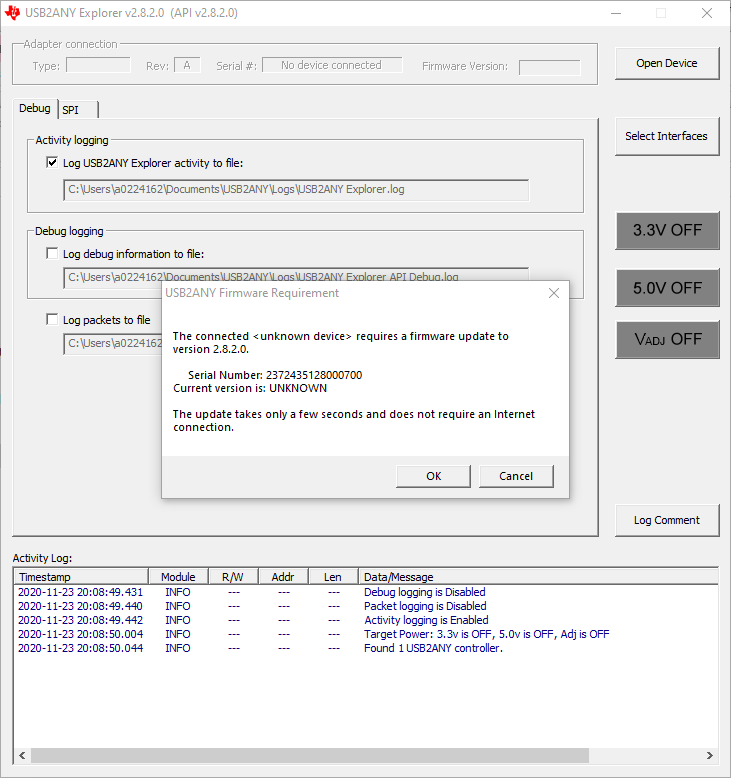
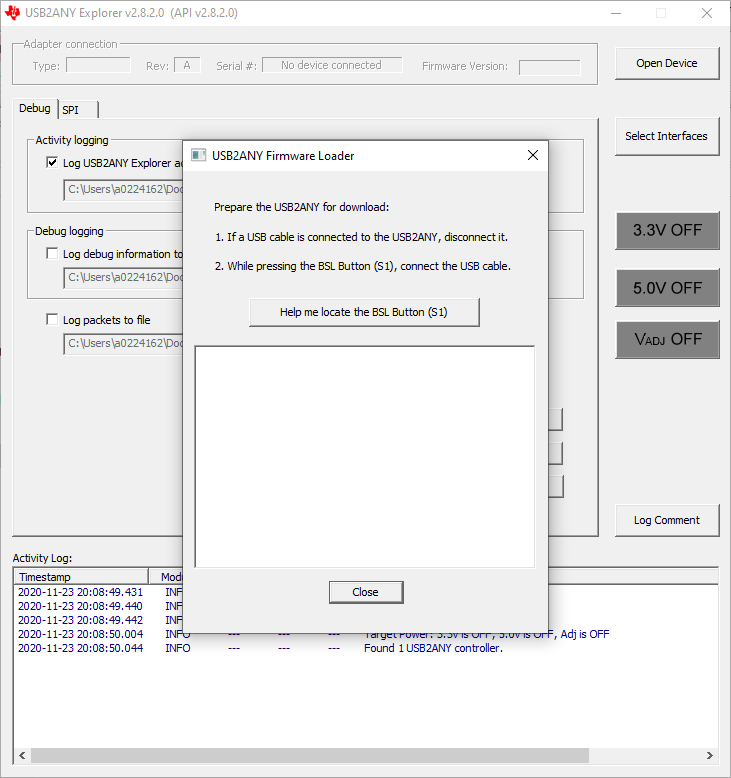
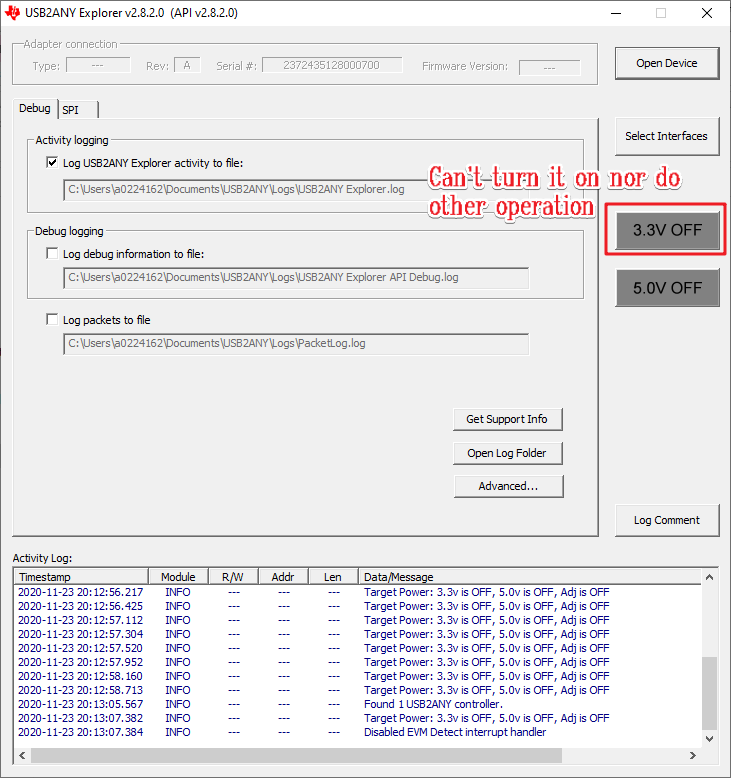
Are you using 64-bit PC Operating System by any chance? Your USB2ANY's firmware version is the latest.
USB2ANY drivers are only able to operate in 32-bit OS environment, which it may be 32-bit Windows 7, Windows 8 or Windows 10. The USB2ANY driver will not work with 64-bit OS.
Unfortunately, we do not have 64-bit driver version in USB2ANY tool. If you want to use the tool, you have to find an old laptop or PC that are running 32-bit OS or use 32-bit Windows 10 OS, which is rare (not popular version on the market).
By the way, our team does not support the USB2ANY tool.