This thread has been locked.

If you have a related question, please click the "Ask a related question" button in the top right corner. The newly created question will be automatically linked to this question.

LMX2595EVM: USB2ANY firmware update failure

Part Number: LMX2595EVM
Other Parts Discussed in Thread: LMK61PD0A2, USB2ANY,

Hi,

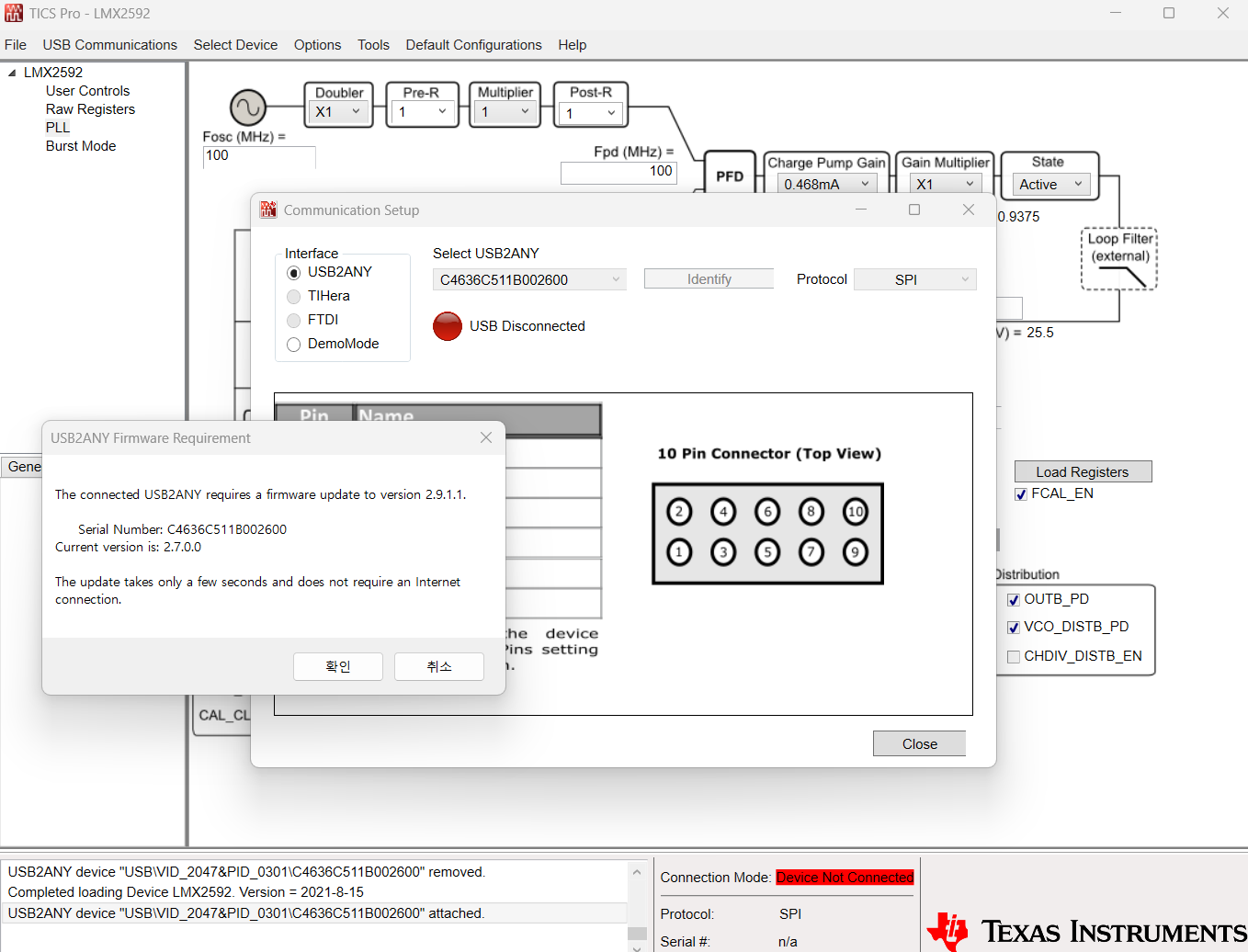
I have an LMX2595EVM with the included Reference Pro board (LMK61PD0A2). When I connect the Reference Pro via USB and launch TICS Pro v1.7.9.1, the software detects the USB2ANY interface and shows the following prompt:

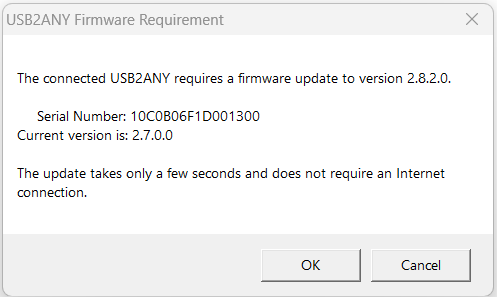
"The connected USB2ANY requires a firmware update to version 2.9.1.2.
Serial Number: C4636C511B002600
Current version is: 2.7.0.0"

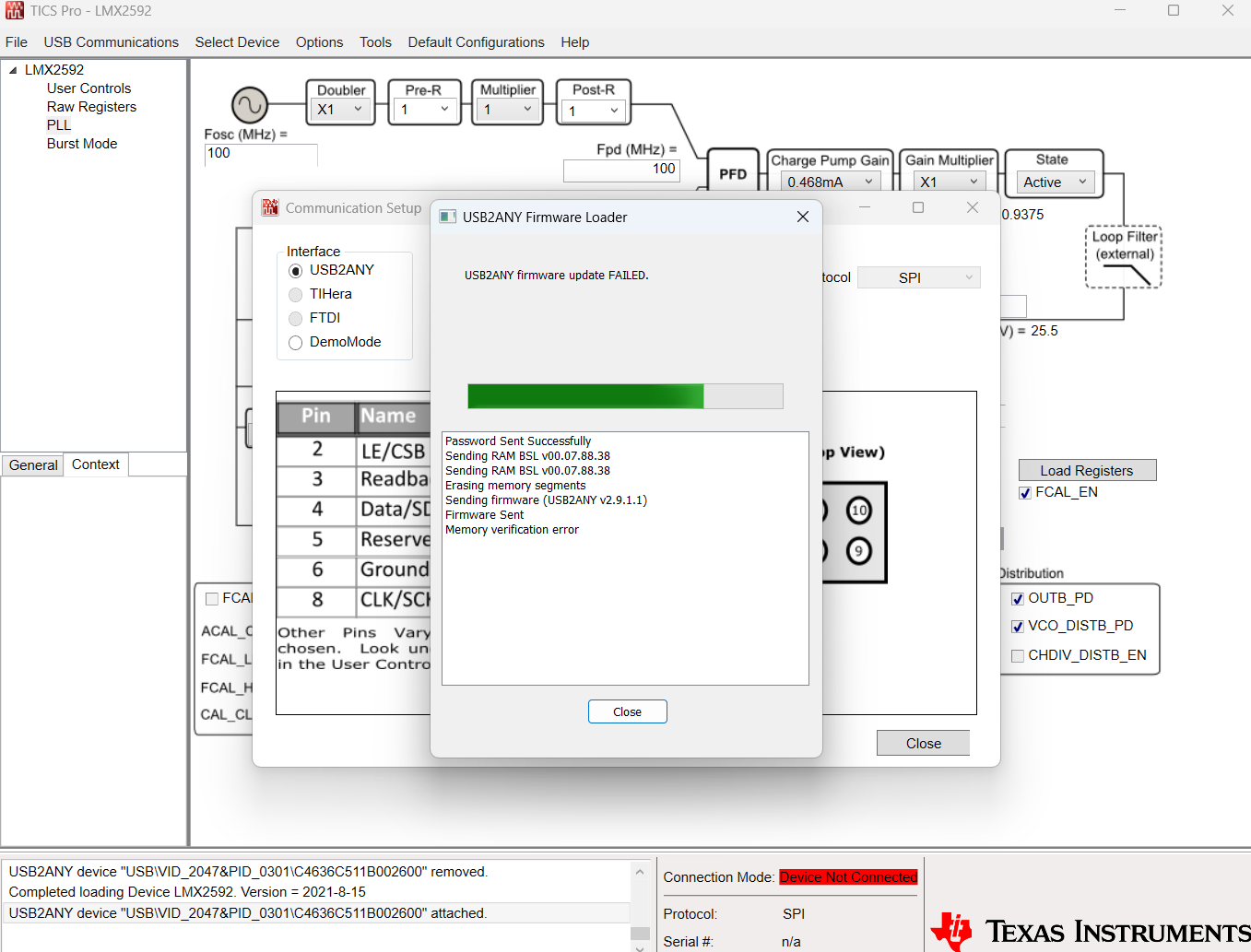
When I proceed with the update, it fails with "Memory verification error." The log shows:

- Password Sent Successfully
- Sending RAM BSL v00.07.88.38
- Erasing memory segments
- Sending firmware (USB2ANY v2.9.1.2)
- Firmware Sent
- Memory verification error
- USB2ANY firmware update FAILED.

After this failure, the board still enumerates as USB2ANY in Device Manager, and both LEDs (MSP430 supplied and LMK61xx supplied) are lit. The current firmware v2.7.0.0 appears to still be intact, but TICS Pro refuses to communicate (shows "Device Not Connected") because it requires v2.9.1.2.
 fail1.pngfail2.png

  • Hi There,

    We have seen this verification error problem happened more often recently, we suspect the problem might be Win11 related. However, we are not able to replicate this problem in our lab, we do not have a pin-pointing solution for this error.

    Without a fix to the problem, the only thing we can do is try again with different PC. Maybe you can also try setting your pc language to English, hopefully this could fix the problem.

  • Hi,


    I tried changing the Windows language to English and retried the firmware update, but the same Memory verification error persists. Unfortunately I do not have access to a Win10 PC.

    I also tried the oldest version available on the website, TICS Pro v1.7.6.2, but it also requires a firmware update and fails with the same error.

    At this point, could you please provide a download link for an older version of TICS Pro that works with USB2ANY firmware v2.7.0.0? The only issue is that the current TICS Pro (v1.7.9.1) refuses to communicate without updating to v2.9.1.2, which consistently fails. 

    An older TICS Pro would let me use the EVM immediately while this firmware update issue remains unresolved.

    Thank you.

  • Hi There,

    2.7.0.0 is more than a decade old, it is not supported by TICS Pro.

    Could you try below?

    1. Download USB2ANY Firmware Loader (https://dr-download.ti.com/software-development/firmware/MD-063xo7KvuK/01.00.00.00/snvc166.zip), unzip the .exe file to a folder.

    2. Copy USB2ANY.dll from C:\Program Files (x86)\Texas Instruments\TICS Pro to the same folder of firmware loader. For example:

    3. Save below text file to c:\Program Files (x86)\TI USB2ANY SDK\Firmware.

    6560.USB2ANY_2_9_1_2.txt

    4. Connect Reference Pro board to the PC via USB cable

    5. Run USB2ANY Firmware Loader.exe

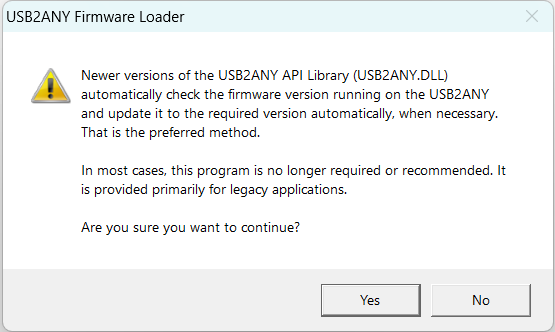
    6. Click Yes 

    7. Click Cancel

    8. Click Update Firmware. Make sure the correct text file is shown in "Update to firmware" pull down menu.

    9. Click Yes

    10. Follow the onscreen instruction to complete the update.

    I hope this works.

  • Unfortunately it still gives the same error (memory verification error)
    I'll look for Win10 device.
    Thanks