This thread has been locked.

If you have a related question, please click the "Ask a related question" button in the top right corner. The newly created question will be automatically linked to this question.

LMX2594EVM: TICS Pro Automation Error

Part Number: LMX2594EVM

Hello,

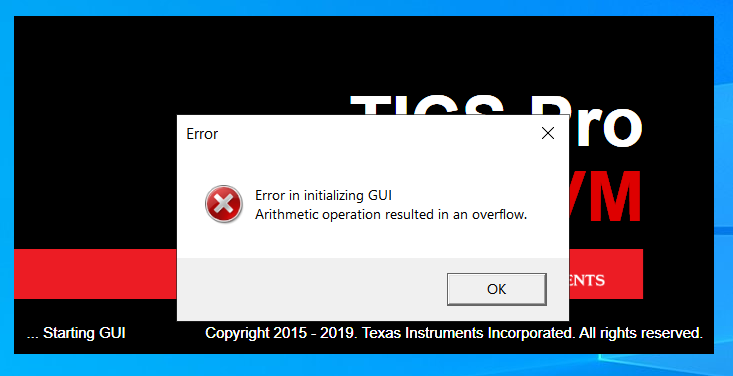
I am currently trying to automate TICS Pro to take measurements of the LMX2594EVM output. I am using a automation example file from a prior post as a launching point, but it is unable to start TICS at all. When manually running the software I have no problems and have even tried reinstalling it, but upon using the automated script I receive an error in starting the GUI, shown below. I have also attached a link to the example script I am using. Hopefully someone has seen this and can help out.

e2e.ti.com/.../3276.TICSPro-Automation-Example.xlsm

  • The screenshot of the error has not uploaded properly, so here is what it says...

    "Error in initializing GUI

    Arithmetic Operation Resulted in an overflow"

    Pressing ok on this error leads to another pop in

    "Object Reference not set to an instance of an object

    Possible Reasons: TICS Pro"

    Pressing ok on the second warning proceeds to close the TICS software.

  • Hi James,

    I don't have problem opening TICS Pro from the excel sheet.

    Make sure you have TICS Pro installed in C:\Program Files (x86)\Texas Instruments\TICS Pro.

    You may need to right click the TICS Pro.exe file and Run as Administrator once.