


Part Number: AM62P
Hi,
I am trying to run DDR tests on our AM62P based custom board.
I have tried using the DDR-MARGIN-FW: DDR-MARGIN-FW Firmware | TI.com
But just like in the following post, I failed to connect to the SMS0_TIFS_0 core: SK-AM62P-LP: DDR Margin Firmware - Processors forum - Processors - TI E2E support forums
According to the post, I assume I have a HSFS device, and I have to initialize the DDR with an SBL binary.
I also found the following tutorial for the AM62x devices, which provides a workaround for HSFS devices using the sbl_null CCS example: AM62x Family DDR Debug
After following the tutorial:
- I connected an XDS110 Debug port to the board via JTAG
- Downloaded the MCU+SDK: MCU-PLUS-SDK-AM62P Software development kit (SDK) | TI.com
- Imported the sbl_null example: C:\ti\mcu_plus_sdk_am62px_12_00_00_27\examples\drivers\boot\sbl_null
- Removed the DDR configuration from the example.syscfg file
- Modified the main.c file: (I had to deviate from the description to modify the TISCI device names to compile)
// Added this partstatus = SOC_moduleClockEnable(TISCI_DEV_MAIN_EMIF_DATA_ISO_VD, 1);status += SOC_moduleClockEnable(TISCI_DEV_DDR32SS0, 1);DebugP_assertNoLog(status == SystemP_SUCCESS);loop_forever();
- Built the project, and generated sbl_null.Debug.hs_fs.tiimage
- Flashed the image with DFU in USB boot mode
- Created a new target configuration for AM62P, and connected to WKUP_R5FSS0_0 core.
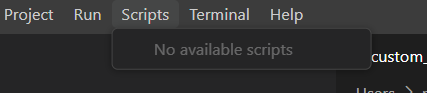
However, after this, there are no available scripts to run under Scripts in the menubar.
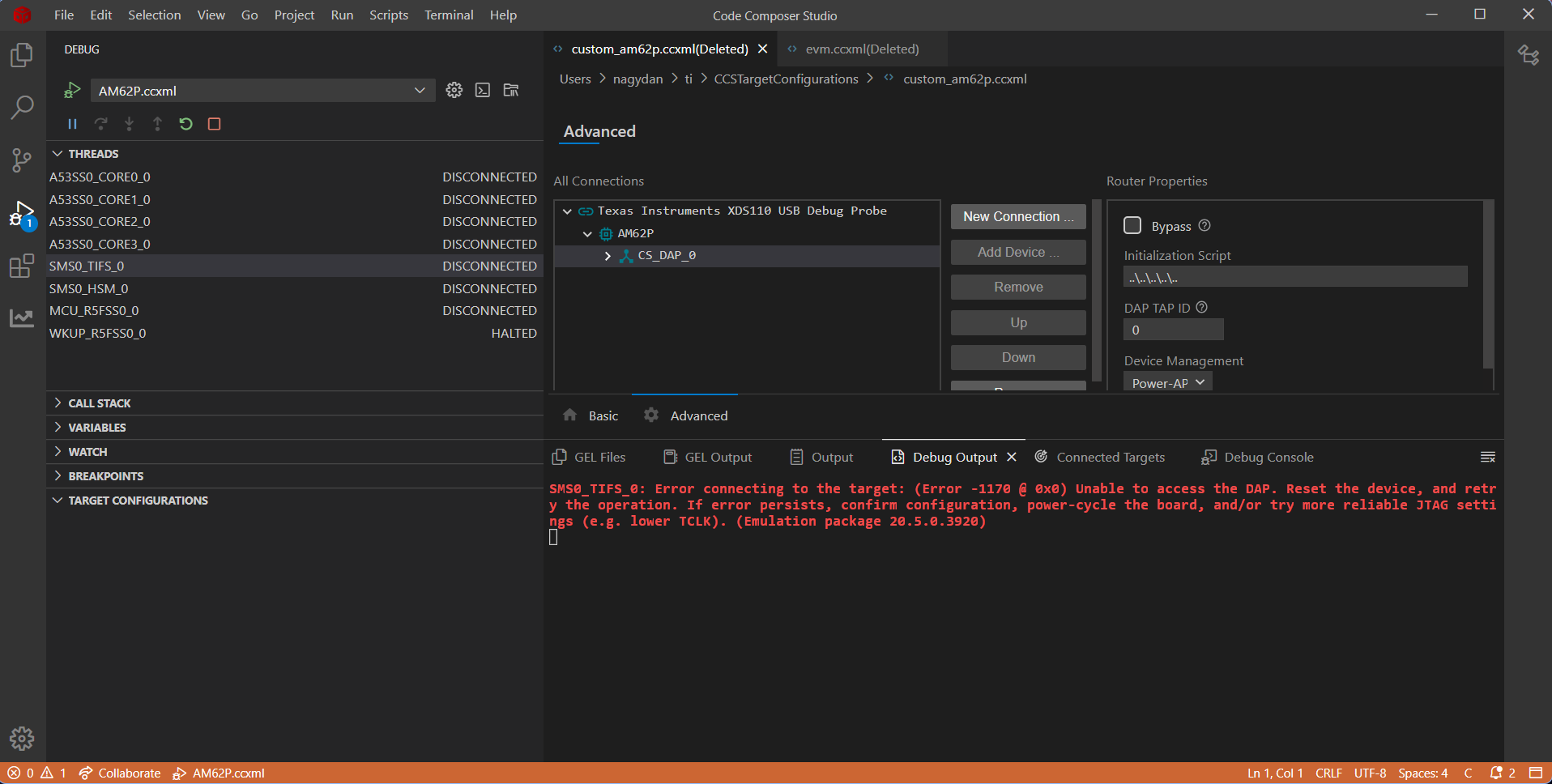
And when I try to connect to core SMS0_TIFS_0, I still get:
Error: (Error -1170 @ 0x0) Unable to access the DAP.
Could you please provide further instructions how to set up the DDR test?

