


Tool/software:
Hi Experts,
This is for MATLAB version: R2023b.
I have tried to follow this document: How do I load data/code to flash and run from RAM on a TI C2000 device? - MATLAB Answers - MATLAB Central to add "#pragma CODE_SECTION( ".TI.ramfunc" )" for some functions in the generated C++ code but I couldn't.
For this purpose, below are the steps that I followed:
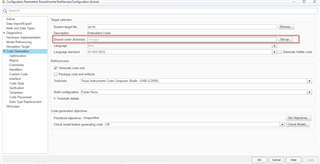
1. created a shared data dictionary, using the field highlighted below and create a new dictionary:
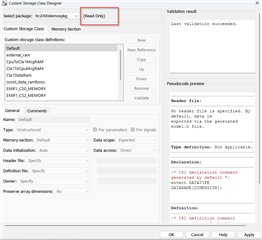
2. Under "Memory Section", load the tic2000demospkg package in the data dictionary:
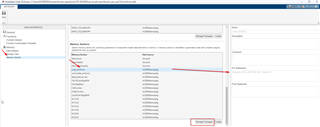
Note that in the pseudocode preview, the code is in C syntax and I need C++ syntax, but I proceeded ahead anyway.
3. Save the shared data dictionary in the project workspace.
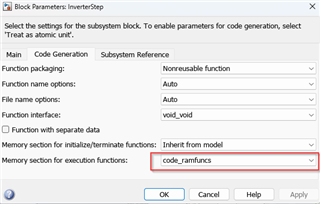
4. Open the model and go to the relevant block, open the block parameters, select the code_ramfuncs:
5. Save and generate C++ code.
At this step, I could not find the pragma added in the generated code at all.
If this is a syntactical issue, then I tried to add custom code for C++ as well:
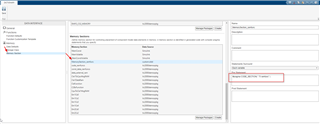
But I could not find this "MemorySection_ramfunc" in the drop-down menu:
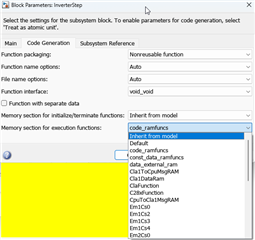
Also, in custom storage class designer, all packages are listed as read only to me. How can I edit this?
What am I missing?
