This thread has been locked.

If you have a related question, please click the "Ask a related question" button in the top right corner. The newly created question will be automatically linked to this question.

  • Resolved

CORTEX_M4_0: Error connecting to the target: (Error -1063 @ 0x0) Device ID is not recognized or is not supported by driver. Confirm device and debug probe configuration is correct, or update device driver. (Emulation package 6.0.14.5)

Intellectual 775 points

Replies: 34

Views: 38593

Hi ,

I have a rather puzzling issue. I get the following error when trying to debug the MSP-EXP432P401R using the BlinkLED_MSP432P401R example:

CORTEX_M4_0: Error connecting to the target: (Error -1063 @ 0x0) Device ID is not recognized or is not supported by driver. Confirm device and debug probe configuration is correct, or update device driver. (Emulation package 6.0.14.5)

I have been able to run several programs up until earlier this morning, and, all of the sudden, the board just stopped communicating.

Was there a recent update?

I have downloaded and installed (re-installed?) the ti_emupack_setup_6.0.14.5_win_32.exe in an attempt to fix any software driver issues, but the problem remains unchanged.

  • Guru 164115 points

    Can you try performing a factory reset as per these posts and let us know if that helps?

    https://e2e.ti.com/support/microcontrollers/msp430/f/166/t/431831

    https://e2e.ti.com/support/microcontrollers/msp430/f/166/t/430158

    ____________________________________________________________________________

    Please click This Resolved My Issue if the reply answers your question.

    Explore Code Composer Studio documentation and resources using online Resource Explorer
    Track a known bug with SDOWP. Enter the bug id in the "Find Record ID" box

  • In reply to AartiG:

    Hi AartiG,
    Yes, I did the factory reset as specified in the posts. I have already done that using the directions starting at page 22 of this document www.ti.com/.../slau575b.pdf but I am still having trouble. The XDS110 driver configurations doesn't allow for a slower clock (or at least not that I could see easily).
    Do you have any idea what else may work?
    I have two boards by the way and once one stopped working the other one also was unable to connect.
    Thanks,
    -Edgar
  • In reply to AartiG:

    OK, so a more detailed explanation of what I'm seeing after performing a factory reset, power cycling the board, and attempting to load the blinkLED example is here:

    CORTEX_M4_0: GEL Output: Memory Map Initialization Complete
    CORTEX_M4_0: GEL Output: Halting Watchdog Timer
    CORTEX_M4_0: Flash Programmer: Erasing main memory
    CORTEX_M4_0: Flash Programmer: Writing 4040 bytes to flash memory 0x00000000
    CORTEX_M4_0: Failed CPU Reset
    CORTEX_M4_0: Error occurred during flash operation: CPU Reset failed with error code 1
    CORTEX_M4_0: Error occurred during flash operation: Target failed to read 0xE004300C
    CORTEX_M4_0: Error occurred during flash operation: Target failed to read 0x4000480C
    CORTEX_M4_0: Failed CPU Reset: (Error -2063 @ 0x0) Unable to reset device. Power-cycle the board. If error persists, confirm configuration and/or try more reliable JTAG settings (e.g. lower TCLK). (Emulation package 6.0.14.5)
    CORTEX_M4_0: JTAG Communication Error: (Error -1170 @ 0x0) Unable to access the DAP. Reset the device, and retry the operation. If error persists, confirm configuration, power-cycle the board, and/or try more reliable JTAG settings (e.g. lower TCLK). (Emulation package 6.0.14.5)

    Also, if I power sycle the board again and re-start CCS, then I get the same original error:

    CORTEX_M4_0: Error connecting to the target: (Error -1063 @ 0x0) Device ID is not recognized or is not supported by driver. Confirm device and debug probe configuration is correct, or update device driver. (Emulation package 6.0.14.5) 


    Does this provide any clues as to what may be going on?

  • Guru 164115 points

    In reply to Raged:

    It sounds like the device is still locked up even after attempting the factory reset. I will move this thread to the MSP430 forum as the experts there might have additional recommendations.

    ____________________________________________________________________________

    Please click This Resolved My Issue if the reply answers your question.

    Explore Code Composer Studio documentation and resources using online Resource Explorer
    Track a known bug with SDOWP. Enter the bug id in the "Find Record ID" box

  • In reply to Raged:

    Raged
    Yes, I did the factory reset as specified in the posts. I have already done that using the directions starting at page 22 of this document www.ti.com/.../slau575b.pdf but I am still having trouble.


    Have you tried the suggestion that's part of the FAQ 'Change debugger settings to Serial Wire Debug(SWD) without SWO' found on page 29 of the same PDF? This has helped me fix my communication problems in the past.

    Scott

  • In reply to sgspecker:

    Hi Scott,
    Yes, I have tried that as well with no luck. Thanks for the suggestion.
  • In reply to Raged:

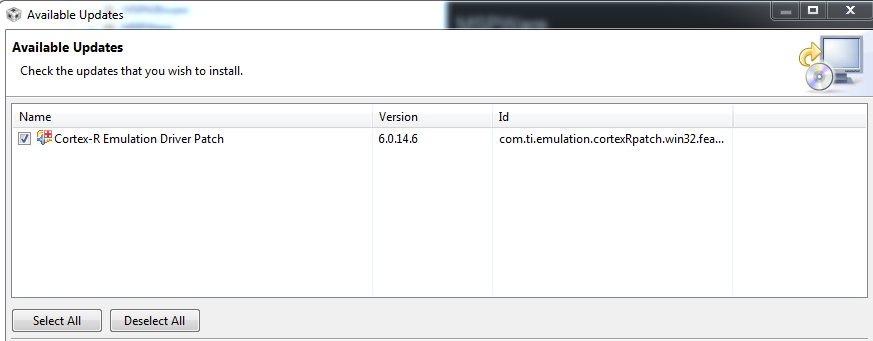
    I hope someone can help. In case someone suggests I apply the recent Cortex emulation patch, I already did without any luck.

    I was really hopeful.

    Any help is appreciated.

  • In reply to Raged:

    Hi Raged,

    Could you try the following and let us know your results.

    e2e.ti.com/.../1645557

    Also, I've seen some problems in the past with the factory reset and the XDS110, for some reason it finishes correctly, but it does not do anything. So, do you have a XDS200 that you can use to run the factory reset on this board??

    Regards,

    David

  • In reply to DavidL:

    Hi David,
    I tried the suggestions at the linked post.
    However, I'm still getting the same error. Like I said, I'm getting the same error for the two MSP-EXP432P401R boards I have.
    I do not have a XDS200. I am definitely stuck
    Any other suggestions are greatly appreciated.
    Thanks,
    -Edgar
  • In reply to DavidL:

    Hi David,

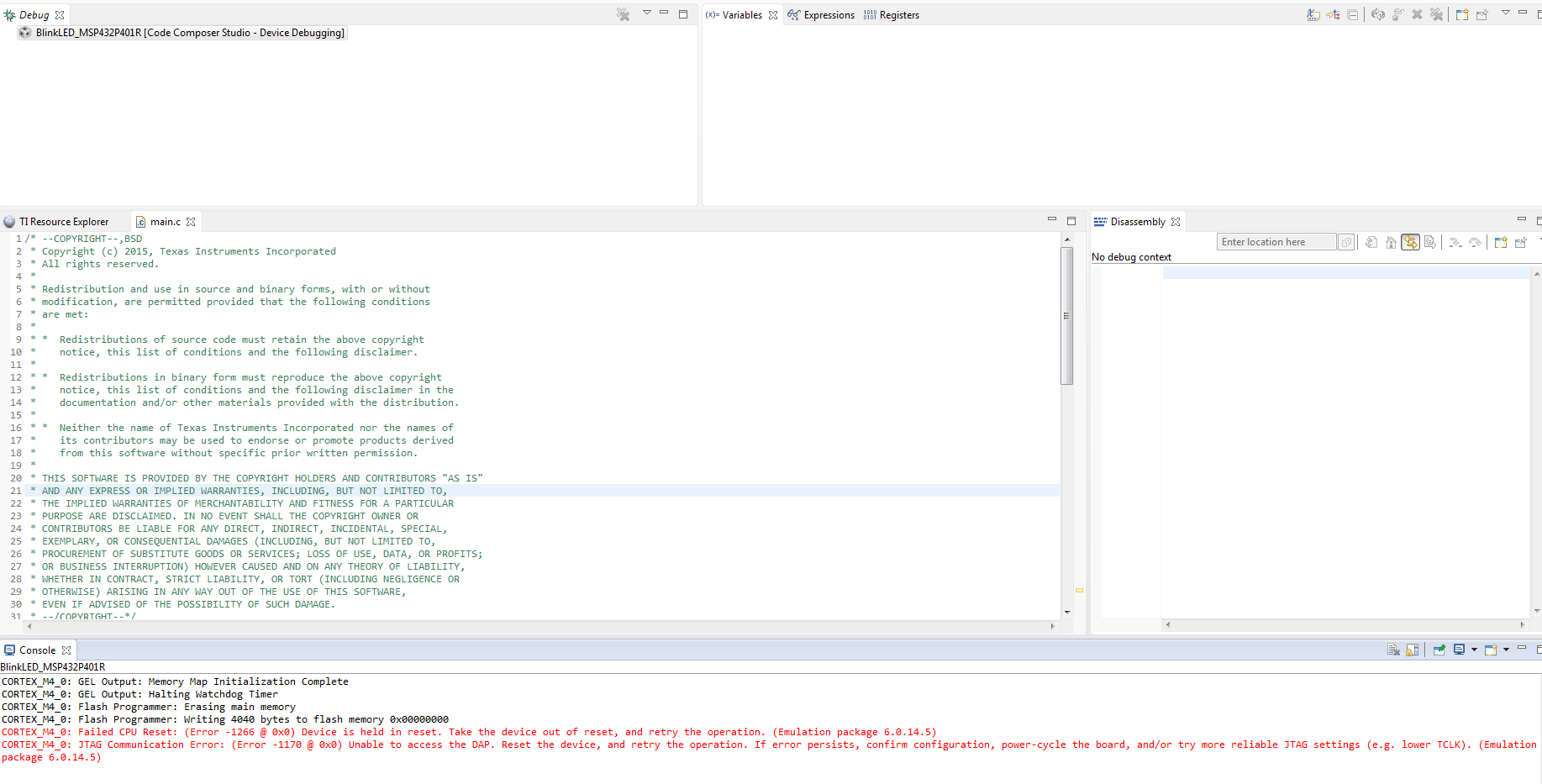
    I haven't been able to communicate with the boards. Right after I restore factory settings and upload the erase hex file, I get the following error:

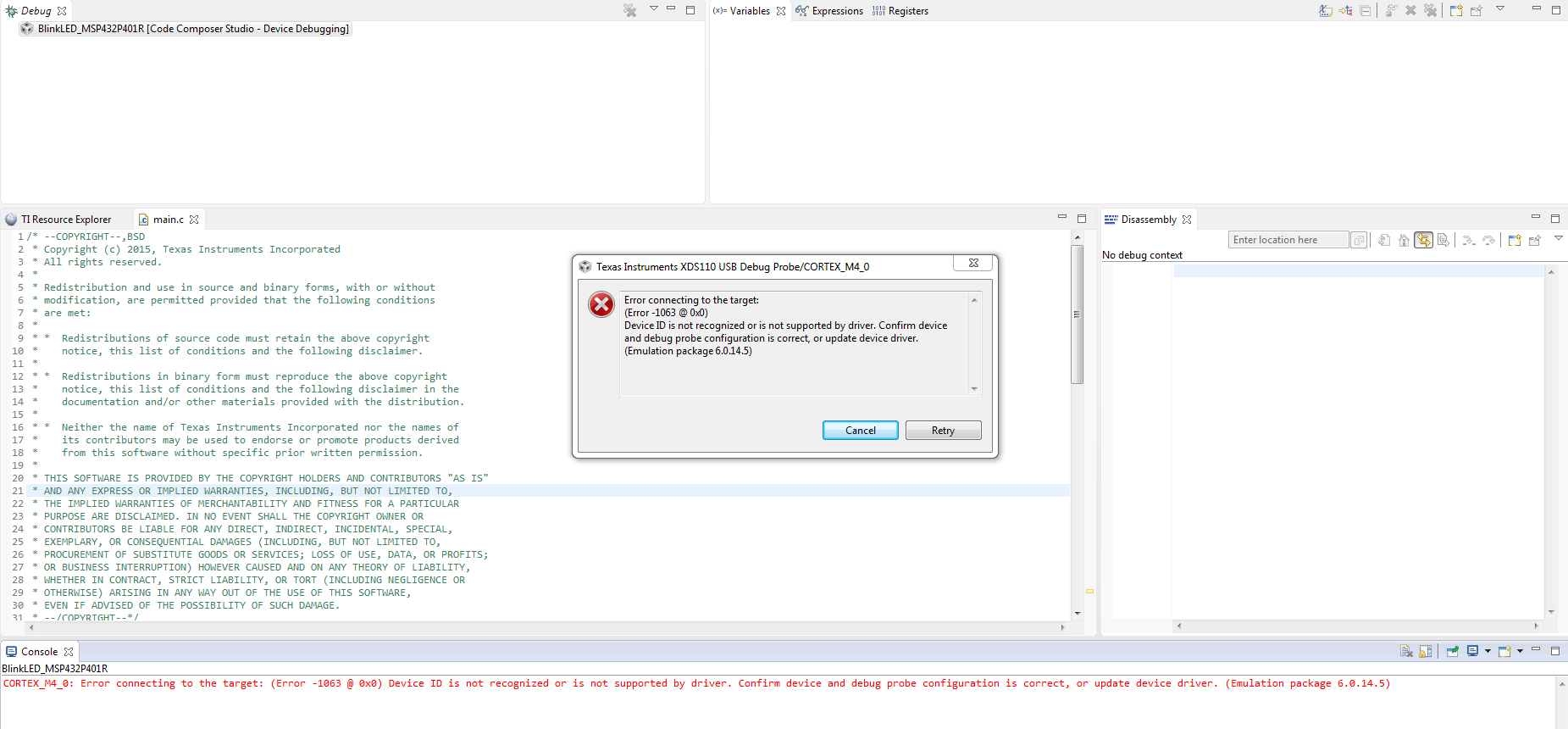
    After I restart CCS, then I get the original error message that got me here to begin with:

    Let me know what the next steps are.

    Thank you!

    -Edgar

This thread has been locked.

If you have a related question, please click the "Ask a related question" button in the top right corner. The newly created question will be automatically linked to this question.