Part Number: TDA4VE-Q1
Other Parts Discussed in Thread: TDA4VM, SYSCONFIG
Tool/software:
Hi expert,
Our customer is using SDK0806, and they would like to enable GPU anti-aliasing for surfaceless off-screen rendering. For the surface case, eglconfig can be used, but for surfaceless, it seems eglconfig cannot use. We follow below link but find GL_EXT_texture_storage_multisample is not defined.
Then, we try method in below link.
PFNGLRENDERBUFFERSTORAGEMULTISAMPLEIMGPROC glRenderbufferStorageMultisampleEXT =
(PFNGLRENDERBUFFERSTORAGEMULTISAMPLEIMGPROC)eglGetProcAddress("glRenderbufferStorageMultisampleEXT");
glRenderbufferStorageMultisampleEXT(GL_RENDERBUFFER, 4, GL_DEPTH24_STENCIL8_OES, m_pixmaps[0].width, m_pixmaps[0].height);
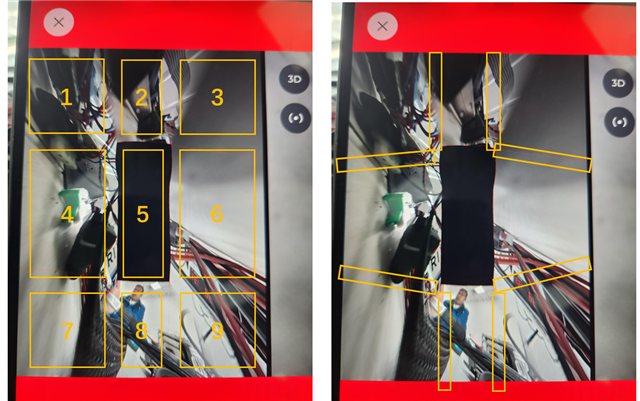
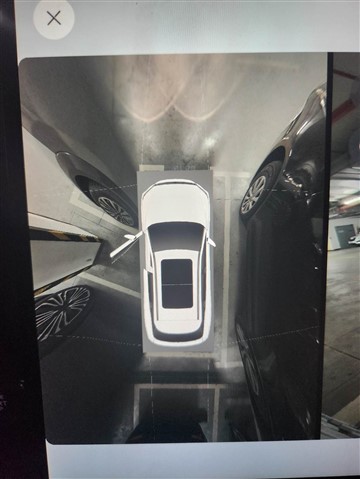
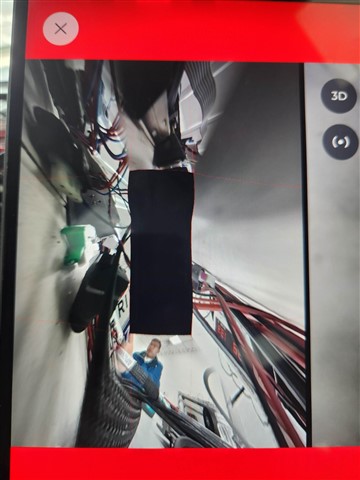
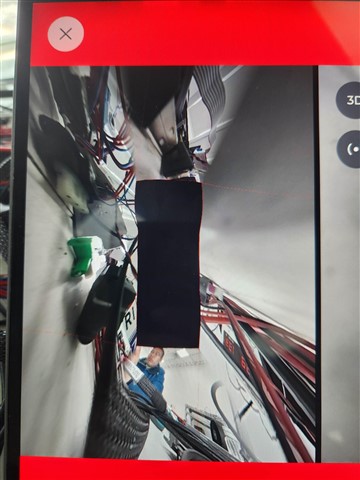
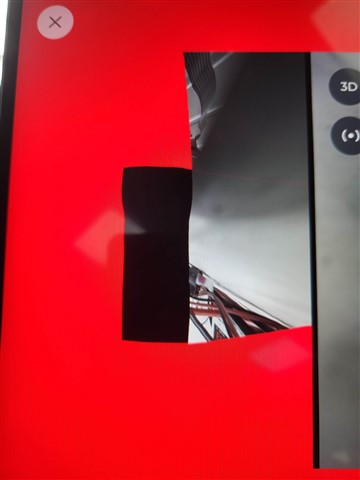
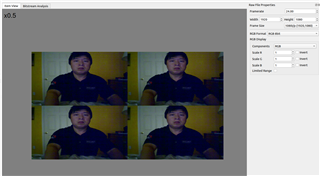
However, they found GPU display artifacts as below video shown.
Only if we modify glRenderbufferStorageMultisampleEXT 4 to 0, the display will be normal.
Could you please help check the possible reason? Thanks
Best Regards,
Xingyu Zhu